
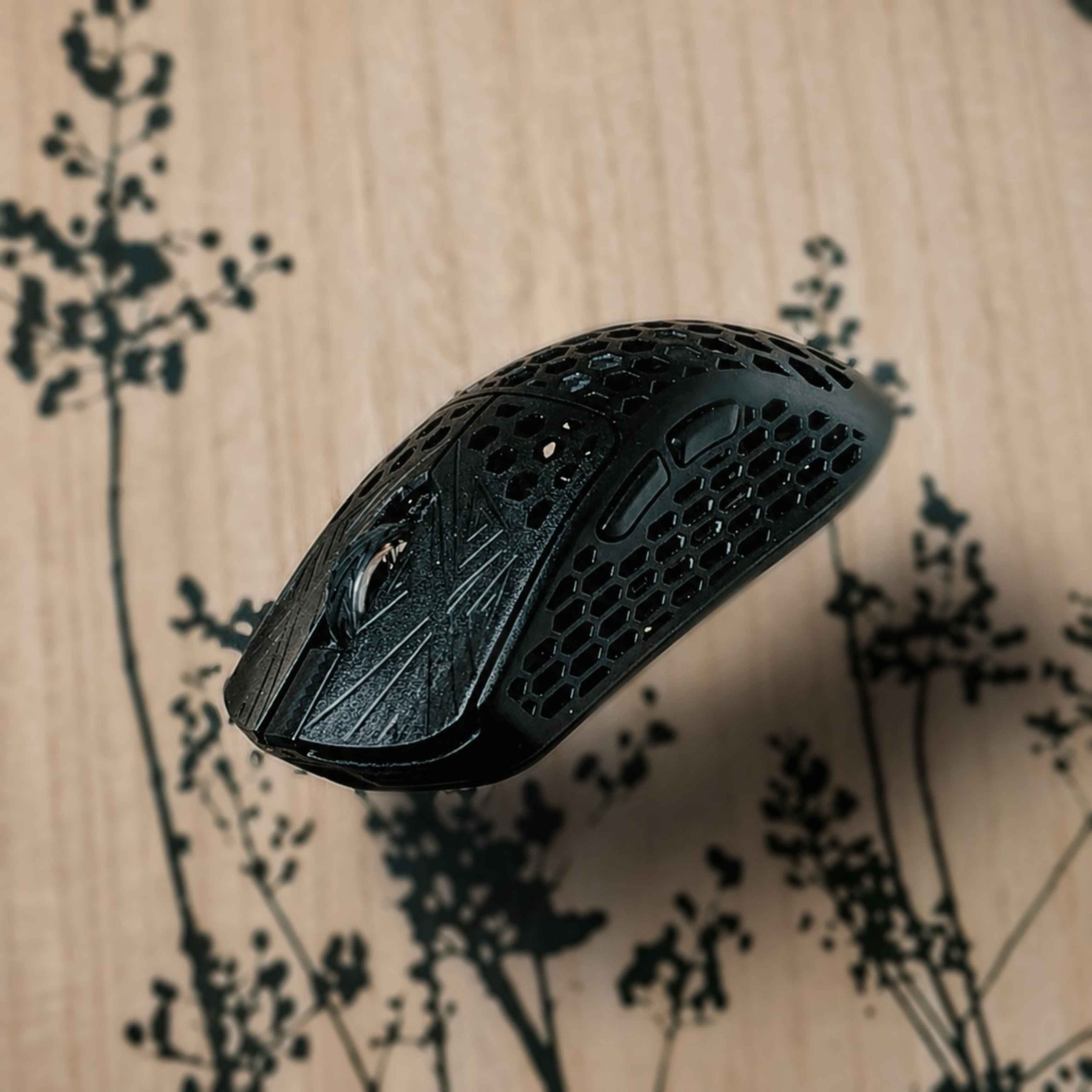
• Usage: 6 months • games tested: KovaaKs, Valorant, Apex, Overwatch • Polling rate used: 2k
• What's in the box, specs & price Included with the mouse you'll get: 8k Dongle, USB-C cable, Grip tapes & skates. The grip tapes and stock skates arent the best but they are usable. Specs: Pixart PAW3395, Nordic 52840 MCU, Dragon Claw mico-switches & Kalih side switches. • This mouse is priced at roughly $140 USD / 120€
• Shape Small mouse for small and medium hands, this mouse is very similar to the Finalmouse ULX shape-wise. I would say that there's no specific grip style for this, as its suitable for all of them, depending on your hand size. This mouse fits my hands almost perfectly (17x10cm) and i use primarily Claw grip. This mouse also features a cool looking dragonfly on the bottom of the mouse, which is a bit problematic at the same time as with thinner skates / very soft mousepads, the dragonfly might scrape the pad.
• Build quality For a carbon fiber composite mouse, the build quality is surprisingly good, as most CF mice tend to be kinda hit or miss. Although i'm not 100% sure how much of it is actually CF and how much of it is plastic. Regardless, build quality is great, there's no flexing anywhere on the mouse. But it does creak quite a lot around the shell. This mouse weights roughly 38± grams (with the stock skates) Coating is pretty good, it is certainly different from your regular mice, textured but grippy enough to not get slippery while playing. (This might not be the case for everyone, i have very dry hands in general) This mini variant only comes in Black colorway. However the newer Medium comes in Black, White & Pink.
• Clicks & scroll wheel Akitsu comes with Custom Dtagon Claw micro-switches, they feel very tactile and are most comparable to the Huano Blue Shell Pink switches.
There's a little bit of pre-and post travel. Side to side movement however is pretty much non-existent. Some click wobbliness can be found if the buttons are pressed down and you go and actually try to get the wobbliness, otherwise you won't notice it. Scroll wheel is by far one of my favorites that i have gotten to use, it is on the stiffer side with very noticeable steps. Scroll button is no different, you need to actually press it, it is pretty stiff.
Side-buttons are great, equipped with Kailh switches, they respond well, no pre or post travel nor was i able to find any side to side movement.
Note: i haven't tested the click latency of this mouse.
• Software & Dongle Akitsu comes with a web-based software which is nice, it has pretty much everything you need, including all the basics you usually have. It is very simple and very user friendly.
Included with the mouse you get a minimalistic dongle, equipped with a small LCD screen. Having that screen is pretty nice as you can follow your battery percentage and what settings you are currently using.
• Final thoughts Honestly, one of my favorites of all the mice i have used.
Sure it is a bit "old" at this point and has older specs (such as the 3395 sensor) but does it really play that big part in the performance? It does not. The mouse performs and works flawlessly.
However it is a bit pricey for what it is now, considering the updated Medium akitsu is $20 less. I would not pay the full price for this one, i would rather go for the Medium if i were to buy akitsu.
It is not a perfect mouse, but it certainly is a great one and i would highly recommend it. Giving it 4.5/5 stars
(Disclaimer! This product was not sent to me. All opinions are my own.)