kova.
Forum
Explore
Compete
Tools
kova.

The portfolio platform for aimers.

© 2026 kova

TeamChangelogFAQFeedbackPrivacyTermsImprintDiscord

Explore

Aimers

Browse all

Aimgroups

Browse all
max passion
max passion
max passion

mxp

Applications open
6 members35
New Session Best
New Session Best

SB

Invite only
14 members186
Zero Reaction Time
Zero Reaction Time

ZRT

Applications closed
5 members25
Bounty
Bounty

BNTY

Applications open
10 members215
angelic
angelic

angc

Invite only
5 members103
dovet
dovet

dovet

Invite only
5 members118
Vanity
Vanity

v

Applications open
16 members357
RaccoonAimers
RaccoonAimers
RaccoonAimers

rcA

Applications open
19 members306

Coaches

Browse all
phetchPhetch
KovaaK's

Bounce Clicking Vod Review

I will make a very in depth document on your 3 bounce clicking vods

5.0(1)£5
didoudidou
Counter-Strike 2

Quick Written Review

You send me a demo and receive a written report with the key points to work on.

1h€1
muribiMuribi
KovaaK's

Weakness Routine (Personalized)

info in discord.gg/prospects

$20
snowssnow
Overwatch

1 on 1 vod review

45min$15
nnn
KovaaK's

1 hour live coaching or vod review in vc

will analyze flick consciousness and aim theory as well as all other mechanics in game to forge you into the perfect gamer!

1h$35

Marketplace

Browse all
Keychron M4for sale
mouse

Keychron M4

€50
good
@mins_rs🇩🇪
Lamzu Atlantisfor salenegotiable
mouse

Lamzu Atlantis

€50
good
@mins_rs🇩🇪

Popular gear

Browse all
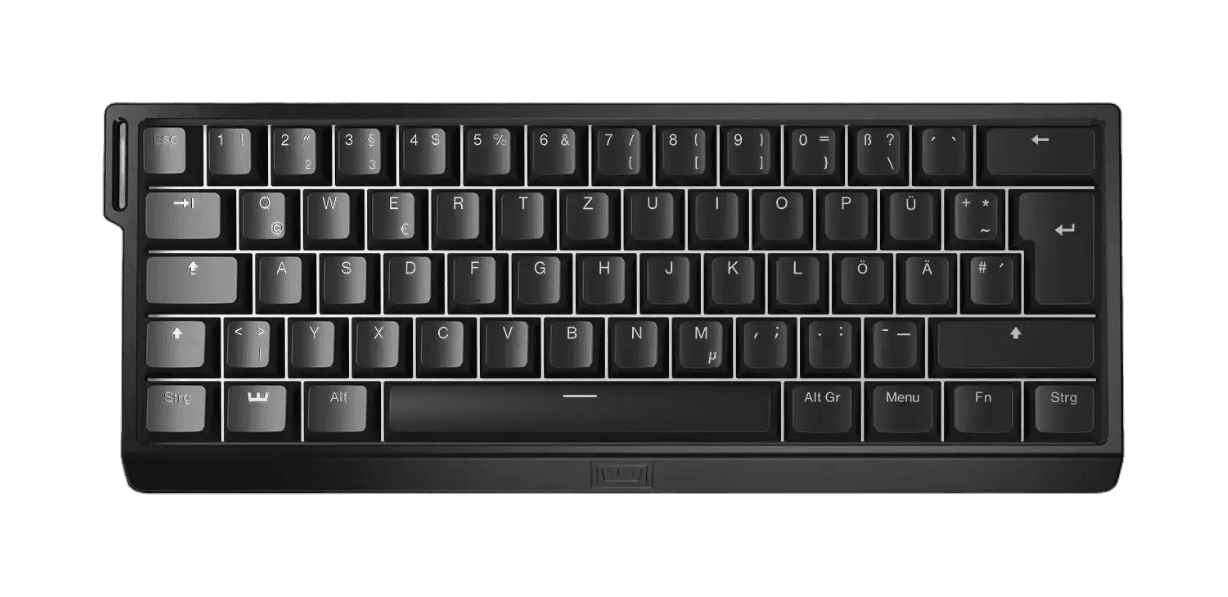
Wooting 60HE+
keyboard

Wooting 60HE+

60%
4.7(142)

550 aimers use this

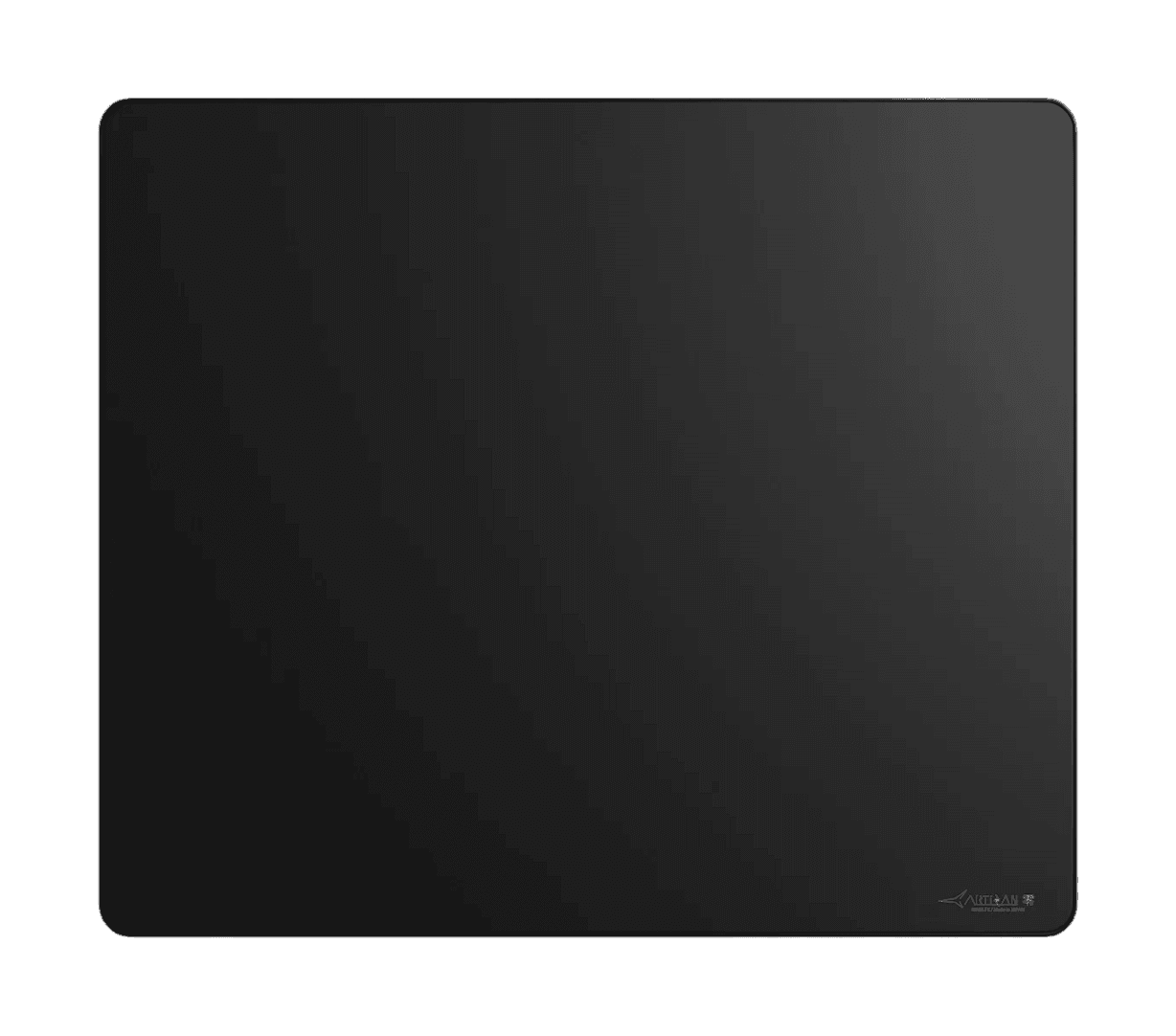
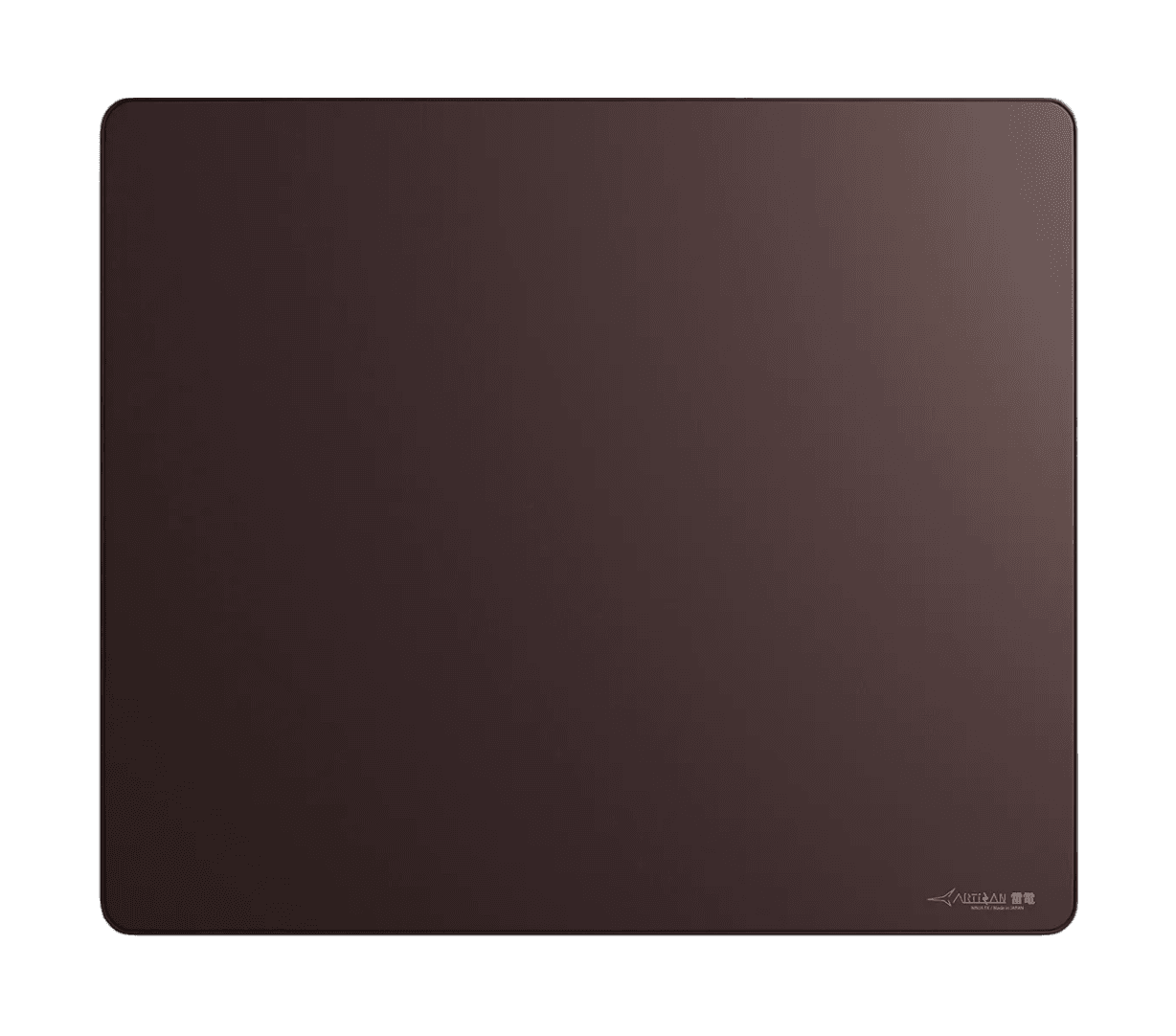
ARTISAN NINJA FX ZERO
mousepad· 5 colours

ARTISAN NINJA FX ZERO

ClothBalanced
4.6(229)

464 aimers use this

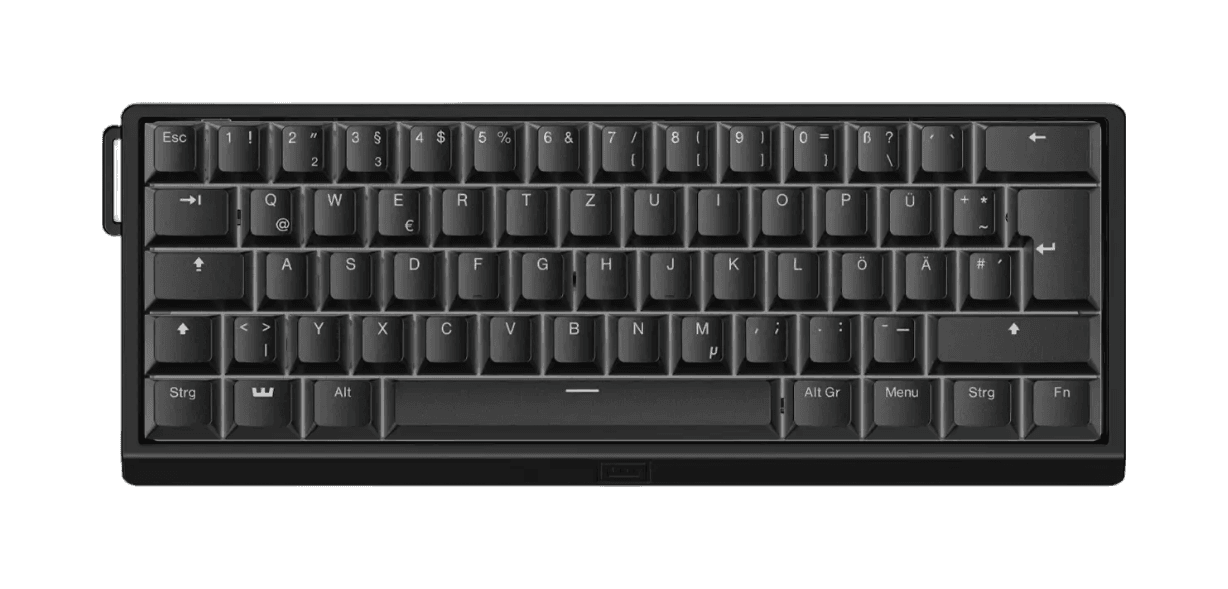
Wooting 60HE v2
keyboard· 4 colours

Wooting 60HE v2

60%
4.9(66)

304 aimers use this

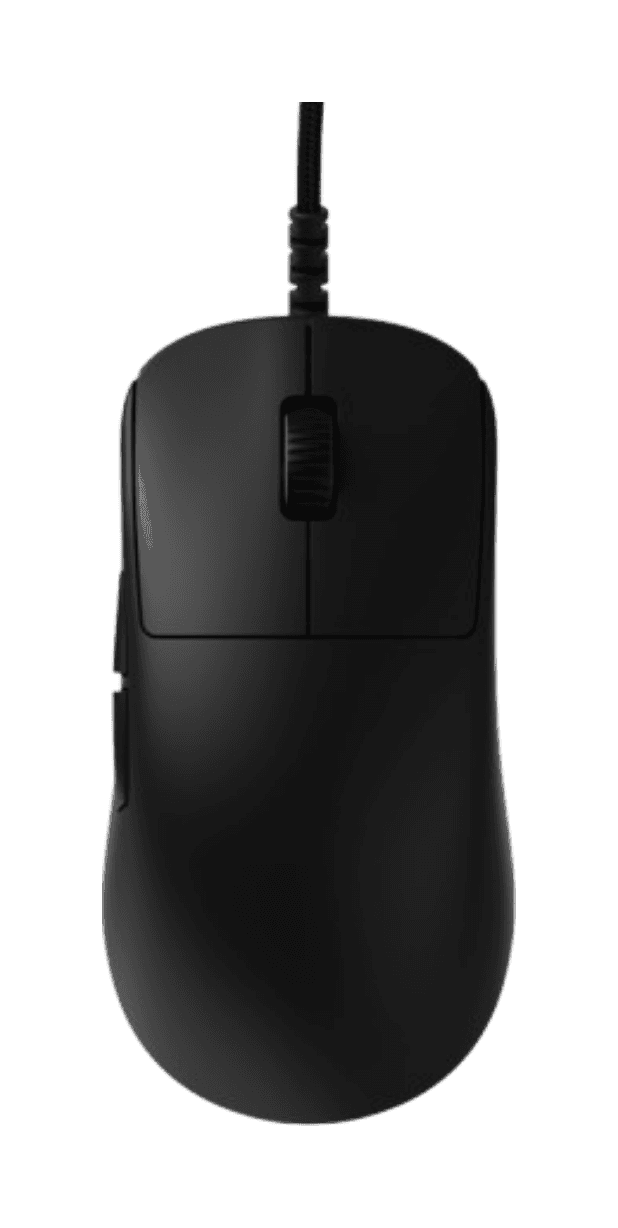
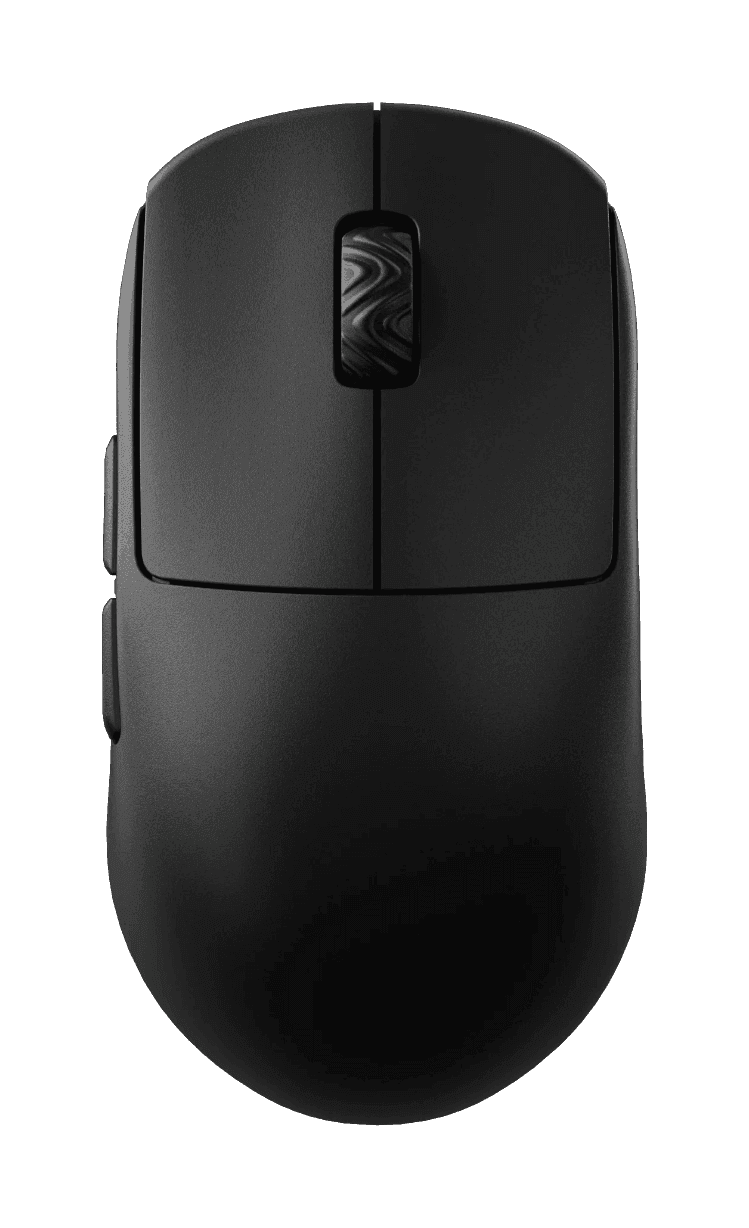
Endgame Gear OP1 8K v2
mouse· 4 colours

Endgame Gear OP1 8K v2

49.5gWiredSymmetrical
4.7(138)

245 aimers use this

Wooting 80HE
keyboard· 7 colours

Wooting 80HE

TKL (80%)
4.8(88)

238 aimers use this

Razer Viper V4 Pro
mouse· 3 colours

Razer Viper V4 Pro

50gWirelessSymmetrical
4.7(52)

199 aimers use this

Projects

Browse all

Reviews

Browse all

An early review of the Endgame Gear OP1 8K v2 (Raw Input Special Edition)

Endgame Gear OP1 8K v2

Monarch

# Introduction *skip to "whats in the box" if u want the actual review :p* Hi, I'm Monarch, and I got into peripherals earlier this year and into aim training pretty much just yesterday. My hand size is around 18 x 8cm (*middle finger to first wrist crease x width of the underside of knuckles, excluding thumb*), and I have a relaxed claw grip (*at least as far as I can tell*). Occasionally, I use other grip styles, such as palm and fingertip; however, I don't use them enough in-game to consider them grip styles I use. I've been playing FPS games for about 4-5 years, mostly with a Razer Basilisk V3 (*wired*). Throughout those years, the only competitive shooter I have played was Valorant, which I only played during 2021, and I managed to achieve a rank of Platinum 2 (*although it was much easier to rank up back then, so I don't think it's as big of an achievement as it would be now*). Since then, I have mainly played Roblox shooters, and more recently, Minecraft PvP. I've been interested in peripherals, specifically mice and keyboards, for about 6 months. I'm not a super competitive player, nor am I extremely versed in the technicality of peripherals, which is why I believe that I might be able to provide a more accurate review of what a typical user would experience. That's not to suggest that you should trust my word entirely. It's always better to compare multiple reviews in order to see whether or not the product they are reviewing would actually fit you. Before you judge the rest of this review purely on what I play, I'd like to say I have relatively decent aim. Of course, that idea is based on who I've played against, and the average skill level in Roblox shooters is obviously quite a bit lower than the average skill level in games like Valorant, CS2, Overwatch, etc., so take that with a grain of salt. However, I do play against pretty skilled players. In my defense, I currently play on a MacBook, so I wouldn't be able to expand into those games even if I wanted to. Here's my peripheral history, which may help you understand my perspective a little better: - ~2021 – 2022 — *MSI Laptop (unsure which; it had integrated graphics), Razer Basilisk V3, some random cheap cloth pad* - ~2022 – 2025 — *2020 M1 13" MacBook Air, Razer Basilisk V3, some random cheap plastic pad* - ~2025 – first half of 2026 — *2025 M4 13" MacBook Air, Razer Basilisk V3, some random cheap plastic pad, some 4K 60hz ViewSonic monitor (very occasionally)* - Current — *2025 M4 13" MacBook Air (peripherals listed in profile)* ## Rating Generally, I'll rate things based on how they suit me, so obviously, the conclusion of my reviews isn't going to suit everyone, but hopefully it'll still be able to help someone. 5 stars: - Absolute best fit for me - Has one or zero downsides - There is nothing that could better fit me in a reasonable price range 4.5 stars: - An excellent fit - Has more than one downside - There is something better/something that can compare to it in a similar or lower price range - I am unsure of whether or not something else can better fit its purpose 4 stars: - A great fit - Has multiple downsides - There are things that are better - I am pretty sure that there are other things better suited for its use case Anything below that generally means that my first impression of it was pretty bad, and it was likely returned. --- # What comes in the box - OP1 8K v2 (*Raw Input Special Edition*) - Two skate sets (*half-size applied, full-size in accessory bag*) - Grip tape (*only for the sides, not the main buttons*) - Cable tie - Screwdriver - Universal Switch Pack (*2x switch PCBs, 7x switch pairs*) ## Specifications - Weight: *49.5 grams* - Dimensions: *~118.2 x 60.5 x 37.2mm* - Stock Skates: *Heat-Treated 100% PTFE* - Microcontroller: *NUVOTON M483* - Sensor: *PixArt PAW3950* - DPI: *up to 26,000 (steps of 50)* - Polling Rate: *1,000–8,000hz (steps of 1,000)* - Main Switches: *Kailh GX* - Main Switch Lifetime: *80 million actuations* - Side Switches: *Kailh GM 2.0* - Side Switch Lifetime: *20 million actuations* - Wheel Encoder: *Kailh Dustproof* - Middle Mouse Switch: *Kailh GM 2.0* - Middle Mouse Switch Lifetime: *20 million actuations* --- # Buttons ## Main Mouse Buttons **Pre and Post Travel:** Compared to the other mice I have, the OP1 seems to have a very minimal amount of pre and post travel, due to the fact that the switches are mounted on the button panels (*? not sure what they're called*) themselves rather than on the mouse body. This makes it so that the mains switches remain in contact with the button panels as much as possible, so there is very little pre and post travel. Even compared to my Angry Miao AM Infinity, which I would say already has a very little amount of travel. *(Pre and Post Travel is tested by pressing down on the main button panels without actuating the switch)* **Switches:** The OP1 comes with Kailh GX switches pre-installed. However, the Raw Input Special Edition comes with Endgame Gear's Universal Switch Pack, which allows for more customisation out-of-the-box. Below is a comparison chart for the switches in the Universal Switch Pack. ![Screenshot 2026-09-22 at 5.05.11 pm](https://cdn.pyvno.xyz/review-images/ZdyjzNBXbu1rh4R5EBO4C22ndueZxl5H/7f8eff2c-7f4d-48e6-8866-94ff1f0dea05.png) **Kailh GX:** The Kailh GX switches have a translucent brown housing. As detailed in the chart above, they are very spammable, and have a light actuation force. They are relatively quiet and high-pitched (in comparison to the ATK Zero), they are GX Speed and Safe compatible and they have a lifetime of 80 million actuations. These switches will be used as a baseline for comparison. (*Switch list updated as I test them.*) ## Side Mouse Buttons The side mouse buttons of the OP1 are pretty good. Their shape makes it quite easy to actuate them even when your thumb isn't directly on the buttons. The placement is high enough so that it's not obtrusive, but it's also close enough that they're easy to reach for. There is also very little pre-travel, although it has a bit more post-travel, at least in comparison to the ATK Zero. ## Middle Mouse Button + Scroll Wheel The middle mouse button is surprisingly light and spammable, at least in terms of what I'm used to. As for the scroll wheel, it's quite heavy compared to the Zero and the Infinity. It's also incredibly tactile and a little loud, although if you're wearing IEMs or closed-back headphones, the sound is unlikely to disturb you (*not sure about open-back headphones though, never had one of those*). --- # Shape This shape was designed around claw grip, although you can use it in fingertip grip as well, as it's quite a small mouse. Not sure if this is just because I've been more used to mice with more flat sides, but the back flare of the OP1 feels a little off, and kind of forces my hand to sit a little further back on the mouse. However, unlike shapes like the Razer Viper, the sides — past the curve of the back flare — are straight (not sure what this means, but it feels good I guess?). Although there are many people that enjoy the shape of the OP1, I still prefer the shape of the Zero, which I believe is derived from the Pulsar X2. However, the higher hump of the OP1's shape provides a bit more palm support, which I do prefer, although it is also narrower than the X2 shape, which makes it feel slightly uncomfortablefor me to use. --- # Coating So far in my very limited testing of mice, the coating on the OP1 has been my favourite. Unlike the magnesium of the Infinity, it's quite a bit more grippy. In comparison to the Zero, the coating is far superior. It feels a little like rubber almost and it doesn't retain any visible skin oil/sweat residue. Overall, even if you have pretty sweaty hands — which I do — the material does not get slippy at all. Personally, I'm not one to care about how grippy the coating of a mouse is, as in my experience, I seem to play just fine. --- ### Thanks for reading!
AmakiAmaki
KovaaK's

whatever you want coaching

ill explain the knowledge you are missing give in depth understanding and even math behind it. its best to know what is doing what exactly to improve. i cut the bs and give real advice that you can pick up and learn in real time.

1 coached$17
potatoaimPotatoAim
Valorant

Play with a Radiant or be coached!

5.0(1)1h$15
lmrtxti+ LMRTX
KovaaK's

Personalized Aiming Training Regiment

I spend one day creating a personalized aim training regiment focused on maximizing improvement in the area of your choosing. Includes multiple VOD reviews and follow-ups.

5.0(1)€5
 God Chosen Artemiss 99 Gaming Mouse Padfor sale
mousepad

God Chosen Artemiss 99 Gaming Mouse Pad

$14.99
worn
@graynoobs🇻🇳
WALLHACK Wallhack SP-004 Frenzy Sorafor sale
mousepad

WALLHACK Wallhack SP-004 Frenzy Sora

ask
@kapi🇵🇱
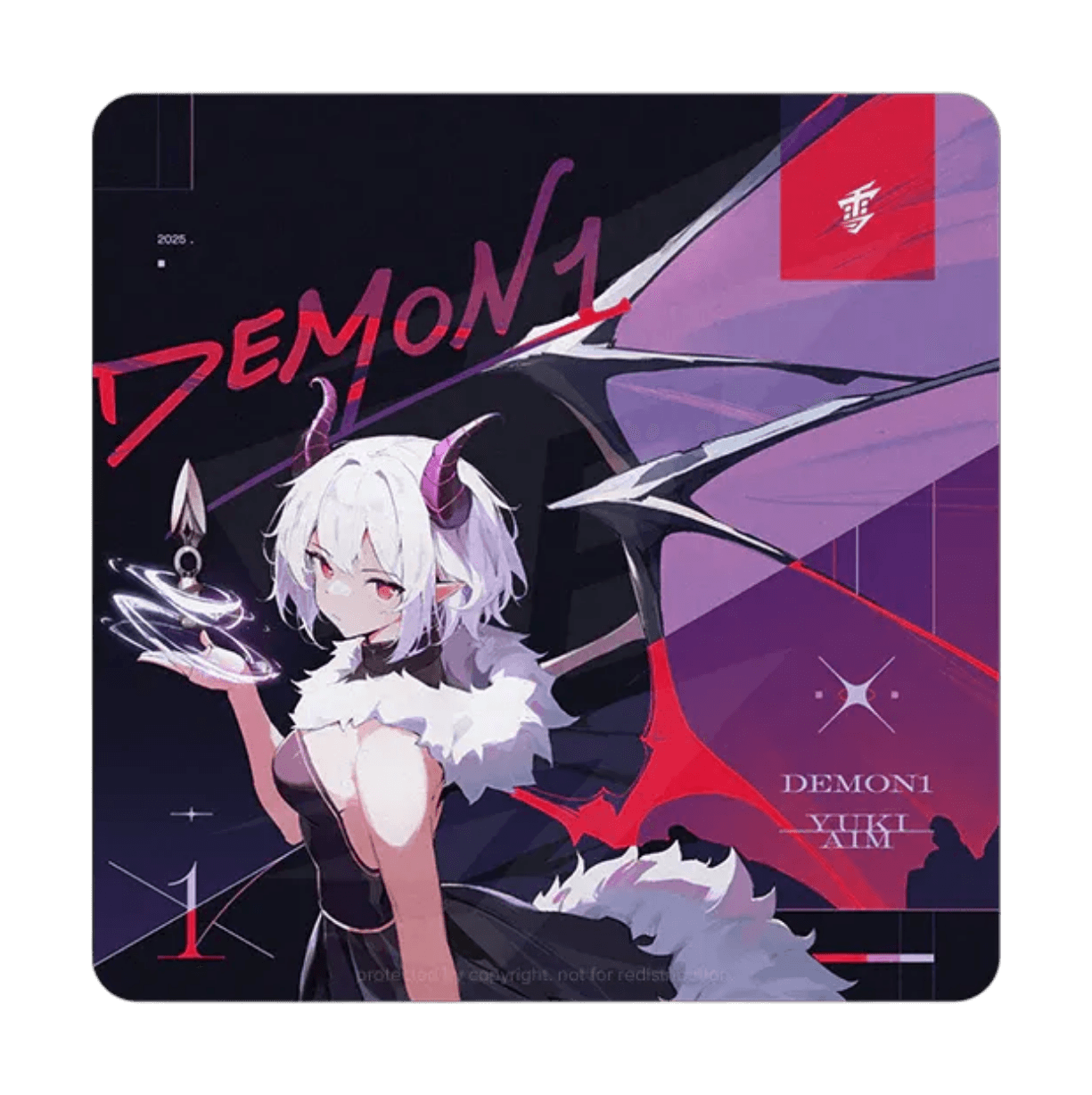
Yuki Aim Yuki Aim x Demon1for sale
mousepad

Yuki Aim Yuki Aim x Demon1

ask
@kapi🇵🇱
ARTISAN FX Raidenfor sale
mousepad

ARTISAN FX Raiden

ask
@zeok🇵🇱
Scyrox V8for sale
mouse

Scyrox V8

ask
@zeok🇵🇱
FiFine K688for sale
other

FiFine K688

$45
excellent
@rrremy🇺🇸
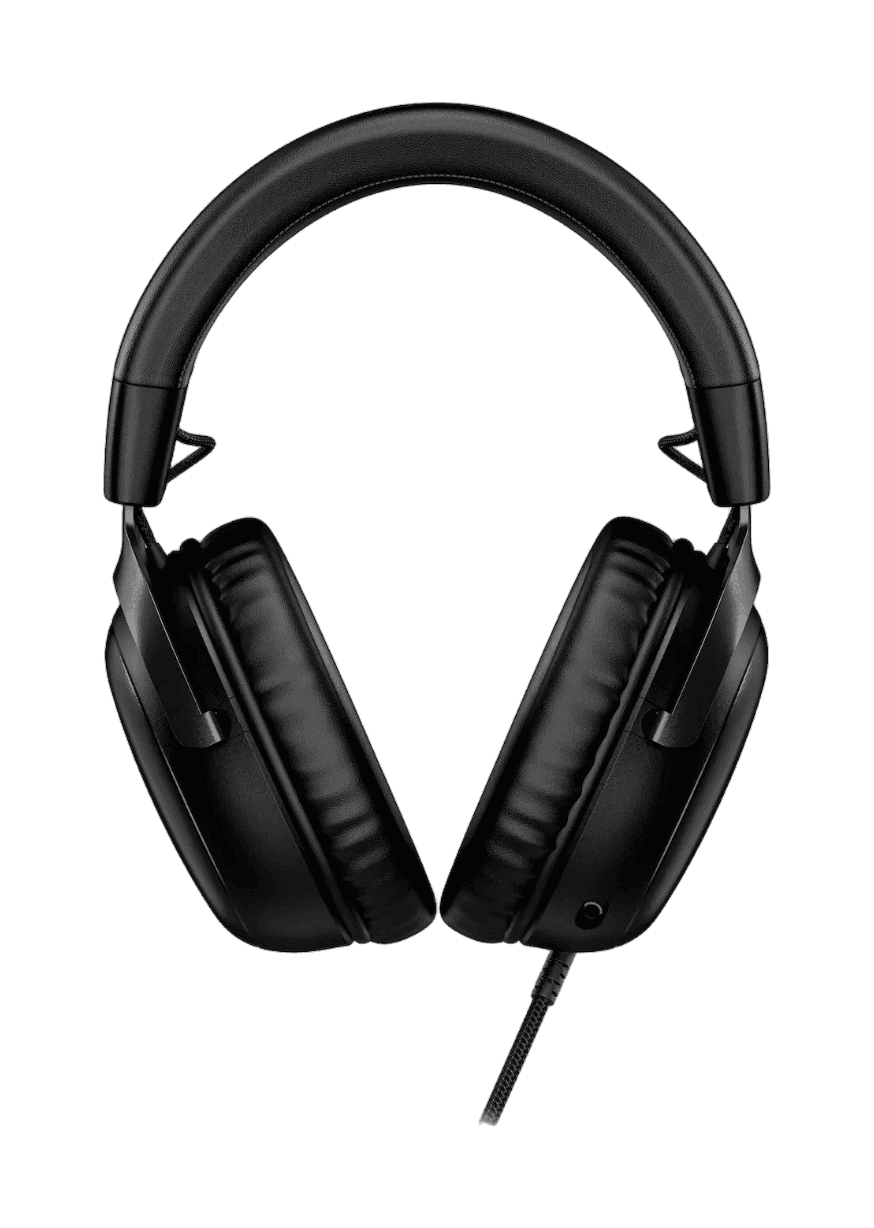
HyperX Cloud III
headset· 4 colours

HyperX Cloud III

Over-ear
4.4(29)

197 aimers use this

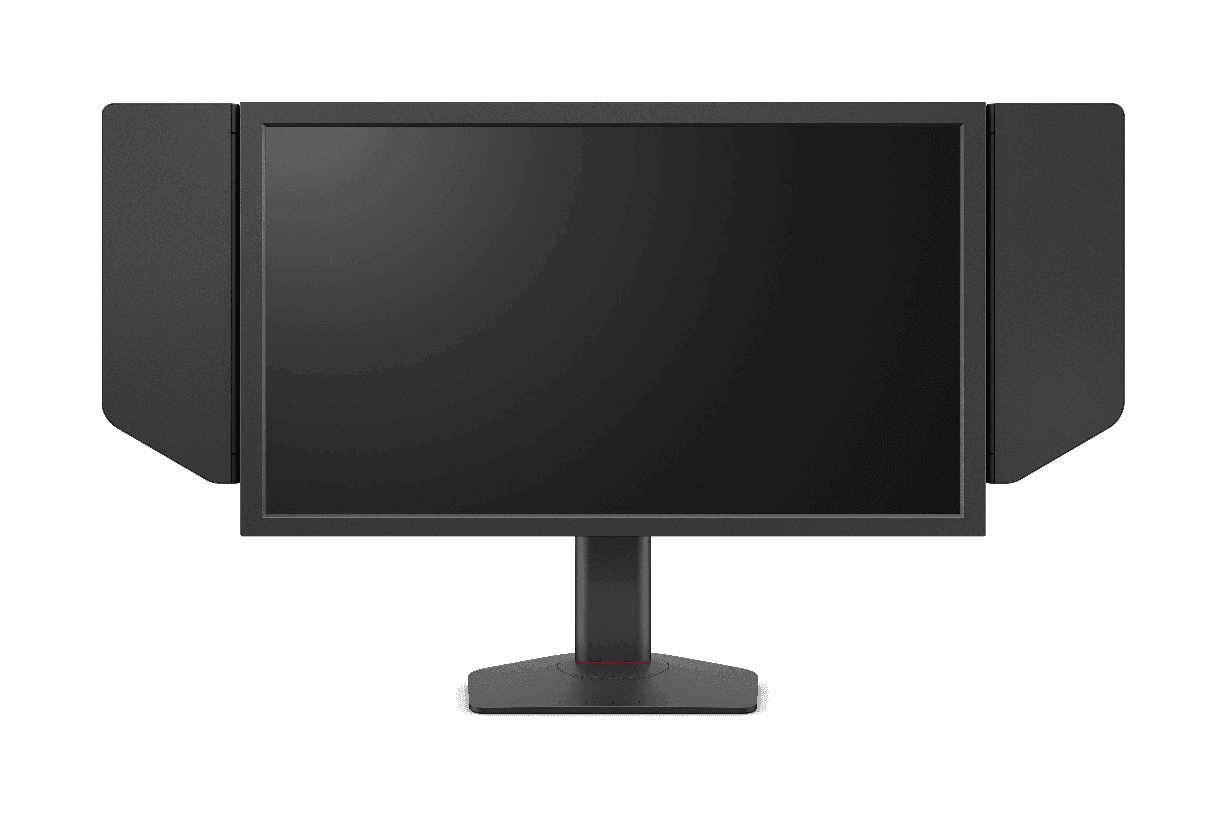
ZOWIE XL2566X+
monitor

ZOWIE XL2566X+

400Hz24.1"TN
5.0(15)

191 aimers use this

4.56

Tac FPS Use-Case

ARTISAN NINJA FX HIEN

latent

The tactility offered by the Hien got me hooked on first use. It feels like your mouse is an ice cube skating across a bed of nails.

4.59

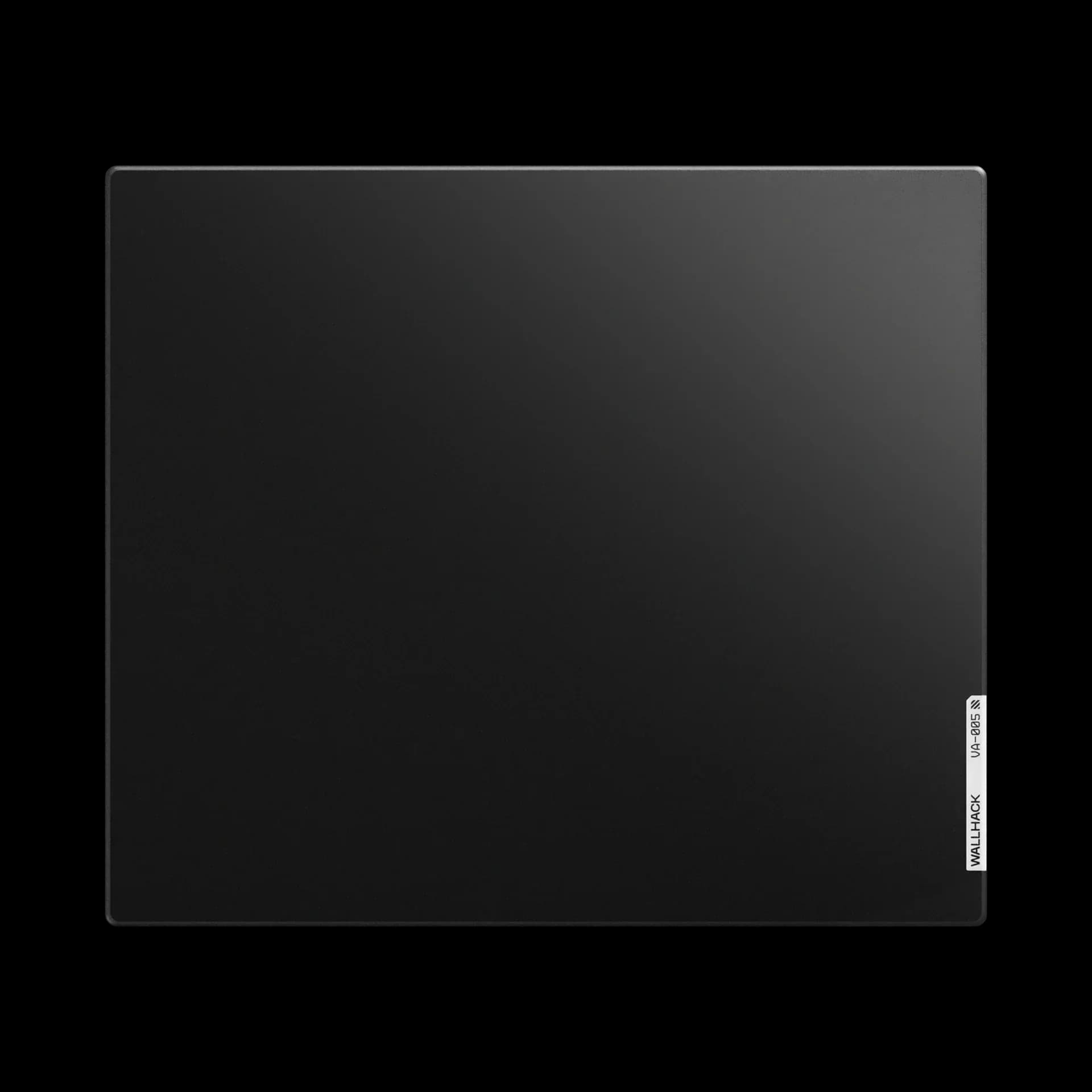
Long term Wallhack VA-005 review.

WALLHACK VA-005

xavm

Hello! I wanted to write a review on this pad because i cant find recent ones anywhere else. For clarification i bought this pad on release and have been using it consistently since. Specifications: Type: Non-coated ultra speed glass pad Dimensions: 510 x 440mm Base: Edge-to-edge full silicone base Included Accessories: 1. Wallhack PTFE+UHMW-PE Sample Skates 2. Wallhack branded microfiber cleaning cloth 3. Wallhack branded stickers The included skates come in a well designed package showcasing the speed & durability difference between the 2 skates. **Surface** The VA-005 is a non coated ultra speed focused pad. Its surface features a pyramid-like microstructure that makes it incredibly smooth, especially while already in motion. Unfortunately, I am unable to compare the speed to other glasspads but after doing some research, I have heard that the the speed is comparable to something like a Tekkusai the beast. To the touch its completely smooth without any texture or grain. It feels super clean and comfortable to use for a long session. I personally use this pad with an armsleeve due to it being quite humid where i am however you could probably use this pad without an arm sleeve if you live in a less humid area. **Summary and final thoughts:** If you value speed and smoothness in a glasspad, this is a great option. However, if you want that textured feedback feel, this pad is the polar opposite.

3.07

Only Love Rei Ayanami

Only Love Rei Ayanami

Kshadow

https://www.tiktok.com/@kshadow3103/photo/7671620946247273750?is_from_webapp=1&sender_device=pc&web_id=7601132416018777622

3.57

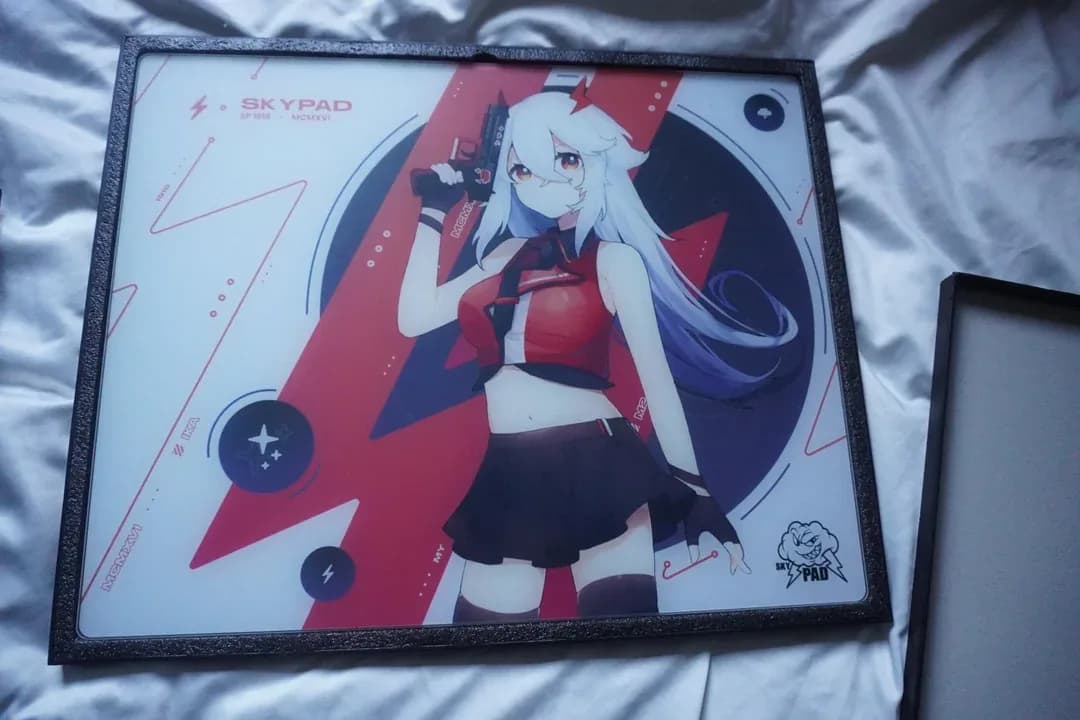
Skypad 3.0 Original Sora

WALLHACK Skypad 3.0

Kshadow

https://www.reddit.com/r/MousepadReview/s/eD12eQxaVN

3.02

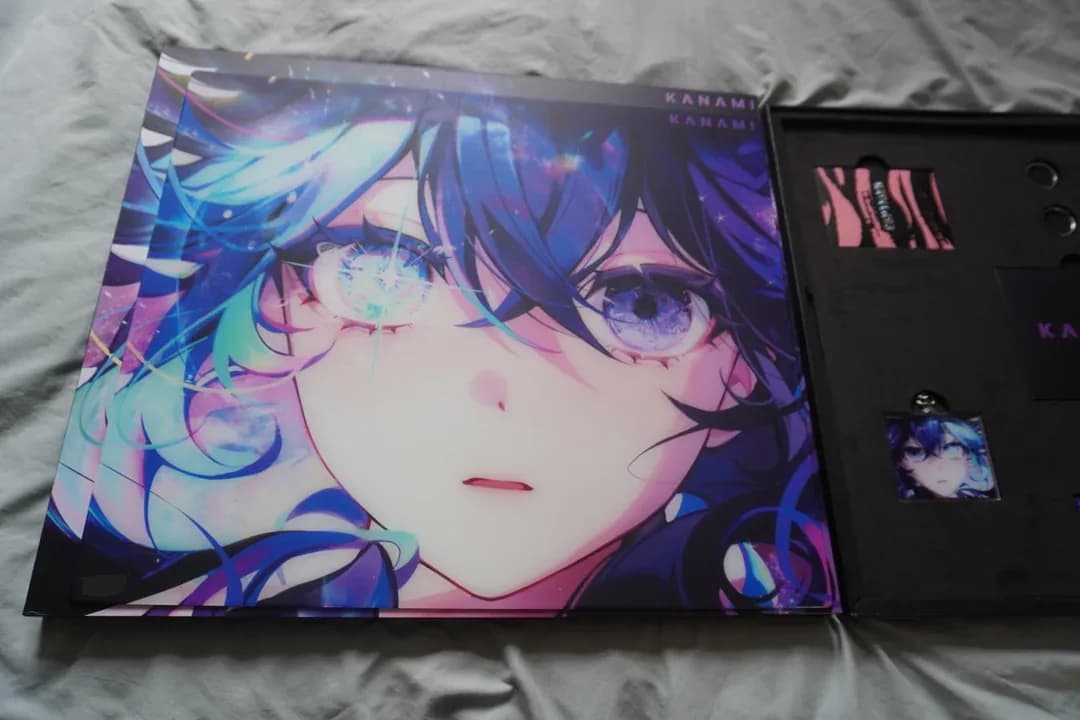
Kanami Hoshino

Kanami Hoshino

Kshadow

https://www.reddit.com/r/MousepadReview/s/XDXe3iK1bp

4.06

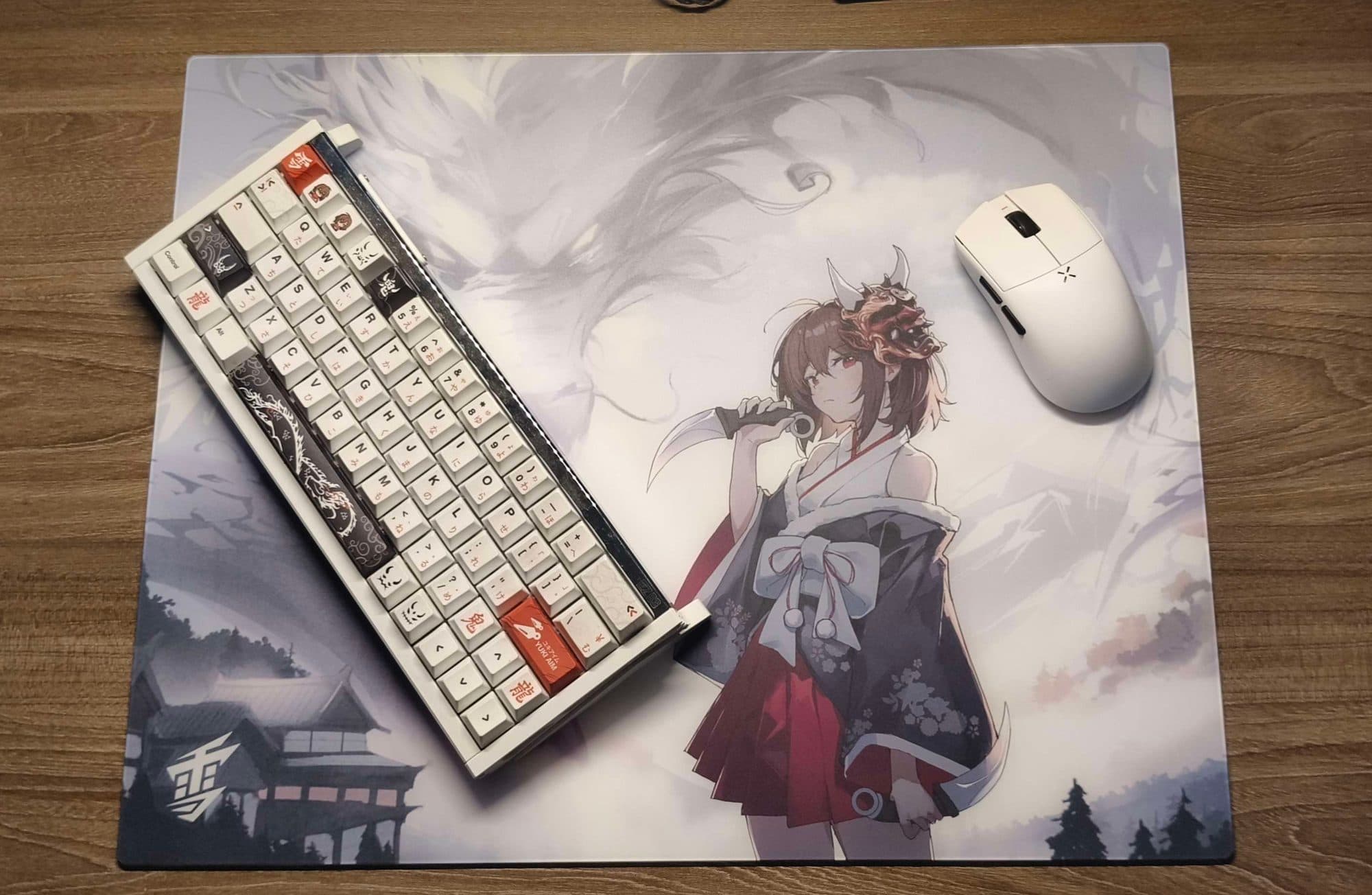
2 year with yuki aim oni 2.0 review

Yuki Aim Oni 2.0

t0ni

Yuki Aim oni 2.0 glasspad is a stunning limited masterpiece that shatters the stereotype of traditional tempered glassmousepads being monotonous. Its standout feature is the striking "weeb style" artwork featuring a dragon motif printed with exceptional sharpness and high contrast, creating a visual depth that fabric pads simply cannot match. Beyond aesthetics, Yuki Aim has optimized ergonomics by reducing the thickness to just 3.5mm, paired with a silicone base that grips the desk firmly, the pad lies perfectly flat and flush with the surface, preventing wrist discomfort or irritation during long gaming sessions. In terms of performance, while it retains the signature speed and smoothness of glasspads, the oni 2.0 is classified by experts as a "controll glass" pad, its heat-treated silicate surface offers subtle resistance and surprisingly impressive stopping power. This unique balance allows gamers to execute precise micro-adjustments in tactical FPS titles like valo kid or cs2, making it the most approachable glass pad for those transitioning from fabric surfaces. However, the trade-off for its incredible durability and ease of cleaning is the need to wear a gaming sleeve to prevent sweat-induced friction, as well as accepting that ptfe mouse feet will wear down faster than usual. Ultimately, if you are ready to invest in a limited product that perfectly blends a unique setup aesthetic with top-tier competitive performance

5.05

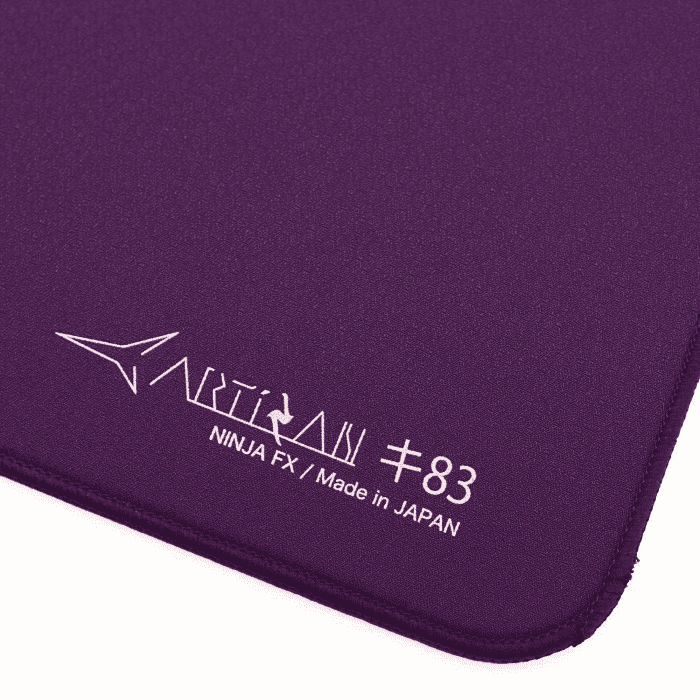
Some early thoughts on the Artisan Key83 and Mizugumo Rin P7

ARTISAN NINJA FX KEY-83 / Mizugumo Rin P7

Shinqx

**Indroduction:** Hey I'm Shinqx and today I will be sharing my early thoughts of the Artisan key83 and Mizugumo Rin P7. Don't think of this as a full review as I don't have spend enough time with the pad and I think I am not Experienced enough for a full review this post is just some thoughts about the Pad and Documentary of the shipping cost when ordering from Artisan Directly to EU/Germany this is also my first time writing something like this so please Excuse any mistakes or even better give me tips for the future **Specs:** ● Size: 500 x 500mm ● Firmness: Soft ● Surface: Cloth, Balanced, Rough Textured ● Base: Poron ● Colorway: Purple **Why I bought the Key83:** The Decision came mostly down to the color as Purple is my Favorite color and I love that specific Shade Artisan used but nonetheless the Key83 also seemed like a good choice since a Balanced pad fits my Wide use case of games and I heard a lot of good about the Key83 (I do want to try something more controlled in the future though) **Other Info about me:** ● Grip: Fingertip Hybrid ● Mouse: Op1 8K V2 ● Skates: Mizugumo Futae P8 / Rin P7 ● Pad Before: Steelseries QCK Performance Speed ● Games I play: lots of Variety, story games etc. specific shooters are Overwatch, Valorant and R6 **Surface:** It feels faster than my QCK Speed while also offering enough stopping power to not feel slippery like my QCK did the harsher texture helps a lot with that **Texture:** The texture is very prominent probably my biggest gripe with the pad. The QCK Speed almost has no texture compared to the Key83 I wouldn't say it's Aggressive enough that it hurts but I do think it's not a Pleasant feeling Texture at first and this might be a deal breaker for some. I did get used to the feeling in about a day and it feels fine now but I think I still prefer smoother textures overall **Base:** Not much to say about the Base it Stays solid on my desk with no slipping even when trying to move it **Mizugumo Rin P7:** They're quite a bit smaller than the Futae P8 meaning you need to use more depending on your pad I think the biggest difference between these and the Futae P8 is how much you can feel the texture of the pad they even felt kind of scratchy It took me about a day to adjust to the feeling since the Key83 has a rougher texture. They feel a bit more controlled than the Futae P8 and I like that, more controlled doesn't mean they feel slow because it's still plenty of speed So who are these for? I would recommend them for more smooth textured pads since the rough texture of my Key83 does feel a bit of putting and scratchy at first but other then that if you already like the Futae P8 and want something similar with a bit more of a controlled feeling I Highly recommend you try these out. **Shipping:** I live in Germany and Ordered from the Official Artisan Website since nobody is currently reselling the Purple colorway ● Time-frame: I ordered on the 14.09 using DHL as the carrier and I got my Pad on the 18.09 so it only took 4 Day's to ship pretty sure I got lucky because I don't think that's the usual Shipping time ● Pricing: My order Cost was 103,97 EUR (17,753 ¥) and Zoll/Import fees were 43,26 EUR which had to be paid Directly to DHL (It was a very easy and fast process though) So in total I paid 147,23 EUR If that was/is worth it you can Decide for yourself. Thank you for reading!

4.57
nomy
nomysnakbox

@nomy

#1 raw control #motherof1 #lvl64

1313 peripherals9494 followers1,4361,436 views
Live44- watch nomy on Twitch
yume
yume

@yume

blehhh‎‎

158158 peripherals99 followers303303 views
Live6- watch yume on Twitch
kova.
slber
slber

@slber

Finals Enjoyer Ex CC player in Apex (peak semis)

33 peripherals1111 views
Live5- watch slber on Twitch
miste
mistemax passion

@miste

alwys , @loser .

88 peripherals2323 followers198198 views
Live4- watch miste on Twitch
zicofps
zicofps

@zicofps

99 peripherals
kova.
pivasick
pivaSICK

@pivasick

kova.
c4ed
𝐜𝟒𝐞𝐝

@c4ed

66 peripherals
itsmicrowavee
Kay ⏾ 𖤐

@itsmicrowavee

profressionally bad at games

33 peripherals33 views
Featured

KovaPresets

One-click crosshair, theme, sound and sens presets for KovaaK's

Config toolsWindowsOpen sourceFree
by@pyvnoupdated 1mo ago3

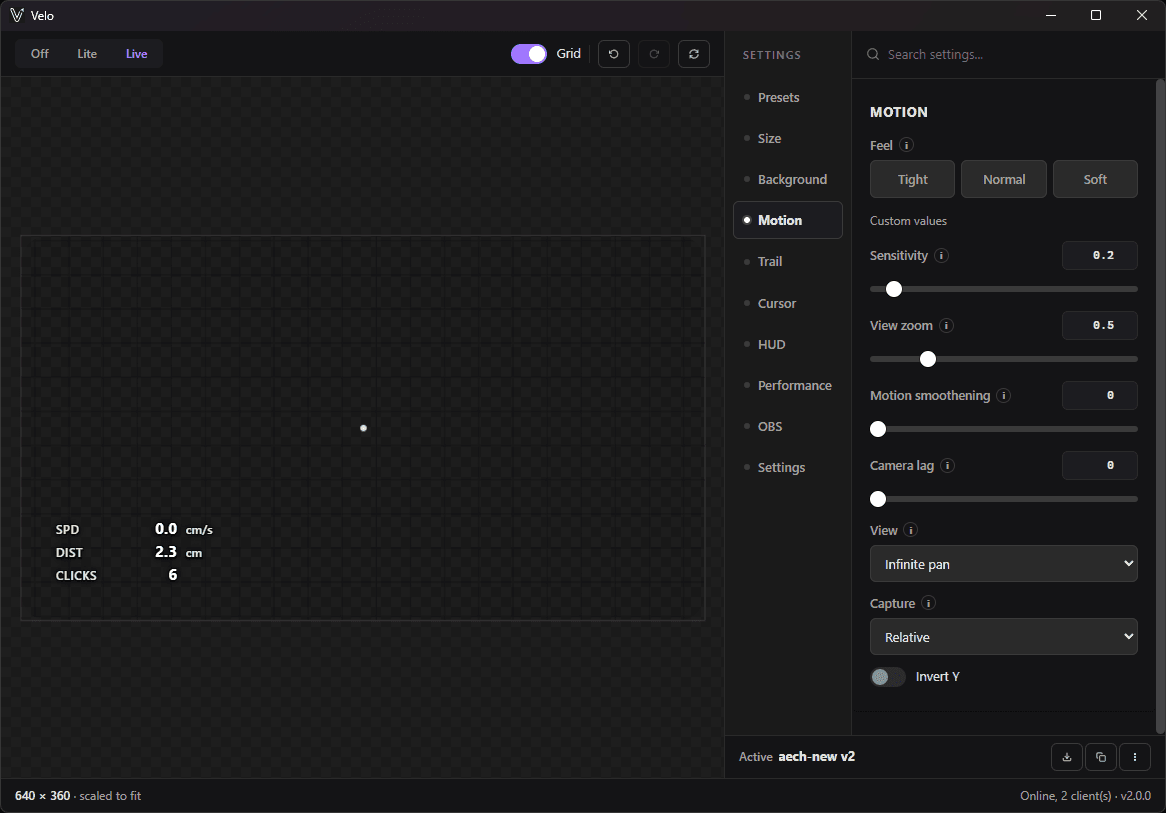
Velo - Mouse Input overlay for OBS

overlay

OverlaysWindowsOpen sourceFree
by@aechupdated 3w ago6

RefleK's

Your aim trainer gives scores. RefleK's gives answers.

Stats & trackingWindowsOpen sourceFree
by@arm8updated 1w ago4

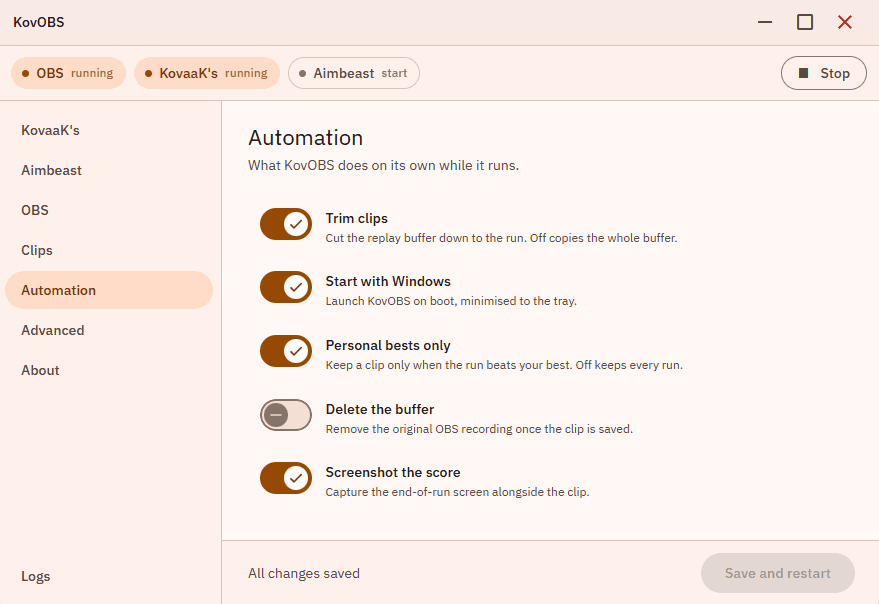
KovOBS

Auto clip

ClippingWindowsLinuxOpen sourceFree
by@basselupdated 3d ago2

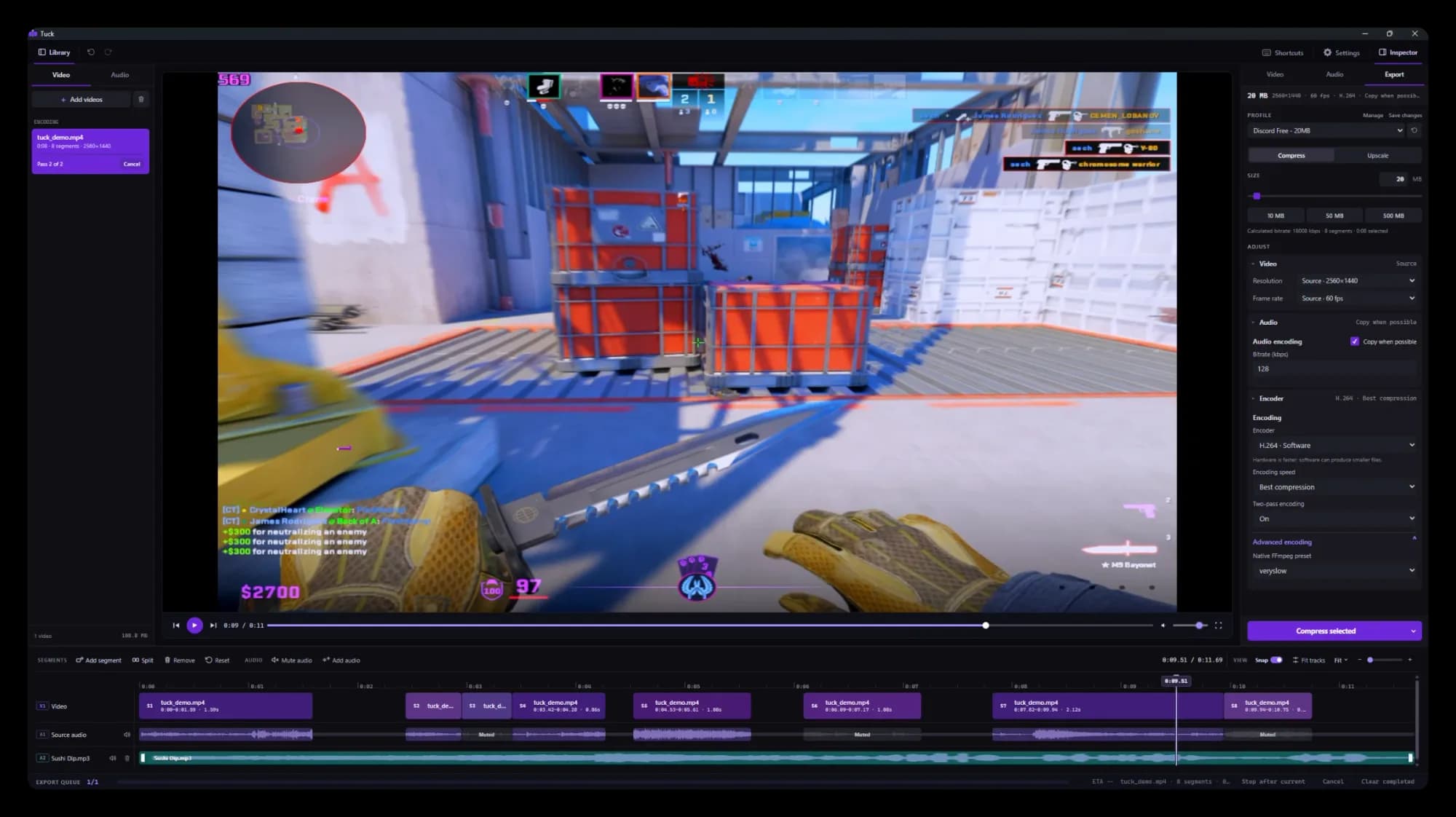
Tuck - compress clips for discord size/ trim them in one go

video compression

ClippingWindowsOpen sourceFree
by@aechupdated 4d ago4

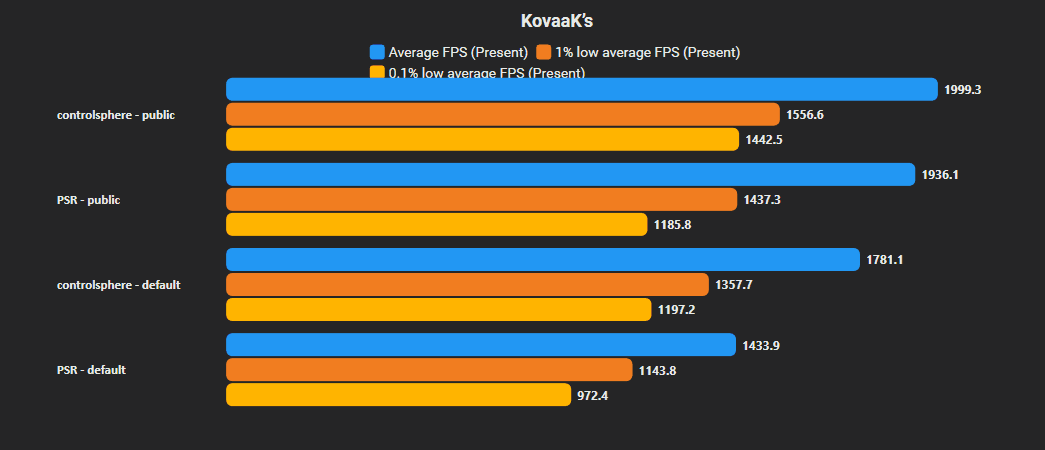
KovaaKs FPS Tweaks (Engine.ini)

Tweaks

OtherWindowsmacOSLinuxOpen sourceFree
by@aechupdated 6d ago9

Kovaaks Files

Files, Themes, Configs, sounds, etc.

OtherWindowsLinuxOpen sourceFree
by@keiroupdated 1mo ago

Kovaaks Practice Mode

Allows you to cover scores on your screen to focus on practicing

OverlaysWindowsOpen sourceFree
by@Shakeyaimupdated 1mo ago