Reviews
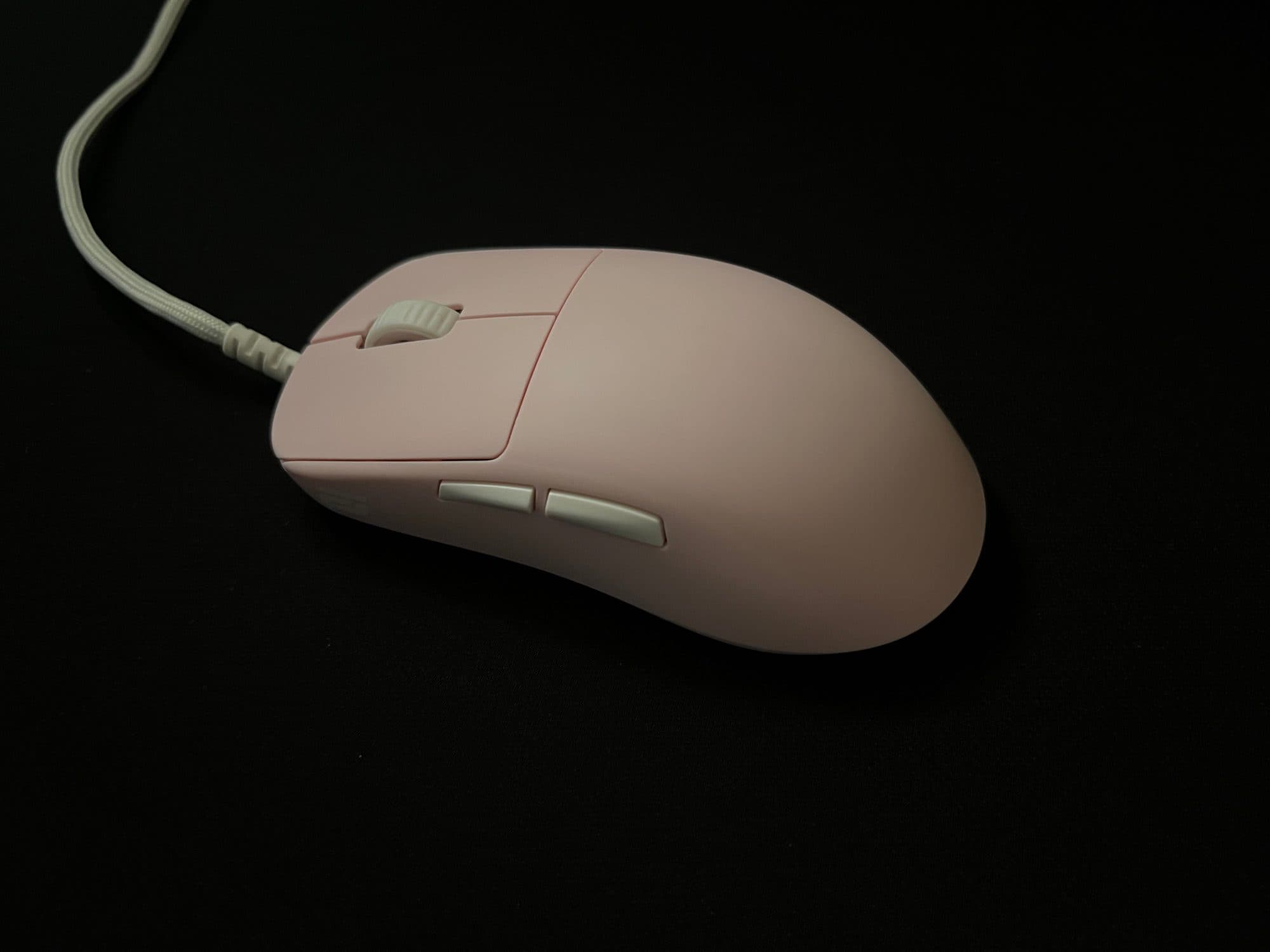
An early review of the Endgame Gear OP1 8K v2 (Raw Input Special Edition)
Endgame Gear OP1 8K v2
 Monarch
# Introduction *skip to "whats in the box" if u want the actual review :p* Hi, I'm Monarch, and I got into peripherals earlier this year and into aim training pretty much just yesterday. My hand size is around 18 x 8cm (*middle finger to first wrist crease x width of the underside of knuckles, excluding thumb*), and I have a relaxed claw grip (*at least as far as I can tell*). Occasionally, I use other grip styles, such as palm and fingertip; however, I don't use them enough in-game to consider them grip styles I use. I've been playing FPS games for about 4-5 years, mostly with a Razer Basilisk V3 (*wired*). Throughout those years, the only competitive shooter I have played was Valorant, which I only played during 2021, and I managed to achieve a rank of Platinum 2 (*although it was much easier to rank up back then, so I don't think it's as big of an achievement as it would be now*). Since then, I have mainly played Roblox shooters, and more recently, Minecraft PvP. I've been interested in peripherals, specifically mice and keyboards, for about 6 months. I'm not a super competitive player, nor am I extremely versed in the technicality of peripherals, which is why I believe that I might be able to provide a more accurate review of what a typical user would experience. That's not to suggest that you should trust my word entirely. It's always better to compare multiple reviews in order to see whether or not the product they are reviewing would actually fit you. Before you judge the rest of this review purely on what I play, I'd like to say I have relatively decent aim. Of course, that idea is based on who I've played against, and the average skill level in Roblox shooters is obviously quite a bit lower than the average skill level in games like Valorant, CS2, Overwatch, etc., so take that with a grain of salt. However, I do play against pretty skilled players. In my defense, I currently play on a MacBook, so I wouldn't be able to expand into those games even if I wanted to. Here's my peripheral history, which may help you understand my perspective a little better: - ~2021 – 2022 — *MSI Laptop (unsure which; it had integrated graphics), Razer Basilisk V3, some random cheap cloth pad* - ~2022 – 2025 — *2020 M1 13" MacBook Air, Razer Basilisk V3, some random cheap plastic pad* - ~2025 – first half of 2026 — *2025 M4 13" MacBook Air, Razer Basilisk V3, some random cheap plastic pad, some 4K 60hz ViewSonic monitor (very occasionally)* - Current — *2025 M4 13" MacBook Air (peripherals listed in profile)* ## Rating Generally, I'll rate things based on how they suit me, so obviously, the conclusion of my reviews isn't going to suit everyone, but hopefully it'll still be able to help someone. 5 stars: - Absolute best fit for me - Has one or zero downsides - There is nothing that could better fit me in a reasonable price range 4.5 stars: - An excellent fit - Has more than one downside - There is something better/something that can compare to it in a similar or lower price range - I am unsure of whether or not something else can better fit its purpose 4 stars: - A great fit - Has multiple downsides - There are things that are better - I am pretty sure that there are other things better suited for its use case Anything below that generally means that my first impression of it was pretty bad, and it was likely returned. --- # What comes in the box - OP1 8K v2 (*Raw Input Special Edition*) - Two skate sets (*half-size applied, full-size in accessory bag*) - Grip tape (*only for the sides, not the main buttons*) - Cable tie - Screwdriver - Universal Switch Pack (*2x switch PCBs, 7x switch pairs*) ## Specifications - Weight: *49.5 grams* - Dimensions: *~118.2 x 60.5 x 37.2mm* - Stock Skates: *Heat-Treated 100% PTFE* - Microcontroller: *NUVOTON M483* - Sensor: *PixArt PAW3950* - DPI: *up to 26,000 (steps of 50)* - Polling Rate: *1,000–8,000hz (steps of 1,000)* - Main Switches: *Kailh GX* - Main Switch Lifetime: *80 million actuations* - Side Switches: *Kailh GM 2.0* - Side Switch Lifetime: *20 million actuations* - Wheel Encoder: *Kailh Dustproof* - Middle Mouse Switch: *Kailh GM 2.0* - Middle Mouse Switch Lifetime: *20 million actuations* --- # Buttons ## Main Mouse Buttons **Pre and Post Travel:** Compared to the other mice I have, the OP1 seems to have a very minimal amount of pre and post travel, due to the fact that the switches are mounted on the button panels (*? not sure what they're called*) themselves rather than on the mouse body. This makes it so that the mains switches remain in contact with the button panels as much as possible, so there is very little pre and post travel. Even compared to my Angry Miao AM Infinity, which I would say already has a very little amount of travel. *(Pre and Post Travel is tested by pressing down on the main button panels without actuating the switch)* **Switches:** The OP1 comes with Kailh GX switches pre-installed. However, the Raw Input Special Edition comes with Endgame Gear's Universal Switch Pack, which allows for more customisation out-of-the-box. Below is a comparison chart for the switches in the Universal Switch Pack.  **Kailh GX:** The Kailh GX switches have a translucent brown housing. As detailed in the chart above, they are very spammable, and have a light actuation force. They are relatively quiet and high-pitched (in comparison to the ATK Zero), they are GX Speed and Safe compatible and they have a lifetime of 80 million actuations. These switches will be used as a baseline for comparison. (*Switch list updated as I test them.*) ## Side Mouse Buttons The side mouse buttons of the OP1 are pretty good. Their shape makes it quite easy to actuate them even when your thumb isn't directly on the buttons. The placement is high enough so that it's not obtrusive, but it's also close enough that they're easy to reach for. There is also very little pre-travel, although it has a bit more post-travel, at least in comparison to the ATK Zero. ## Middle Mouse Button + Scroll Wheel The middle mouse button is surprisingly light and spammable, at least in terms of what I'm used to. As for the scroll wheel, it's quite heavy compared to the Zero and the Infinity. It's also incredibly tactile and a little loud, although if you're wearing IEMs or closed-back headphones, the sound is unlikely to disturb you (*not sure about open-back headphones though, never had one of those*). --- # Shape This shape was designed around claw grip, although you can use it in fingertip grip as well, as it's quite a small mouse. Not sure if this is just because I've been more used to mice with more flat sides, but the back flare of the OP1 feels a little off, and kind of forces my hand to sit a little further back on the mouse. However, unlike shapes like the Razer Viper, the sides — past the curve of the back flare — are straight (not sure what this means, but it feels good I guess?). Although there are many people that enjoy the shape of the OP1, I still prefer the shape of the Zero, which I believe is derived from the Pulsar X2. However, the higher hump of the OP1's shape provides a bit more palm support, which I do prefer, although it is also narrower than the X2 shape, which makes it feel slightly uncomfortablefor me to use. --- # Coating So far in my very limited testing of mice, the coating on the OP1 has been my favourite. Unlike the magnesium of the Infinity, it's quite a bit more grippy. In comparison to the Zero, the coating is far superior. It feels a little like rubber almost and it doesn't retain any visible skin oil/sweat residue. Overall, even if you have pretty sweaty hands — which I do — the material does not get slippy at all. Personally, I'm not one to care about how grippy the coating of a mouse is, as in my experience, I seem to play just fine. --- ### Thanks for reading!
Tac FPS Use-Case
ARTISAN NINJA FX HIEN
 latent
The tactility offered by the Hien got me hooked on first use. It feels like your mouse is an ice cube skating across a bed of nails.
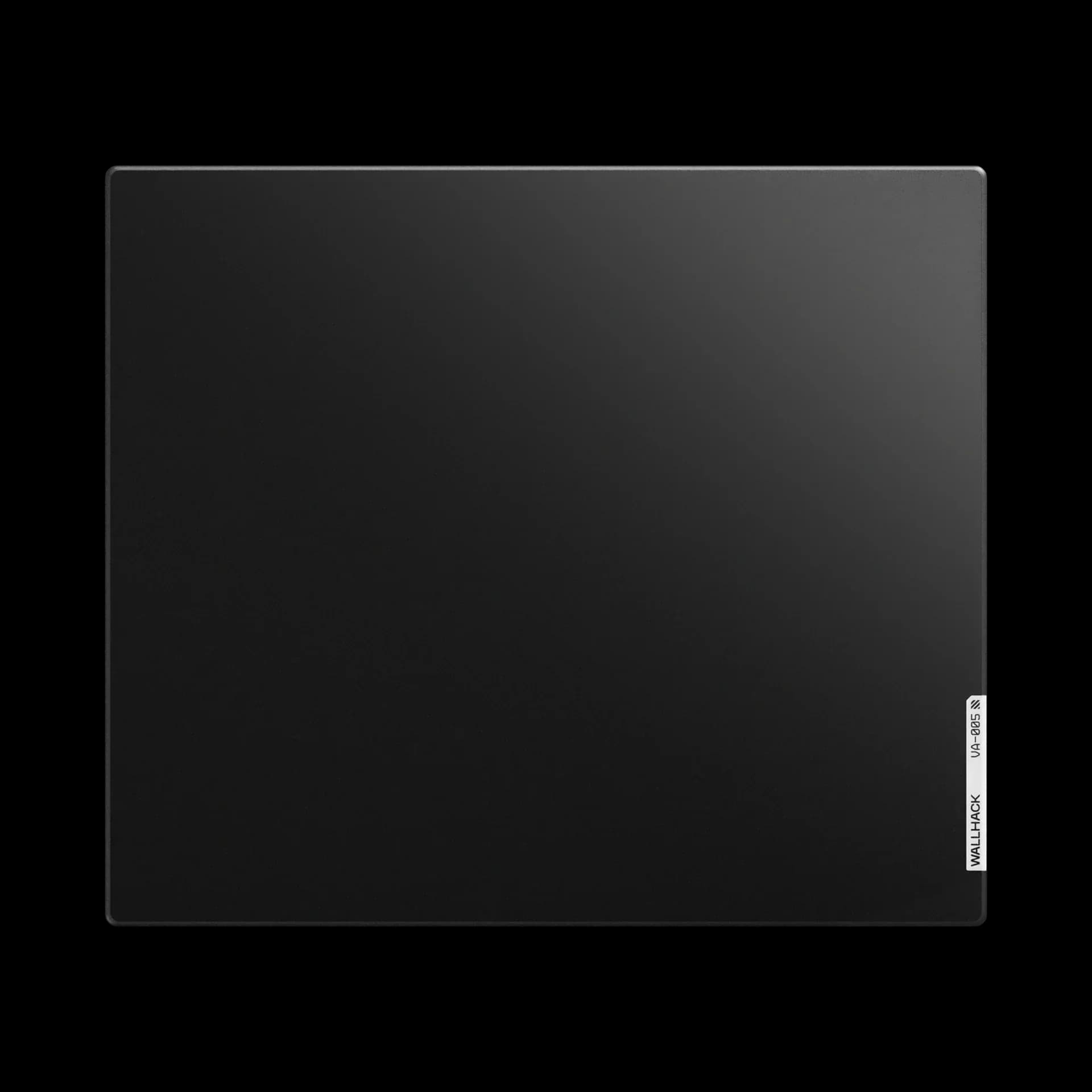
Long term Wallhack VA-005 review.
WALLHACK VA-005
 xavm
xavmHello! I wanted to write a review on this pad because i cant find recent ones anywhere else. For clarification i bought this pad on release and have been using it consistently since. Specifications: Type: Non-coated ultra speed glass pad Dimensions: 510 x 440mm Base: Edge-to-edge full silicone base Included Accessories: 1. Wallhack PTFE+UHMW-PE Sample Skates 2. Wallhack branded microfiber cleaning cloth 3. Wallhack branded stickers The included skates come in a well designed package showcasing the speed & durability difference between the 2 skates. **Surface** The VA-005 is a non coated ultra speed focused pad. Its surface features a pyramid-like microstructure that makes it incredibly smooth, especially while already in motion. Unfortunately, I am unable to compare the speed to other glasspads but after doing some research, I have heard that the the speed is comparable to something like a Tekkusai the beast. To the touch its completely smooth without any texture or grain. It feels super clean and comfortable to use for a long session. I personally use this pad with an armsleeve due to it being quite humid where i am however you could probably use this pad without an arm sleeve if you live in a less humid area. **Summary and final thoughts:** If you value speed and smoothness in a glasspad, this is a great option. However, if you want that textured feedback feel, this pad is the polar opposite.

Only Love Rei Ayanami
Only Love Rei Ayanami
 Kshadow
https://www.tiktok.com/@kshadow3103/photo/7671620946247273750?is_from_webapp=1&sender_device=pc&web_id=7601132416018777622
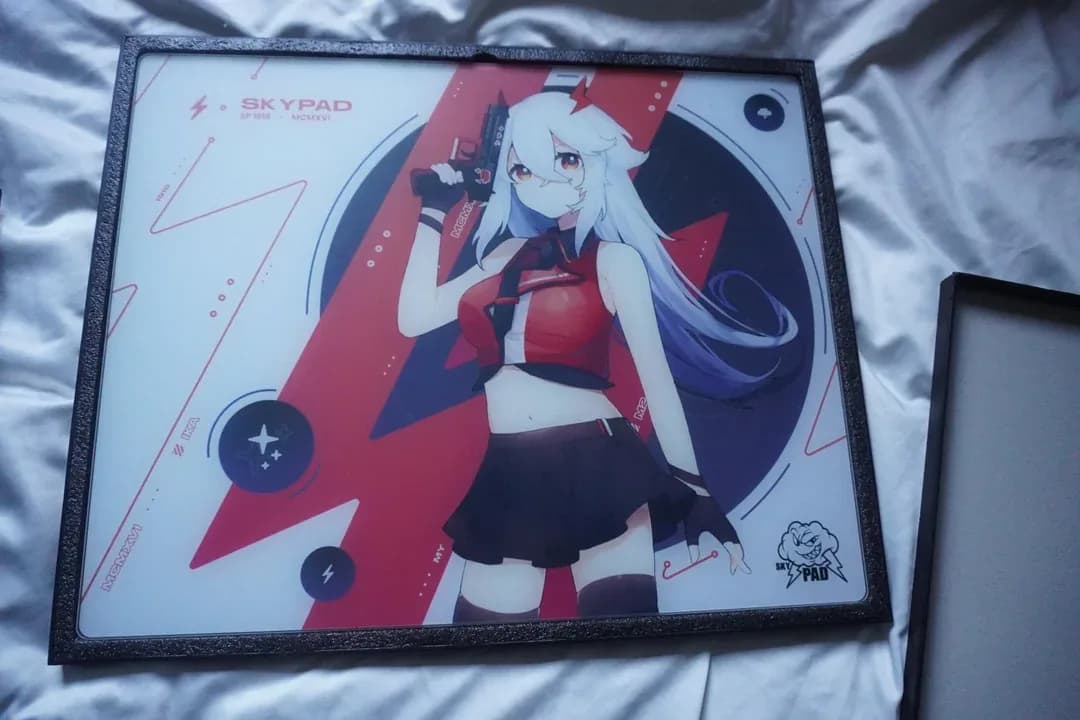
Skypad 3.0 Original Sora
WALLHACK Skypad 3.0
Kshadowhttps://www.reddit.com/r/MousepadReview/s/eD12eQxaVN
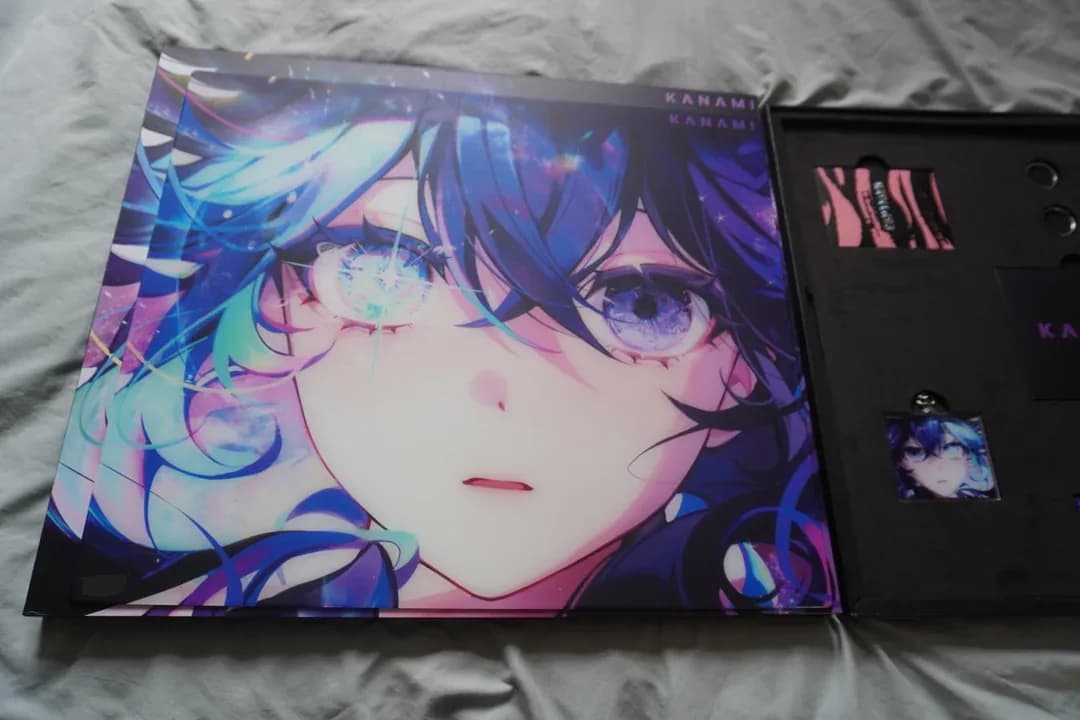
Kanami Hoshino
Kanami Hoshino
Kshadowhttps://www.reddit.com/r/MousepadReview/s/XDXe3iK1bp
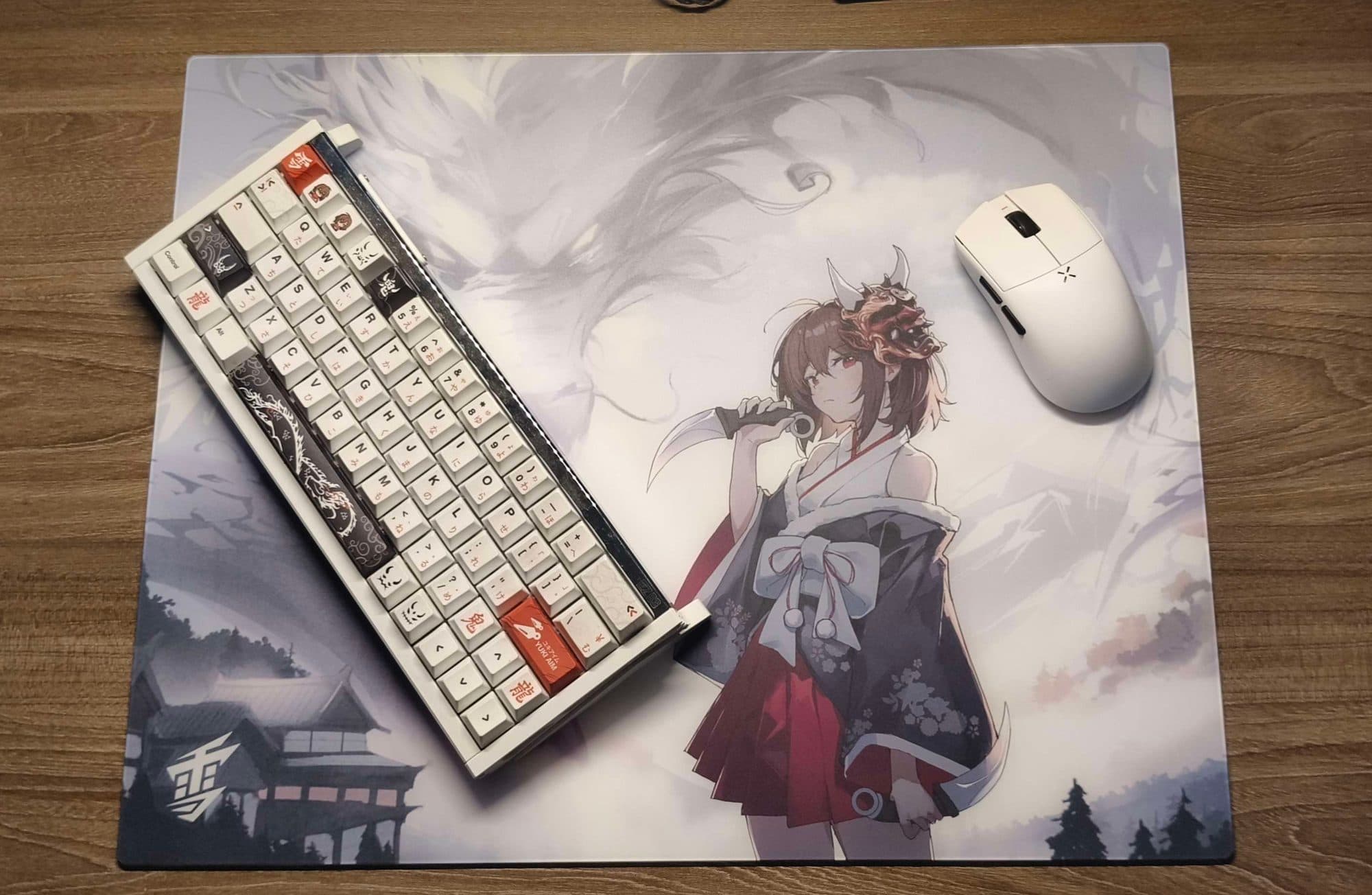
2 year with yuki aim oni 2.0 review
Yuki Aim Oni 2.0
 t0ni
t0niYuki Aim oni 2.0 glasspad is a stunning limited masterpiece that shatters the stereotype of traditional tempered glassmousepads being monotonous. Its standout feature is the striking "weeb style" artwork featuring a dragon motif printed with exceptional sharpness and high contrast, creating a visual depth that fabric pads simply cannot match. Beyond aesthetics, Yuki Aim has optimized ergonomics by reducing the thickness to just 3.5mm, paired with a silicone base that grips the desk firmly, the pad lies perfectly flat and flush with the surface, preventing wrist discomfort or irritation during long gaming sessions. In terms of performance, while it retains the signature speed and smoothness of glasspads, the oni 2.0 is classified by experts as a "controll glass" pad, its heat-treated silicate surface offers subtle resistance and surprisingly impressive stopping power. This unique balance allows gamers to execute precise micro-adjustments in tactical FPS titles like valo kid or cs2, making it the most approachable glass pad for those transitioning from fabric surfaces. However, the trade-off for its incredible durability and ease of cleaning is the need to wear a gaming sleeve to prevent sweat-induced friction, as well as accepting that ptfe mouse feet will wear down faster than usual. Ultimately, if you are ready to invest in a limited product that perfectly blends a unique setup aesthetic with top-tier competitive performance
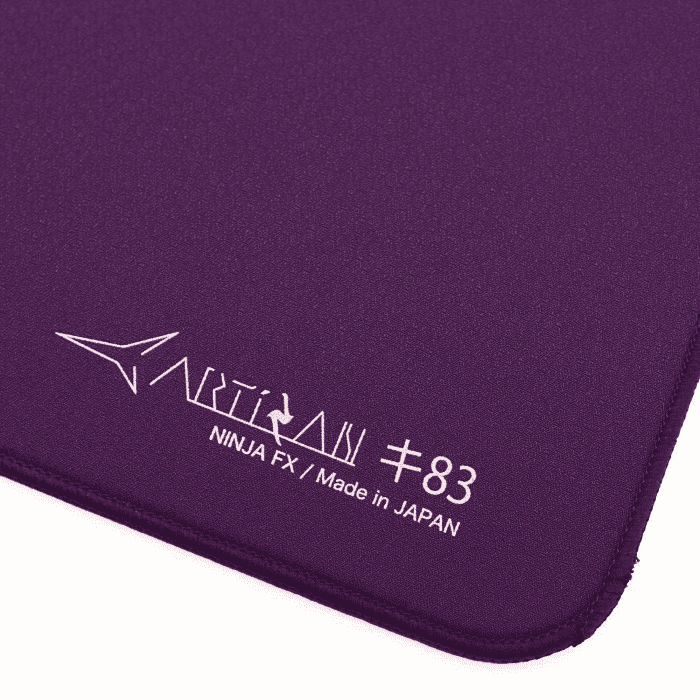
Some early thoughts on the Artisan Key83 and Mizugumo Rin P7
ARTISAN NINJA FX KEY-83 / Mizugumo Rin P7
 Shinqx
**Indroduction:** Hey I'm Shinqx and today I will be sharing my early thoughts of the Artisan key83 and Mizugumo Rin P7. Don't think of this as a full review as I don't have spend enough time with the pad and I think I am not Experienced enough for a full review this post is just some thoughts about the Pad and Documentary of the shipping cost when ordering from Artisan Directly to EU/Germany this is also my first time writing something like this so please Excuse any mistakes or even better give me tips for the future **Specs:** ● Size: 500 x 500mm ● Firmness: Soft ● Surface: Cloth, Balanced, Rough Textured ● Base: Poron ● Colorway: Purple **Why I bought the Key83:** The Decision came mostly down to the color as Purple is my Favorite color and I love that specific Shade Artisan used but nonetheless the Key83 also seemed like a good choice since a Balanced pad fits my Wide use case of games and I heard a lot of good about the Key83 (I do want to try something more controlled in the future though) **Other Info about me:** ● Grip: Fingertip Hybrid ● Mouse: Op1 8K V2 ● Skates: Mizugumo Futae P8 / Rin P7 ● Pad Before: Steelseries QCK Performance Speed ● Games I play: lots of Variety, story games etc. specific shooters are Overwatch, Valorant and R6 **Surface:** It feels faster than my QCK Speed while also offering enough stopping power to not feel slippery like my QCK did the harsher texture helps a lot with that **Texture:** The texture is very prominent probably my biggest gripe with the pad. The QCK Speed almost has no texture compared to the Key83 I wouldn't say it's Aggressive enough that it hurts but I do think it's not a Pleasant feeling Texture at first and this might be a deal breaker for some. I did get used to the feeling in about a day and it feels fine now but I think I still prefer smoother textures overall **Base:** Not much to say about the Base it Stays solid on my desk with no slipping even when trying to move it **Mizugumo Rin P7:** They're quite a bit smaller than the Futae P8 meaning you need to use more depending on your pad I think the biggest difference between these and the Futae P8 is how much you can feel the texture of the pad they even felt kind of scratchy It took me about a day to adjust to the feeling since the Key83 has a rougher texture. They feel a bit more controlled than the Futae P8 and I like that, more controlled doesn't mean they feel slow because it's still plenty of speed So who are these for? I would recommend them for more smooth textured pads since the rough texture of my Key83 does feel a bit of putting and scratchy at first but other then that if you already like the Futae P8 and want something similar with a bit more of a controlled feeling I Highly recommend you try these out. **Shipping:** I live in Germany and Ordered from the Official Artisan Website since nobody is currently reselling the Purple colorway ● Time-frame: I ordered on the 14.09 using DHL as the carrier and I got my Pad on the 18.09 so it only took 4 Day's to ship pretty sure I got lucky because I don't think that's the usual Shipping time ● Pricing: My order Cost was 103,97 EUR (17,753 ¥) and Zoll/Import fees were 43,26 EUR which had to be paid Directly to DHL (It was a very easy and fast process though) So in total I paid 147,23 EUR If that was/is worth it you can Decide for yourself. Thank you for reading!

G-Wolves Warg Review
G-Wolves Warg 8K
 davidiancraigpaul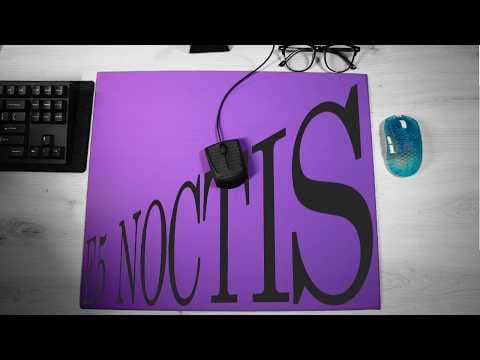
E5 Noctis - PD170 clone
ELITE5 Noctis Mousepad
davidiancraigpaul
R1 Pro review
VXE R1 Pro
 miniiaims
The VXE R1 Pro (Dragonfly) is an ultra-lightweight wireless gaming mouse weighing around 48 g that delivers excellent performance for its price.It features the PixArt PAW3395 sensor (up to 26,000 DPI), Huano Ice Berry switches, and 2.4 GHz + USB-C wired connectivity. Battery life reaches about 70-75 hours at 1000 Hz, with optional support for up to 4000 Hz via a separate dongle. The symmetrical shape feels comfortable for claw, fingertip, or palm grips, and latency is impressively low—ideal for competitive FPS games.It stands out for its outstanding value: it performs close to mice costing $100-150, with solid build quality and smooth gliding. Minor drawbacks include the extra cost for the 4K dongle and lack of Bluetooth. In my opinion, this mouse is the best mouse for my hand, it fits like a glove It's one of the best mice I've tested since the G203. :3
GPX2 Review After 2 Years of Use
Logitech G PRO X SUPERLIGHT 2
 jmolvar10
Overall this is a solid mouse. I have used this mouse as my main mouse for almost 2 years, with no signs of wear/degradation. Battery life is also very good. **I got this mouse for two reasons.** One, it is a well-trusted and reputable mouse, well used by esports professionals (30% of Valorant pros used this as of late 2024). According to pro settings it is still the most popular mouse used by pros across all games. This is a testament to the quality and ergonomics. Pros who play 8hrs a day wouldn't be using something that commonly causes injury and/or frequently fails. Two, it has a very conventional shape. Having a mouse with a common shape is important because it means you can transition to most other mice easily. If you only use a very rare or unusual mouse shape, if that company goes out of business you are screwed because you are only used to that one mouse. When I first got the mouse I was a little worried because it felt slightly less solidly built compared to my prior mouse, but no actual issues. The price is a little high (understandable, due to name recognition) so try to wait untill this mouse is on sale like I did, or buy a Chinese clone. **Unfortunately with this mouse there are 3 objective flaws (not including the price).** **Weight:** At 60 grams the "Superlight" is actually near the heavier end of lightweight gaming mice. Of the 699 mice capable of 8k polling, the Superlight ranks 610th according to eloshapes. That means 87% of top-tier lightweight gaming mice are lighter than this product. This is frankly terrible. **Mouse feet/skate slots:** I do not like that this mouse has indented slots for the mouse feet/skates. The newer trend is flat base mice, where the user can place any custom skates wherever. The Superlight's slots encourage/almost forces users to buy skates that are specifically designed for this mouse. People who have many mice and generic skate packs are going to be screwed over by this. You don't technically need skates that completely fill the slot areas. However if you have skates that are much smaller then the slot area (i.e, dot skates) and play on a very soft mousepad, the skates may sink into the mousepad. This means the skates are no longer supporting the mouse above the pad, which will cause the plastic base of the mouse to slide directly against the mousepad, which will create huge amounts of extra friction. I use U9 ultra dot skates, which actually are too wide for the skate slots, but I was able to drill the outer edges of the skate slots wider to get my dot skates to fit. **Plastic Shell:** The material is very smooth, glossy plastic that is not very slip-proof. Many people need to apply grip tape. I believe using slightly rougher plastic in the design would make it easier to hold the mouse securely.
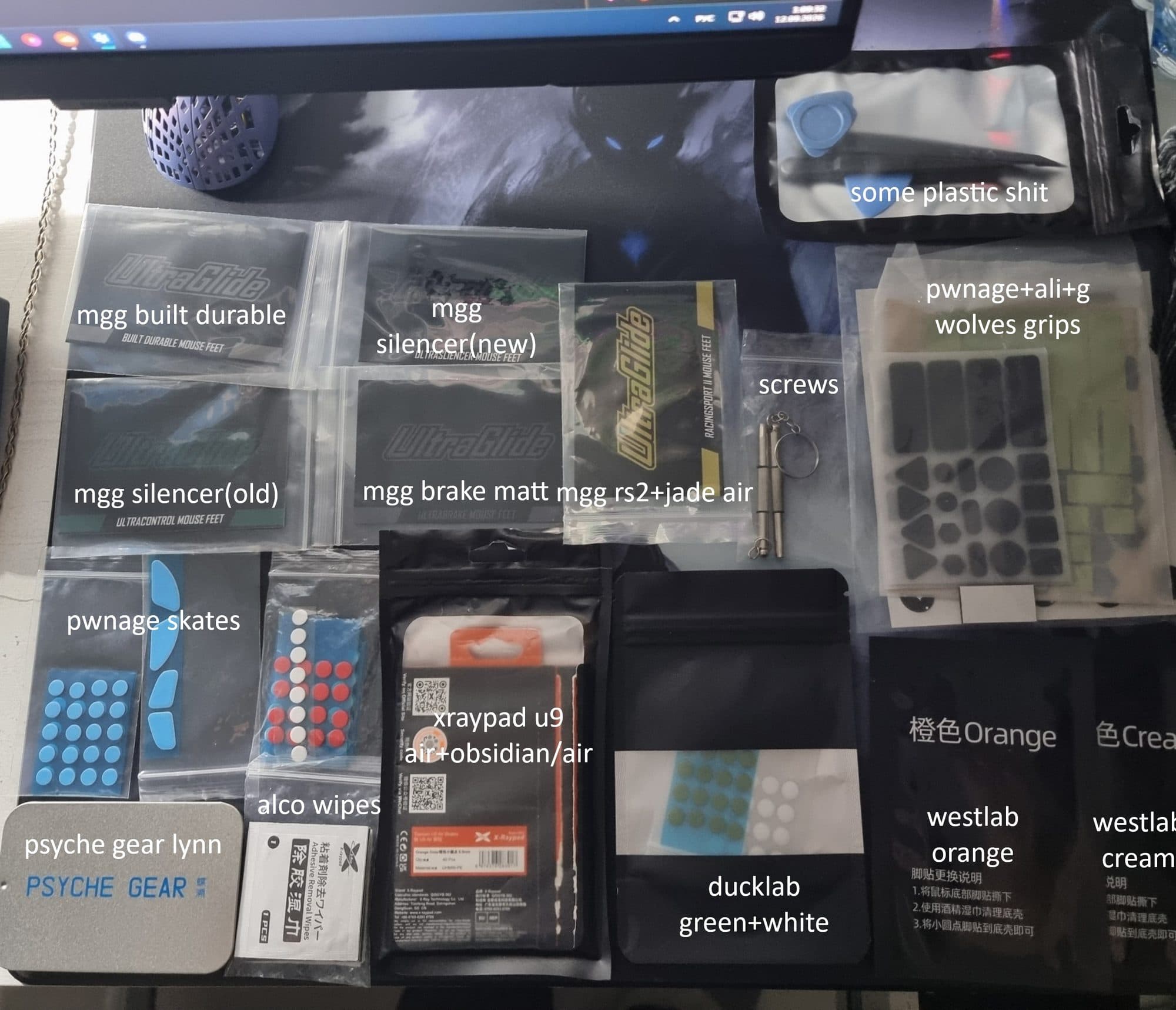
My personal tier list and explanation about my collection of skates
. .
 Grace
Grace***GOD tier:*** > • Xraypad obsidian/obsidian air - A review of two models at once, because to me they’re similar. For me, these are the best I’ve ever used; I’ve mostly used them on glass, which is what they’re primarily designed for. In all the time I’ve used them, I haven’t experienced any drawbacks—they run smoothly and quietly no matter how I use them. > --- > • Pwnage stock skates/dots - Awesome, just awesome. I really liked these dots because they're the fastest and most texture-free dots I've ever used. It's a shame you can't buy them separately anywhere except on their website. > --- > • MGG Ultraglide silencer old/new - I’m talking about both versions—the only difference between them is the design. I tested them on glass, and to me, they feel like slightly textured, slow dots on any type of glass. I’ve never noticed this specific combination of speed and balance in dots before, so they deserve the highest tier. > --- > • MGG Ultraglide Racingsport II - The fastest line in the series—I’d have to say I completely agree that they literally fly across both glass and fabric, and using them is a real pleasure for anyone who needs speed, no matter the surface. They also have an almost smooth texture and leave behind crumbs. > --- > • Talongames Kumo(cloth edition) - I can't say much about them—I used them for a couple of weeks on fabric (which I don't usually use)—but I will note that when I first tried them, they were literally the best I've ever used on fabric; even on jacquard, they felt great and glided smoothly without losing speed, which wasn't the case with other dots I've used. > --- > • Westlab Yellow - In terms of material and glide, they're the same as the blue ones, which is already a huge plus for me; this time, the focus is on balance and control, which suits me better. > --- > • **Xraypad Jade Air - Great dots, with a bit of texture for the glass. To be honest, I wouldn't say they're as quiet as the name suggests, but the glide is really fast without being too fast. As for durability, it feels more or less average—they wore off for me in a couple of weeks.** --- ***Mid/Good tier:*** > • Psyche Gear Lynn - I just got them (I won't be updating this), and I can give my verdict right away: for the price and with 100 pieces per pack, they glide pretty well, but they leave a slightly noticeable mark on the glass (maybe just on my Phantom). Personally, I was surprised by the size—they're much smaller than standard dots, but that doesn't take away from their performance. > --- > • MGG Ultraglide brake bright - According to the seller, these are the slowest tips in their entire lineup, but for me, they strike the perfect balance—neither leaning too much toward speed nor too much toward control—so they’re just good, fairly texture-free tips. One of their notable advantages is that they wear down quite slowly, though it leave behind crumbs. > --- > • Westlab Blue - They're a great deal for a couple of dollars—literally the best you can get for that price. For me, the blue model is the fastest overall that I've tried on any glass—even a little too fast—so I'll lower my rating slightly, but that's just my personal impression. Overall, though, I can't find any downsides to them besides the speed, so they're still good. > --- > • MGG Ultraglide ice - To be honest, I found these points somewhat questionable; for the most part, they just didn't work for me—they felt a bit strange and unreliable for precise tracking, so I'd say it's simply a balance that leans toward speed and lacks any texture whatsoever throughout the entire user experience. > --- > • **UNWS Silver Fox - I left them in the middle category because they felt terrible on some lenses for me—literally unplayable—and I didn’t really understand the point of including two sizes in a single pack; in my opinion, it’s not particularly convenient, but that’s just my personal take. As for how they feel on other lenses, the dots are quite good and wear off slowly, but they’re a bit pricey—about $15 on AliExpress.** --- ***Low tier:*** > • Xraypad u9 Air 6.5 - In my opinion, the quality is pretty average, despite the high price—these products generally cost around $10 (prices vary by country). When I first started using them, I didn’t like the texture on glass or the sticky feeling on fabric. After a while, you get used to it, and overall, they’re more or less okay. The only major plus is their durability; personally, they’ve worn down by only 10% after a full year of use. > --- > • SDJZT A4 /A2/A1/A3 - As for the cheapest, more or less decent options on AliExpress, I really don't have anything to say—I've used them for over a year, and they're literally just average, but decent for the price of $1. This is a good option if you're just starting out or if there's nothing else to buy. > --- > • **LAJQTAO W/B/Milky White - As for the cheapest, more or less decent options on AliExpress, I really don't have anything to say—I've used them for over a year, and they're literally just average, but decent for the price of $1. This is a good option if you're just starting out or if there's nothing else to buy.** --- ***Absolute useless never buy:*** > • **FunBlocks - These are the worst ones I've tried—they literally leave behind shavings, the glide is terrible after just a couple of days, and they become gross and unpleasant. I literally used only 20 out of the 90 I bought; I just threw the rest away. For $3, you'd expect at least a little more than the cheapest ones, because even those would be better than these.** --- **Testing: Ducklab Cui,Ducklab Yu,Dysphoria jellyfish,Dysphoria manta ray,Dysphoria booby,Westlab orange,Westlab creamy,Ultraglide built durable,abyss chalcedony air,abyss ink 2.0,abyss sky air.**
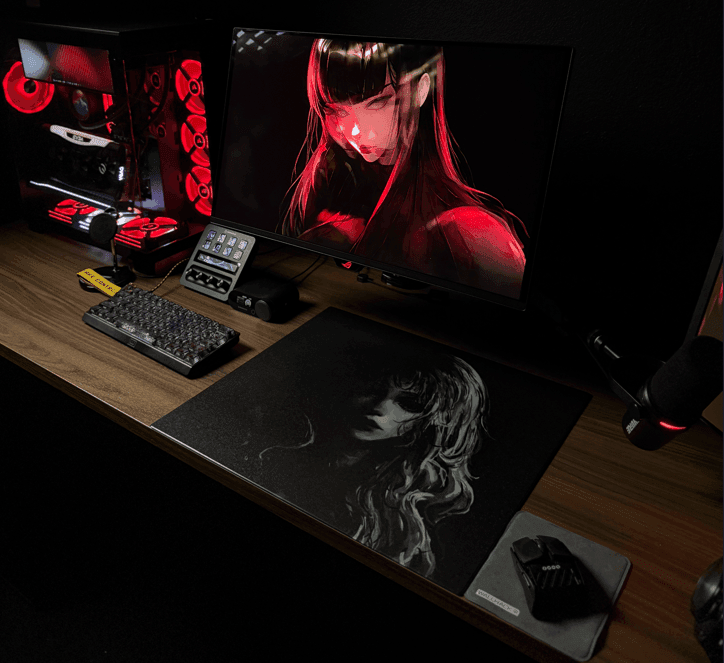
Matrova Yin. New surface, New roads!
Matrova Yin (Textured) Balance Glass Pad
 ♰
♰Introduction: Hello ! I am strevlo and today I will be posting my findings and thoughts after a month of playing and testing the Matrova Yin (Textured) Balance Glass Pad. I am new to reviewing so if there's ever any questions that you may have after my review or something you feel I didnt touch on, please feel free to ask me any time! *DISCLAIMER* I bought the Yin of my own money and intention of trying a "controlled/balance" glass pad, thus everything that you will read from my review will be completely my own honest thoughts. Matrova Yin specs: - Dimensions: 490 mm × 420 mm (Standard XL gaming surface) I will have images attached showing its size comparison to wallhack sp-04 and 05 attached below. - Thickness: 1.5 mm (Ultra-slim profile) its extremely thin! The thinness of the pad and its rounded out edges is a nice bonus cause youll never feel the pad on your arm, especially after many hours of consistent gaming. - Material: Tempered glass. Its glass however it feels nothing like i've felt from another glass pad. - Surface Treatment: Uncoated (etched/textured bare glass) Uncoated so can be clean with some simple water a pinch of soap! - Surface Texture: Engineered balance texture offering distinct tactile feedback without a topical coating layer to wear down over time. Now this is why we are gathered here! Surface: First glance: The textured surface of Yin is something that you must experience first hand. At first glance when I unboxed the Yin it looked like a normal glass pad from afar. * I must state that I did order a custom Yin, so the first thing I was greeted by was the amazing picture quality of the image of my choosing. * Upon taking a closer look at the surface of the pad you can instantly see the texture that is seemingly weaved across the whole pad. I have seen others describe it as the texture of plywood, and I must say that is the most accurate description that one can give. From the view of your desk looking down you'll just seen the amazing art, however close up you'll see intricate black plywood like texture. Smoothness: The Yin is smooth to the touch, despite its textured surface. It is not sticky to the skin (However my room is usually around 70°F or 21°C) so it is still recommended to use a sleeve, I would always use a clean sleeve as everyday consistency is important to me. Now in terms of smoothness in game play, I never once caught myself thinking it was not smooth in terms of glide, however it is not as buttery smooth as something you would find on a WH SP-05 or even 04. However this is NOT a negative and ill tell you why. FRICTION: Now this is what separates Yin from other glasspads I have used! Static Friction: The static friction on the yin is low. Which is ideal as it gives you the option of being as fast as you need to be while seemingly being effortless. I can compare the yin being as fast as the wallhack sp-04, from the start of your glide and through your initial swipes the Yin will move as easily as you want it to do so. This makes tracking in games and performing quick and needed 180s/flicks EFFORTLESS. NOT INTENTIONLESS meaning you control your aim. Stopping Power/Dynamic Friction: To add on to controlling your aim, the stopping power and dynamic friction can be labeled as "moderate" on the Yin. However in my month of use in games like: Valorant, CS 2, Rainbow 6 Siege, Marvel Rivals and Kovaaks, it was not only enough its what changed the game for me. I mained a WH sp-04 since release and thought consistency is all that matters when it comes to aiming. Now with the stopping power of the Yin, which is significant compared to the wallhack glass pads I own. The ability to stop on a dime due to the texture the Yin has ESPECIALLY with the right skates, its night and day difference. Now to speak on the dynamic friction of the pad, I did state that it could be considered moderate. I state this because it is not as smooth as a wallhack, and its also not as rough as sandpaper or as slow as a "mudpad". Its a in-between that can be adjusted to your preference with the right skates. Skate influence: Now I only tested the Matrova Yin with 2 skates. wallhack uhmw-pe neutral and Westlab Yellow. - Wallhack uhmw-pe neutral: With these skates I still felt the stopping power and slower dynamic friction that I desired. However in terms of stopping power it seem lackluster, it felt just a tad bit more control in micro and tracking than my wallhack sp-04. -Westlab Yellow: With these skates ALONE! You have upped the stopping power and dynamic friction to exactly what you'd expect from a balanced glass pad. (controlled like in my opinion). This is due to getting more texture feedback from the yin, it will be noticeable in all movements of your mouse. From a simple glide, to a micro adjustment, to any flick you do, these skates will let you feel the connection of your mouse to the glasspad. Now if you dont like texture feedback this wont be for you, however you would be doing yourself a great dis service by not trying this pad with controlled skates. Honorable mention: -One of the representatives in the official Matrova discord @brandtedtier really vouched for Westlab Grey skates as being the best option for those seeking a controlled experience with the Yin. I unfortunately wasnt able to get some myself, however he has given great advice when it comes to anything peripheral wise so I couldnt make this review without suggesting the best possible skates option. Price: -At the time of this review the price of Yin is 60$ USD, and 70$ UDS for a custom ! for shipping cost, I paid around 20$ for shipping to the US. This makes the Yin super competitive when it comes to the normal glasspad market. For the price and build quality, Matrova Yin is beyond recommendation. Points to keep in mind: -Shipping: Shipping will take a while, it took over a month and half to arrive, and even a month in general to get tacking information. However this is something the company is already trying to actively improve, and if you ever need an update, the staff in the offical Matrova Discord is more than happy to help! -Anti-slip base: The anti-slip base does its job most of the time, however if your room is prone to dust it will slip on occasion, and you must keep your desk and the base under your glasspad clean at all times. -Packaging: Now the packaging has a lot left to be desired, my package arrived dent and with a hole. Now its not to say that Matrova has complete control over shipping/delivery handlers, yet I would just like to see more protection for the glasspads in general. The packaging is very similar to the early days packaging you can find for wallhack/skypad 03 models, just a box with soft padding for protection. Conclusion: The Matrova Yin has been nothing but a blast in the games that I personally enjoy. It has opened my eyes in terms of what a specialized glasspad can do for your aim. If you have any intention of trying something more balanced/controlled or even something brand new please do yourself a favor and try the Yin. Images: (site didnt let me upload photos no matter what I tried) https://imgur.com/a/C5EOIr6

Lies of Piss
Round8 Studio Lies of P
 OpsecSquiq
LIES OF P — A PEDAGOGICAL-NEURAL ANALYSIS Lies of P is, to me, a particularly interesting case of creative regression occurring within the modern soulslike industry, where a young man looks at Miyazaki’s works, experiences a brief neural short circuit, and says: “holy shit, this looks cool” and begins cutting pieces out of Dark Souls, Bloodborne, Sekiro, and Elden Ring like a child cutting pictures out of magazines for an arts-and-crafts assignment. He then tapes them together, covers the whole thing in an industrial filter, adds Pinocchio, clocks, alcoholism, and approximately 46 kilograms of brass. Lies of P. Product finished. I will not hide the fact that I was initially interested. As a man possessing an IQ of 128 and a reaction time of approximately 154 ms, I am particularly sensitive to all forms of cognitive-motor anomalies occurring during human–enemy–button interaction. After several hours, however, I began to understand that the game was not designed for a human being to react. The game was designed for a human being to know the future. This is a fundamental distinction. The enemy starts moving his arm. The movement continues. He is still moving. The Earth revolves around the Sun. A child is born somewhere in Africa. He is still fucking moving. Then, when the player decides “alright, surely it’s about to happen,” the enemy finalizes the attack in less than 100 ms and the player receives an educational introduction to the surface of the Earth. This is not difficulty. This is pedagogy. And I recognize pedagogy. I spent years applying scientifically proven lobotomies and trance, so I know when a game is attempting to educate a human being through suffering. And Lies of P does this far too often. --- THE BOSSES The boss design is another example of the degradation of contemporary design thought. In most cases, we have: a large humanoid. But, so that it does not become boring: a large humanoid with a weapon. And later on: a large humanoid with a weapon who suddenly does something he did not do before. This is a design solution I refer to as the “fat man problem.” It is not about size. It is about philosophy. The creator says: “We need a new boss.” Designer: “Maybe a human?” “We already have a human.” “Make him bigger.” “We already have a big one.” “Make him even bigger.” “We already have a huge one.” “Give him a second phase.” “Brilliant.” AND THIS IS HOW CIVILIZATION IS BUILT. Some encounters look like a fight between two people, one of whom has a sword and the other has just been informed that tomorrow is Monday. The telegraphing, meanwhile, is sometimes so peculiar that I begin to suspect the animations were developed by someone who understands the concept of “delay” but not its meaning. --- THE LOCATIONS The locations are average. Not terrible. Not exceptional. They simply exist. There is a road. There is a staircase. There is a door. The door leads to a corridor. The corridor leads to an elevator. The elevator leads to a place that was 38 meters away from you seven hours ago. Soulslike. Spatial design reaches a level here at which I begin to suspect that the map was generated by a man throwing a potato at a city plan. The most fascinating part, however, is that the community often explains these shortcomings with the word “vibe.” Vibe. Scientifically speaking, this is a very interesting unit. It has no dimension. It has no mass. It has no measurable value. It cannot be quantified. Yet apparently it is sufficient to conclude: “Lies of P > Sekiro.” At this point, my 128 IQ begins sweating. --- THE MECHANICS The game has many mechanics. Very many. At times I get the impression that the developers were afraid that if they went five seconds without adding a new system, someone would revoke their license to produce video games. Guard. Perfect Guard. Stagger. Fable. Legion. Weapons. Weapon assembly. Dodges. Different damage types. Different things that do other things when you do yet another thing. And naturally, all of this is supposed to create depth. But the quantity of mechanics is not depth. If I put 700 fish into an aquarium, I do not obtain an ocean. I obtain a crime against animals. The same principle applies here. There are many mechanics, but their interaction sometimes resembles a meeting of the 84movement board of directors after consuming an unidentified substance. Everyone has an idea. Nobody knows why. --- REUSES The second half of the game begins to present an entirely new philosophy: “Have we used this already?” “Yes.” “Then use it again.” “But the player has already seen it.” “Change the color.” “Genius.” There are so many reuses that eventually you stop fighting enemies and start participating in a loyalty program. “Welcome back.” “No.” “Please fight the same enemy again.” “I already fought him.” “Yes.” “Thank you.” “See you in 40 minutes.” --- And this is precisely why I consider Lies of P one of the most overrated games in the history of the genre. Not because it is bad. That would be too simple. It is good. At times, very good. But the community has inflated it into some kind of revelation, as if Miyazaki himself descended from the heavens, looked upon Pinocchio, and said: “Yes. This man understands.” No. He does not understand. He has a 154 ms reaction time and still does not know when that fucking guy is going to stop moving his arm. Lies of P is primarily the product of people who saw several excellent solutions in other games and said: “let’s take all of them.” The problem is that game design does not work like a buffet. You cannot walk up, pile Sekiro, Dark Souls, Bloodborne, Elden Ring, a little Monster Hunter, Pinocchio, clockmaking, and two tablespoons of shitty telegraphing onto a plate and expect a culinary masterpiece. You get Lies of P. A good game. An enjoyable game. An impressive game. A game whose community sometimes assigns it a cultural value comparable to the discovery of fire.
Switch 1 Pro Controller review (for gyro aim)
Nintendo Switch 1 Pro Controller
 teamkilled
i mean it's alright
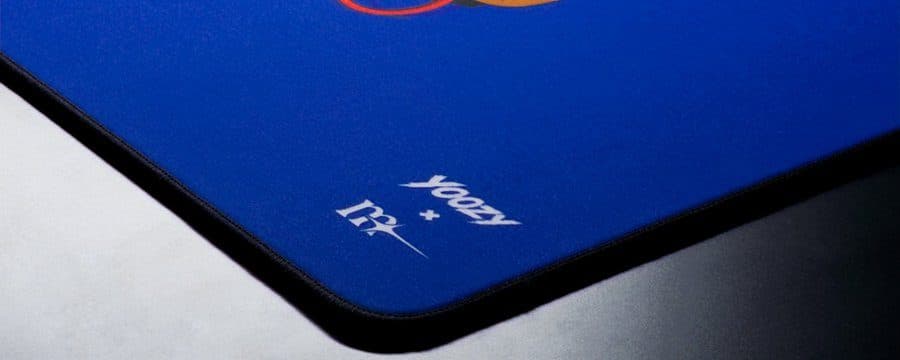
AFK by yoozy - A strong first collab
yoozy x Themasterpiece AFK
 asuno
asuno*Review sample provided by Themasterpiece. Not sponsored, not approved by them before publishing.* ## Intro AFK is a collaboration between the French brand Themasterpiece and yoozy, an artist and peripheral enthusiast. It's yoozy's first collab release. I got the pad on the 21st of August and it's been my daily since, so here's how it actually holds up. ## Specs - Size: 49 x 42 cm - Thickness: 4 mm - Surface: ZX, cloth, textured, marketed as balanced - Base: PU BASE - SOFT (Poron Soft) - Edges: stitched under the surface - Colorways: Black, Royal Blue, Orange - Price: 44€, limited to 100 units ## Unboxing Themasterpiece sent me several pads in one large box, so I can't speak to what a single retail order looks like. What I can speak to is how the pad was packed: flat, in a cardboard box that keeps it that way, with a plastic sleeve over the pad itself. That sleeve is a small thing but I want to give credit for it. It keeps moisture and anything else off the surface in transit, and I've had cloth pads show up wet before. More brands should be doing this. ## Design The art earns the name: a mech slumped into an armchair, sword put down, mug next to it. Calling that AFK is generous, the thing has clocked out entirely. Colors pop and the detail survives the print. I'm not anti-colorful, but this one is unusually vibrant by my standards, and I still genuinely enjoy having it in front of me. Branding sits bottom right, small and out of the way. Mine is the Royal Blue, my favorite of the three. ## Build quality The stitching runs under the surface rather than around the perimeter, and it sits properly below the glide surface rather than level with it, so there's nothing to catch on at the border. This is one of the only cloth pads where I genuinely don't notice the stitching at all in use. After a week and a half of daily use there's no fraying, no lifted thread, and the print hasn't picked up any shine or dark patches in the spots I use most. The Soft Poron behaves like a good soft base should. What stands out is how much grip it has. It's significantly stickier than comparable Poron soft bases. If I shove the pad sideways with any force, my desk moves before the pad does. ## Surface *Mice used: X2N Crazylight Mini, Vaxee NP-01S V3, EGG OP1 8k v2 and ATK A9 Mini+* *Skates used: Vaxee NP-01S V3 stock, UNWS Magic Ice Plus dots, UNWS Red Capsules, Xraypad Jade Donuts and Ultraglide Silencer dots* AFK is textured, but textured in a different way than most cloth pads I own. It never gets as abrasive as a Zero or even a Hien can feel, and that doesn't make it a smooth pad either. Side by side with an Artisan Zero SOFT, AFK is the slightly faster of the two, and the smoother texture definitely plays a part in the perception here. Smooth tracking is entirely doable here without giving up stopping power. The surface is one reason for that, the base is the other: it allows good pushdown without being so soft that you sink into it. Micro-adjustments come out smooth, never stuttery or muddy. That gets harder to hold onto the faster your sens gets, though faster skates counteract it a bit. Skate choice moves it a decent bit. On Magic Ice dots and Jade Donuts there is solid speed to get out of this pad. On fuller or more neutral leaning skates it performed pretty true to its nature. Themasterpiece calls the ZX surface "balanced" and that's roughly where it lands, with a slight tendency toward speed. ## Sleeve compatibility Feeling the texture for the first time, I had already written this off. Put a sleeve on, and it actually works. AFK is decently sleeve compatible. My best result by a clear margin was the Prosicion sleeve worn inside-out, which is a combination I'd recommend trying if you own one. The WALLHACK sleeve and a handful of cheap AliExpress sleeves weren't as good, but even those did better here than they do on rougher textured pads. ## Base There's a reasonable amount of give when you put pressure through the mouse, and that give is usable. It gives you extra stopping power to work with, without the pad ever feeling muddy or like you're sinking into it. How far you can lean on that depends on your skates. I often ran the pad comfortably on 4 dot skates. If you want to properly abuse pushdown as a stopping tool, you'd want more contact area, somewhere in the 6 to 8 dot range. ## Personal ingame experience The ATK A9 Mini+ has been my main on this pad, and my main overall right now. Most of my time on the pad was spent in KovaaKs, Call of Duty MW3 and MW4. In CoD I run somewhere around 27-35cm/360. In KovaaKs I moved between 25 and 75cm depending on the scenario, and the pad handled most of that range without complaint. The one place I ran into some issues was at the fast end. Once I got up to around 25cm/360 and quicker, micro-adjustments turned slightly stuttery. Faster pads do a better job here. Everything above 25cm was mostly fine in that regard. Where it stands out is target switching and faster TTK games. Fast flicks with a controlled landing into a short tracking section work very well on this pad. It wouldn't be my first choice for something like The Finals, though it's still capable there, but for flick and short-track heavy games it's great. [Gameplay on the AFK](https://x.com/asunoaim/status/2091230421073731664?s=20) ## Who this is for - Anyone who gets on with soft bases and wants a textured, but non abrasive surface. - Sleeve users who've written off textured pads. - Flick and short-track heavy games, and faster TTK shooters in general. ## Who this isn't for - Very high sens players. Past roughly 25cm/360 the micro-adjustments lose some of their smoothness, and that's the nature of this kind of pad rather than a fault in this one. - Anyone who wants a hard, 0 pushdown base. - People who want the size. I prefer my pads at 500x450 or bigger, and 420mm of depth runs out on me in some KovaaKs scenarios with a lot of verticality at a lower sens, where I end up wanting those last few centimeters and they aren't there. ## Final thoughts AFK lands on the faster side of balanced, a small step quicker than an Artisan Zero SOFT, with a texture that never gets as abrasive as a Zero or a Hien, and it handles sleeves better than most textured cloth pads do. The base is soft in feel and unusually grippy underneath, so it stays exactly where you put it. Is it worth 44€? Yes, on performance. My one real gripe is availability: 100 units, preorder only, gone. For a first collaboration that's very understandable, but this is a comfortable everyday pad and in my opinion it should be easier to get hold of. So the takeaway for most people reading this is that Themasterpiece can build a surface worth paying attention to, and yoozy's first collab is a great debut and I'd love to see more where that came from! [Buy AFK](https://the-master-piece.com/en/products/afk-by-yoozie?_pos=1&_psq=afk&_psid=c6bca4ed6&_ss=e) [yoozy](https://x.com/Yoozy0912) [Themasterpiece](https://x.com/Themasterpce) Thanks for reading🖤
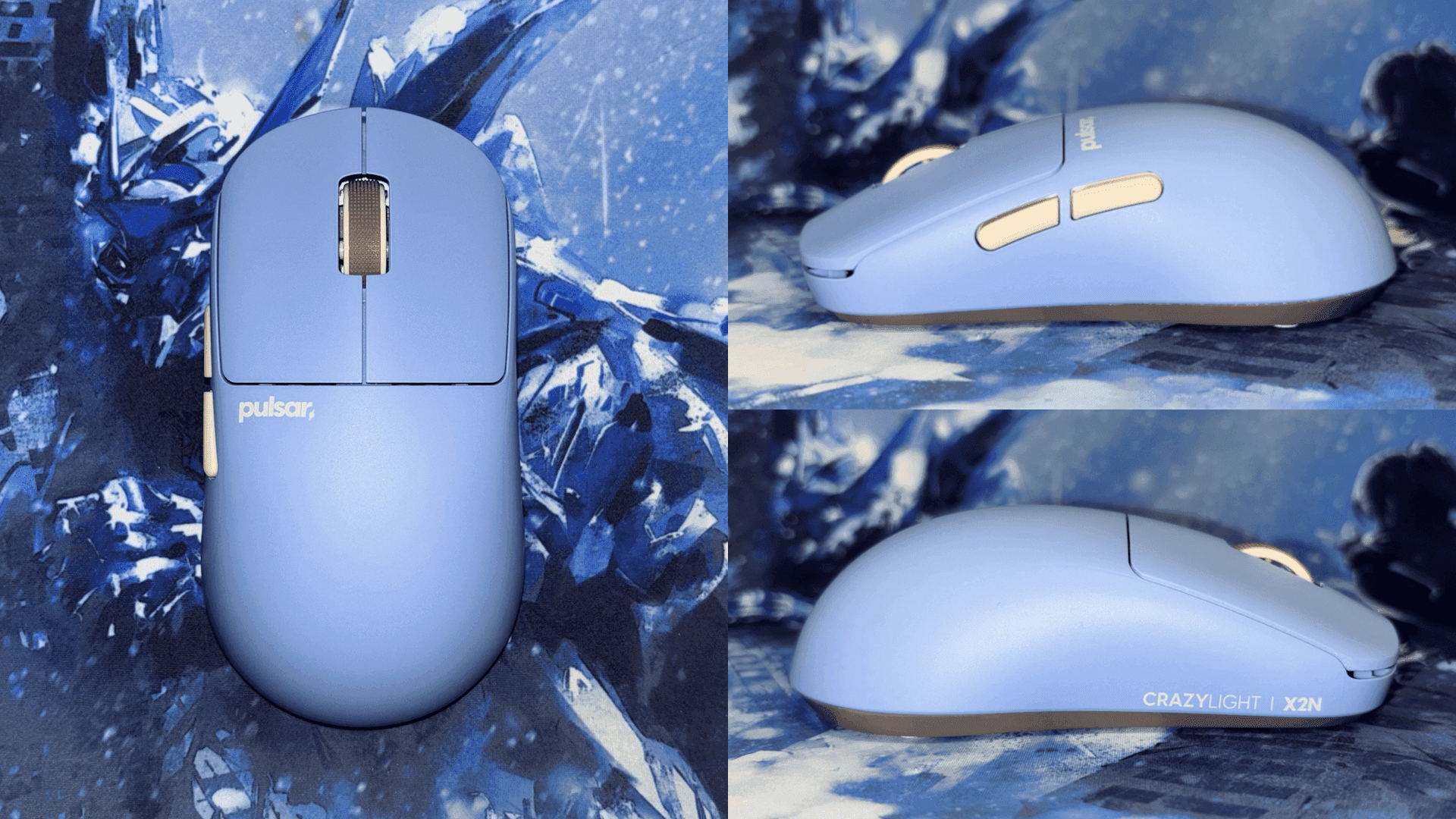
A shape so good that I had to write my first ever review - A long term X2N CrazyLight Medium review
Pulsar X2N CrazyLight Medium
 pasta
pasta# **X2N CrazyLight Medium review** Hello! This is just a preamble for you to know the perspective I am reviewing this from. I am Pasta and I have been interested in mice and peripherals since 2021. I have 20Lx10W cm hands, and I use a hybrid between fingertip and claw, switching between the two depending on the aiming scenario, as well as the mouse I am using. My previous favorite shape was the OP1 by Endgame Gear, with personal complaints about it being too small for me to claw, but perfect to fingertip grip. Note that I am new to doing reviews, so feel free to leave any feedback or questions in the comments! :) ## **Rating system:** The rating system isn't based on what is currently available or what I have tried, it is based on what I subjectively think could be improved in an ideal implementation. My ratings are purely subjective and likely will change, and a 10/10 likely won't happen in my rating system. Expect to see lower ratings than commonly given. ## **Clicks:** **Pre and post travel:** The click implementation isn’t bad or unusable, but it definitely isn't good. I would say they are on par with a lot of the chinese clone brands. There is a good bit of pretravel, and a good bit more post travel. **Switches:** The X2N uses Pulsar's modified version of FE opticals. In my opinion they aren't very good switches, I hope to see them using custom Huano SPDT switches in the near future. I appreciate that they aren't very loud like the Viper V4 Pro, but they are also not very quiet. ## **Click rating: 5.71/10** ## **Scroll wheel:** I really enjoy how quiet it is, it could be more tactile between steps, and it is too low into the shell for me (Photo attached).  It overall isn't bad, but I’ve felt better. There is also an issue of tapping it slightly and it scrolling and making me jump, each step shouldn't be that light. Rating is a low 6 without that issue, considering that issue it is a 5.3 or less. ## **Scroll wheel rating: 5.3/10** ## **Coating:** I consider this a mediocre coating/surface, the coating doesn't add much grip compared to raw plastic, I have tried surfaces with no coating (GMM Spearhead V3) with a better feeling surface. For comparison of coatings on plastic mice, the 60 dollar Mchose L7 ultra, and viper v4 pro have better coatings, with the Endgame gear XM2 and OP1 being way better. ## **Coating rating: 4.4/10** ## **Side buttons:** The side buttons could be larger and protrude more, and more quiet. The side buttons also aren't very consistent, I have one side button that is louder and more pingy than the other. In terms of sound and click feeling I much prefer the sidebuttons on the viper v4 pro, I prefer the shape of the current side buttons on the X2N. ## **Side buttons rating: 6.34/10**  ## **Shape:** **Shape positives:** The hump is absolutely the star of the show for me, it holds my claw grip very well, and with my 20x10cm hands, it isn't too large for exclusively claw grip. For me personally, I use a hybrid claw and fingertip grip, this is right before the line of being too large for me to finger-tip. I am able to finger-tip this after moving my fingers near the middle of the clicks. **Shape Cons and feedback:** After the initial side curves in, it curves back out towards the front. I would like to see them reduce the front side width to be more like that of the op1, not strictly in terms of actual width, in terms of profile, although I could see this with a much thinner grip width (past the rear hump) being an improvement. ## **Shape rating: 8.02/10**  # Negatives and gripes + Changes I would like to see: ### **Base:** The transition between the top shell and skate area is a glossy finish, this scratches easily, and collects grime as well, when it arrived it already had scratches on this part from the factory, as seen in this photo:  The area under the skates also has the same issue of being glossy (it is more of a sanded semigloss), it is an area where you are expected to remove and replace skates, this would typically be done with a fingernail or a plastic tool, with a glossy finish under the skates, it makes it harder to clean off adhesive and grime, and makes it much more likely to show visible scratches. At the edge of the skate area there is also a lip, this makes it harder for adhesive to escape from under the stock skates, this makes sense on a less enthusiast branding, but for a “CrazyLight” branded product, I think a fully flat base would make more sense. A common issue with pulsar bases has been that the base is un-even and not flat, I have this issue with mine. To use it on glass pads without wobbling I had to sand my base down. ### **Dongle and cable issue:** The dongle is too light, and has fallen off of my desk multiple times, they should redesign it to fit more weights in the bottom of it so it stays flat on the desk. The other thing that adds to the issue of the dongle being so light, is how insanely rigid the cable is, either have a more ergonomic cable that isn't so stiff, or add weights to the dongle. ### **Sensor and MCU:** The sensor and especially the MCU are quite outdated, could definitely see a CL v2 of this and their other CL series mice with the updated XS-2 and 54L15. ### **Shape Cons:** After the initial side curves in, it curves back out towards the front, I would like to see them reduce the front side width to not curve back out. ### **Base and PCB changes:** PCB screwed into the top shell, instead of being screwed into the base, this would make it easier to remove the pointless weight from the base. I would also like to see the entire removal of the base, or almost complete removal of it. Base designs like those in the Gabe Mouse Mods Spearhead V3, and G-Wolves Lycan are much more well optimized for weight. ### **Side wall support:** Since we would be removing the side wall support by the base, we would need support added elsewhere. The best way I have seen this done, is by using carbon fiber rods where more support is needed, these would either be glued in, or press fit in. ### **Scroll wheel:** It should be a bit more tactile, higher up, use an optical encoder (less important), all while staying at a similar level of volume. ### **Side buttons:** Could be more quiet, and a little bit larger, they also aren't very consistent. Thank you for reading my review! As a reward here is a photo with my cat and the X2N! 
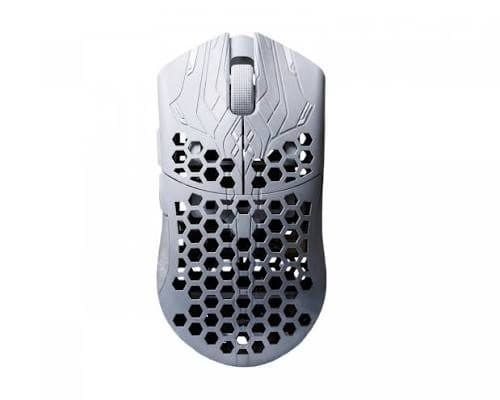
Best mouse
Finalmouse ULX Prophecy (Medium)
 秋
秋Prob one of my fav mouse that i have used. Fits nice in my hands
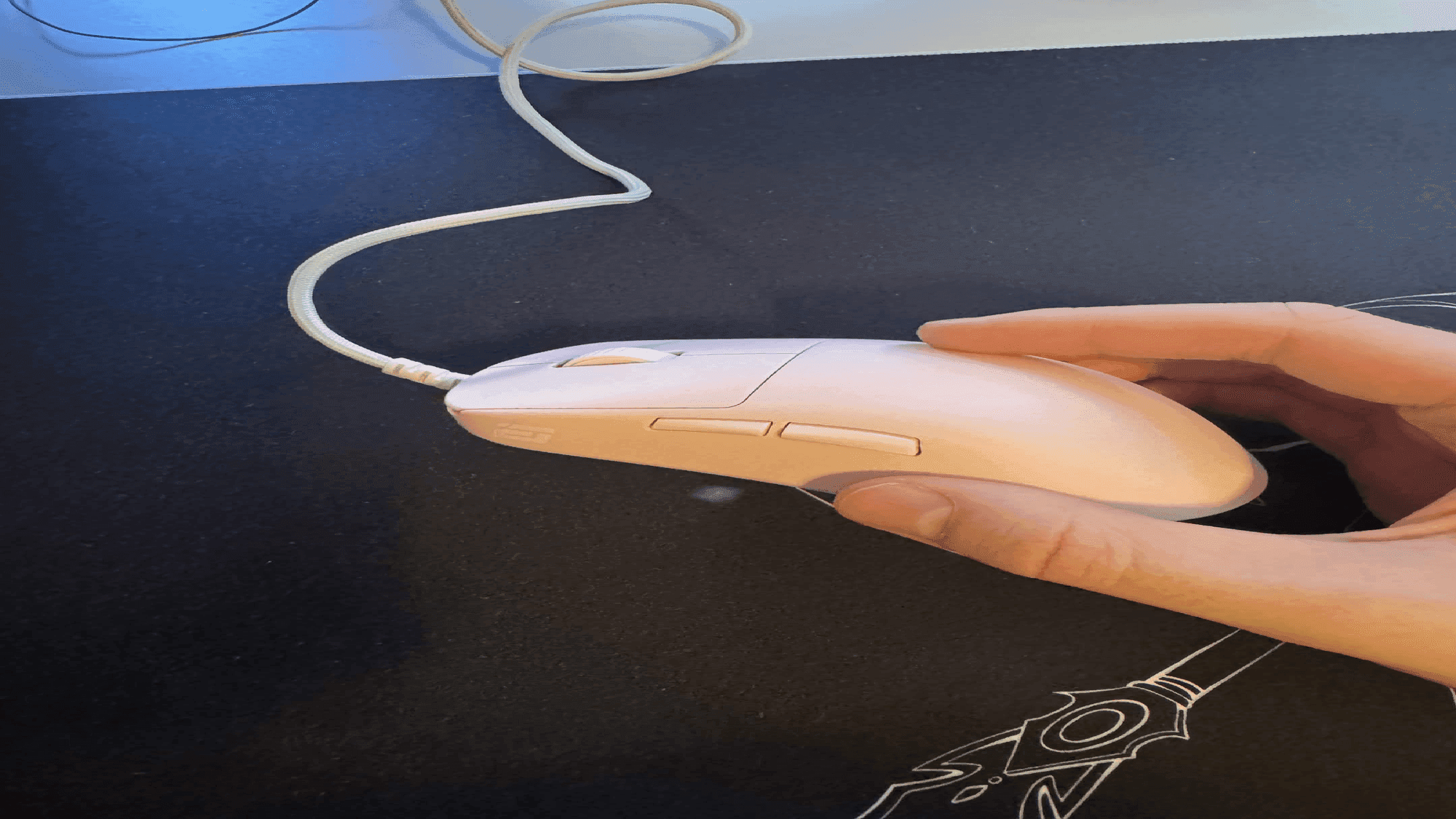
op18k goes pink
Endgame Gear OP1 8K v2 PINK MODE
 ephedor
imagine the op1 was pink and highk(highkey) better
:9
Logitech G PRO X SUPERLIGHT 2
 gamer
gamersoo mid

The most disappointed I have ever felt in my life.
UNNAMED MOUSEPAD Astolfo wrist rest mousepad
ephedorthis wrist rest doesnt even work good it restricts all movement and only allows you to wrist aim break wrist carpaltunnel speedrun 100% any method do NOT buy this. lowkey though squishy
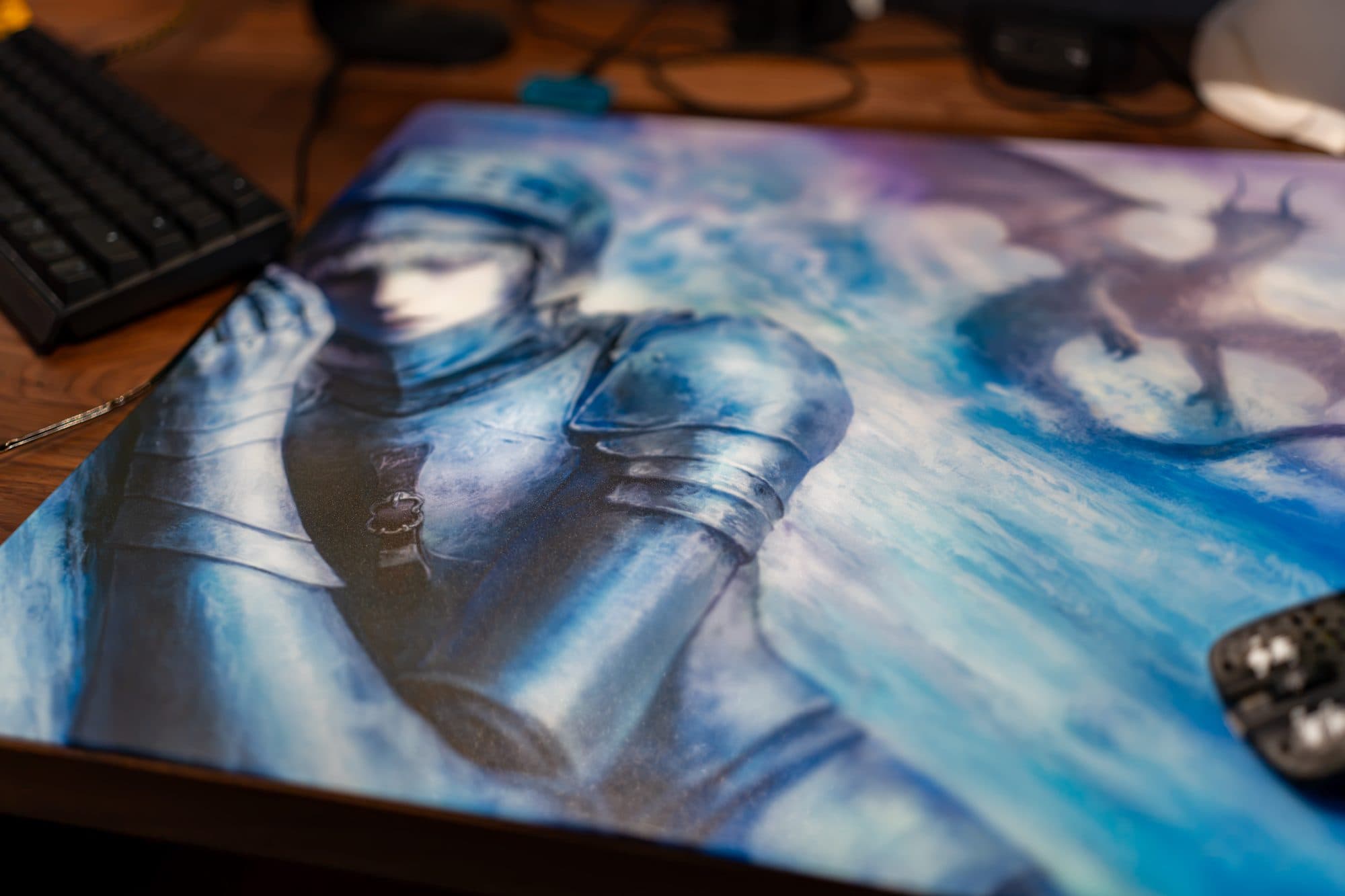
Kyomi Ryo - 3 weeks of use
Kyomi Ryo
 Kéke
Kéke# **DISCLAIMER** I bought this pad myself on MaxGaming. No AI review, and I've used this pad for the last 3 weeks. Firstly, I want to remind everyone that this review is my **PERSONAL** opinion and view of a product and shouldn't be used to decide your purchases. See other reviews and compare information and decide based on that. I will be using these two glass pads, GlssWrks Zane and WallHack SP-004, as a base to compare and review the Ryo. # FIRST IMPRESSIONS This pad is so thin, 1.5 mm as advertised, and it shocked me to the point I thought it was made of plastic because of how light and thin it felt when I grabbed it, especially because this is a big pad (500 x 450 mm). The second thing I noticed was the "rubbery sensation." What do I mean by this? The coating and texture make it feel like there’s a thin layer of rubber on top. The silicone base is good but not perfect; on my desk it shifts when I push it (it doesn't happen while gaming). For context, I use a “KARLBY” **countertop** from Ikea as my desk surface. # THE PRINT AND DESIGN I personally dislike most anime pads, but this one… I don't dislike it at all; far from that, compared to the other 2 I own, I love Ryo, and it motivates me to play and be at my desk. The colors are awesome, they have good contrast and they aren't too saturated, so the pad doesn't become obnoxious on your desk, and all the micro details on the print make it special. # COMPARASION (SPEED, TEXTURE, AND NOISE) Compared to Zane and SP-004, Ryo is the fastest and most textured. I would dare to say that SP-004 is two times slower and smoother in comparison, this is not a bad thing, just a personal preference. About the texture, another thing Ryo does better than Zane and SP-004 is dust/particle resistance, for context, I own a cat, and since I got Ryo, I just need to wipe it with a microfiber cloth once, and I'm good for the next couple of hours or even for the day. This was never an issue with my Zane, but SP-004 was like a dust/particles magnet, and it constantly pissed me off. When i changed from my Zane to the Ryo the biggest differences besides the speed and texture was how comfy Ryo felt in comparison, the edges and being thinner make it a more comfortable experience to use and the skin stickiness… How I hate the sticky sensation from SP-004. To be fair, I sweat a lot from my hands and Portugal's weather isn’t properly the best for this kind of problem either, but Ryo… I can't say it doesn't stick when I'm sweating a ton or after a competitive game, but in comparison to the other 2, it's like night and day. I can use Ryo daily without putting a sleeve on (but I don't recommend gaming without one), and that’s a win for me already. Noise is hard for me to describe, because I don't hear anything at all while using it, but my partner told me he knows when I'm gaming because of the sound the sleeve makes against the pad. (We share the same desk, take that into consideration). # MICE USED Tried a few mice with this pad, I feel better with the lightweight fingertip mice. Here is where I think Zane and SP-004 can win because they are smoother, I didn't feel much difference going from a 20g mouse to a 30g one, but with Ryo I can feel the difference, not a deal breaker. I even changed last week to my WLmouse Miao (felt my aim a bit shaky and went for a higher and heavier mouse). I never had any tracking issues with any of my mice with this pad. # SKATES USED - Esptiger ICE V2 dots - Ultraglide RS dots - Clustrs White Donut - GhostGlides Cyclone Pro dots Ryo is mouse skate sensitive, I tried all those skates on my G-wolves Fenrir Asym to have a bit of consistency. I felt better playing tactical shooters (Valorant and CS2) with Cyclone Pro. **Rated (speed to control):** Ultraglide RS -> Esptiger Ice -> Clustrs Donut -> Cyclone Pro. About the wear down of the skates, I felt almost the same wear down as I did with the SP-004 or Zane, but this can be due to the lightweight mice and the way I grab the mouse. # CONCLUSION If you’re looking for a speed glasspad, Ryo is a great choice since it's limited and might not be available anymore. **Kuko, Yuyo, Apex, and Rin**, all of these pads are "equivalent", slightly faster or slower than Ryo but very close.
default
ATK A9 Air
 xeuphoria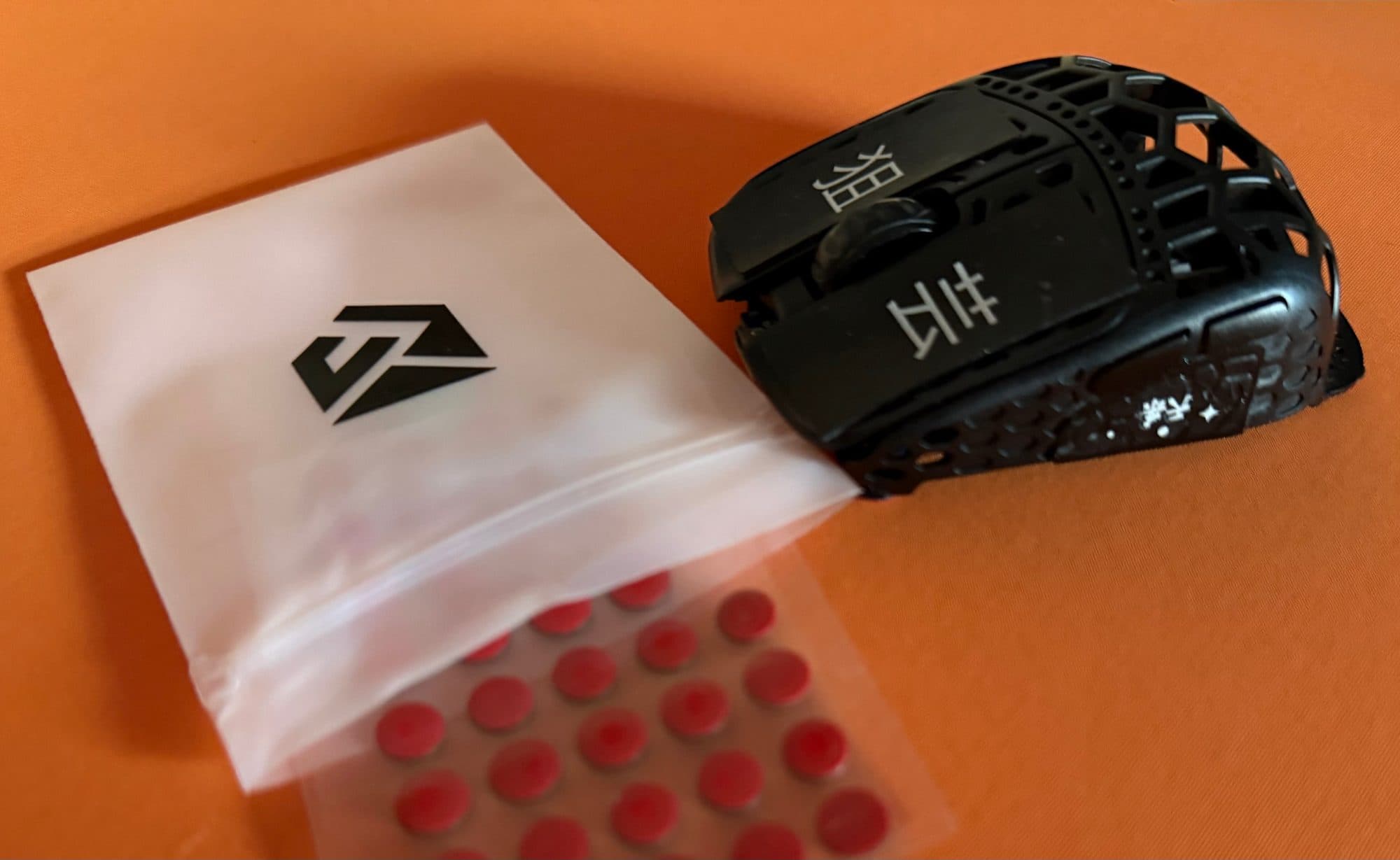
Magic Ice PLUS: the best I've run on glass?
Unusual Way Sports Magic Ice PLUS
 pyvno
pyvnoMaterial: soft PTFE Thickness: ~0.8mm Mouse: G-Wolves Fenrir Pro (18.9g) Pads: Raiden Soft, Yuki Aim Monokuro (glass) Fast on glass, controlled enough that stops don't overshoot. Quiet, no scratch on the Monokuro. On the Raiden Soft they're slower and less notable, glass pad dominates. Smoother and quieter than standard Magic Ice, slightly slower top speed.

ATK A9 Mini+ Review
ATK A9 Mini+
asuno*I have reviewed mousepads before, but not mice. This is my first mouse-review so let me know if I can improve anything. Thanks! 🖤* ## Pricing & Shipping I bought the ATK A9 Mini+ directly from the official ATK store for €70.90 total, shipping to Germany included. It arrived in just 7 days, which is pretty impressive. ## Unboxing Experience Inside the box, you get the mouse, a pretty stiff USB-C cable (feels premium, but sucks for playing while charging), and a translucent 8k Hz dongle. The dongle has an integrated LED that you can customize to change colors based on your preference, the polling rate, or the current battery status. You also get 10 PTFE dot skates included, which I haven't tested yet, though I haven't exactly heard amazing things about them from others. The included grip tape is pre-cut. People compared it to Pulsar Supergrips (which I don’t own), but I put a strip on Mouse Button 1 and it’s genuinely top-tier. It's super thin, incredibly grippy, and peels off cleanly without leaving sticky residue. Can't speak on longevity yet, but right now it's up there with Mizuworks Senjutsu grips as my favorite. ## Shape & Grip compatibility Shape-wise, the Mini+ is extremely similar to the Superlight 2c, the only difference I have heard from people that own the 2c appears to be that the 2c is slightly longer, the EloShapes 3d comparison tool also supports this claim. With my 19x10cm hands, the mouse fills the hand very welland feels super comfortable. It’s highly versatile for grips; I can easily switch between relaxed claw, aggressive claw, pincer claw, and even full fingertip, however I can not fully palm grip it. The shape is extremely safe due to the centered hump and gentle curves, allowing for basically any grip style as long as your hands aren't too large. The sides have a slight inward taper, creating a natural slot for your thumb, pinky and ring finger, and they flare slightly outward toward the top, making sure you don't slip off when lifting the mouse. ## Build Quality The build quality and shell integrity are top-tier—zero flexing or creaking on the sides or the back hump, even when squeezing it hard. QC on my unit is perfect. Also, the "Lake Green" color looks insane in person, easily the best-looking mouse in my collection right now. ## Main and Side Buttons The main clicks use FE Optical switches. Some reviews talked pretty badly about them, but I actually love them. There’s a tiny bit of pre-travel and a tolerable amount of post-travel. My unit has a little side-to-side wobble on MB1/MB2, but it’s completely unnoticeable when playing, and there's zero switch grinding. If you want super crispy, heavy clicks with very tactile feedback, you will not love these, but if you like a lighter actuation force, the implementation is good. The side buttons feel great and are easily spammable—literally night and day compared to the notoriously mushy Logitech Superlight side buttons. They have light pre-travel and tolerable post-travel, though the front side button on my unit feels slightly heavier to click than the back one. ## Sensor, Polling Rate & Performance The mouse features the PAW3955 sensor, and the implementation feels flawless to me. It supports up to an 8k Hz polling rate, though I’ve been running it at 2k Hz. 2k Hz polling rate is my personal preference as it does not take as much of a toll on my CPU as well as offering good battery life while also enhancing the smoothness of the mouse input. I also personally do not notice a difference between 2k and 8k Hz polling rate with my current setup. I tested the A9 Mini+ exclusively on the "Tekkusai The Guardian" glasspad and had zero tracking issues or spinouts. That’s a big deal since more and more mice appear to work fine on cloth pads but have sensor skipping issues on glass, this mouse handles it perfectly. I’ve had absolutely zero wireless issues, keeping the dongle positioned roughly 35cm away from the mouse during usage. ## Scroll Wheel and Encoder The scroll wheel is pretty much perfect for me. It uses a TTC Gold encoder. The scrolling tension is quite light but still gives you distinct steps instead of feeling mushy. The click itself is crisp, though it's a bit on the stiffer side. It’s not quite as heavy as, for example, the Scyrox V6s scroll wheel click, but it is a bit heavier than average. Overall, pretty happy with the scroll wheel. ## Coating The coating feels like a mix of rubbery and chalky. My hands get pretty sweaty when gaming, so I usually hate purely rubbery coatings and strictly prefer chalky ones. The Mini+ hits the perfect sweet spot—zero slipping issues so far. ## Weight Weight-wise, my unit came in at 46g out of the box, which is way higher than the advertised 39g +/- 3g. This appears to be almost entirely due to the stock skates, which are massive, thick, and have sharp edges that might scrape on cloth pads if you push down hard. ATK advertises the weight of the mouse with its stock skates off, which is questionable, but I managed to get my unit within the 3g tolerance by swapping the stock skates out for 4 UNWS Pink Fox dots, and the weight instantly dropped to 41g. Disclaimer: I weigh my mice on a generic kitchen scale and do not own a precision scale, so my information regarding weight might be slightly imprecise. ## Base Design The base design is great: the skate areas are wide, flat, and completely free of annoying plastic ridges. Putting on aftermarket dots or donut skates is incredibly easy, unlike the Superlight series where the narrow bottom groove limits your options. ## Software The configuration software is a web-driver, and it's easily one of the best I've used. It's super clean, well-organized, and all features make sense. Aside from 1-2 minor translation errors where some Chinese characters pop up, it’s effortless to navigate. ## Battery Life The mouse packs a tiny 200mAh battery, which actually makes the battery life pretty damn impressive. The software shows an estimated usage time based on your current settings. On a fresh charge at 2k Hz, it estimates around 15-25 hours. That matches my real-world testing: I easily got 2 days of gaming at 2k Hz with the "ATK Shard Competitive Firmware MAX" mode active, which forces a 20k sensor scan rate. For a cell that small, that's absolutely solid performance. ## Final Verdict Honestly, this mouse is an absolute killer buy. If you are looking for a genuine Superlight 2 alternative or just want a top-tier performer in this exact form factor without the typical Logitech flaws, you can't go wrong with it. Thanks for reading 🖤
Lock-On Gear Odyssey — One Pad, Many Pads
Lock-On Odyssey
asunoThis review was initially posted to Twitter, including pictures of the relevant topics. Read it [here](https://x.com/asunoaim/status/2081510882744377405) **How a 109€ glasspad and a 5€ pack of skates let you build the surface you actually want.** Fast or controlled: that's usually the whole conversation with a glasspad. The Odyssey turns it into a much more interesting one. I bought the @LockOnGear Odyssey for a total of 114,95€ (including shipping) from @wearemaxgaming and it arrived about 4 days later, which is the usual shipping time I know of from MaxGaming. ## Why the Odyssey The glasspad market is saturated. Many new releases chase the same thing: more speed, or a louder gimmick to stand out from the pile. The Odyssey goes the other way. Lock-On built it as an evolution of the Harut, officially stating "faster than Harut while remaining controlled and approachable." Approachable is the main story here. But it comes from something the spec sheet doesn't necessarily mention: skates. ## Specs & What's in the Box - Size: 490 × 420 mm - Surface: 2 mm aluminosilicate glass, precision micro-etched finish, uncoated - Base: Full-surface rubber backing - Edges: Rounded and beveled - Glide (official): Balanced, leaning toward speed with low initial friction for micro-adjustments, controlled dynamic friction for stopping power - Price: 109,90€, a total of 1000 units worldwide, individually numbered - Warranty: 1 year manufacturer's warranty In the box: the numbered pad, custom art packaging, an X-Raypad U9 Air skate pack (40 dots), a "Thank you" card, a branded microfiber cloth, four Lock-On stickers, and a collectible coin unique to this release. Pad, Collector*s coin, microfiber cloth and "Thank you" card. Included stickers ## Design & Build Quality The build is excellent. The rounded and beveled edges are the detail that stands out — finished cleanly, and never catching my arm during longer sessions. Edges Print The Odyssey comes in two styles, and I went with the "Black & White" over the "Colored" purple variant. I wanted something more muted for my rotation, and it fills that slot exactly right — lowkey on the desk without fading into it. My taste runs to both ends: I love a good anime print, and I love a fully muted one-colour pad. This art lands between the two: loud, but not hateable. It's a good-looking pad. Print quality is high, and you keep catching small things in the artwork the longer you sit with it. ## Base Lock-On went with a full-surface rubber backing, and it does the job. Under normal use the pad doesn't move at all for me. If I really try to shove it around the desk I can, but that's me deliberately testing it and not something that ever happened mid-game. Planted enough that I stopped thinking about it, which is all I want from a base. ## Surface Feel Out of the box, the Odyssey is very textured. That's the first thing I noticed, and it sets an expectation the pad doesn't actually keep. The surface is uncoated aluminosilicate glass with a micro-etched finish, and that "uncoated" part matters. It means the texture comes through raw and direct, with no coating to wear off over time. The trade-off is skin-stick. I tend to sweat a little more, and once the humidity climbs it's clearly there. A sleeve fixes this entirely, so it's never been a dealbreaker, but if you run hot and skip sleeves, keep that in mind. The texture gives something back, though: dust resistance. The Odyssey basically never has dust issues, and my guess is that it just falls into the deep texture and almost vanishes. I only realized how dusty mine had gotten when direct light caught it at the right angle and even then I never needed to wipe it. Compare that to pads I clean several times a day, and it's a quality-of-life difference I noticed immediately. ## The Star of the Show: Skate Manipulation Here's what sets the Odyssey apart. I've never used a glasspad that responds to skate swaps the way this one does. *Same sheet of glass, three completely different pads:* - @UnwsGear Magic Ice Plus: smooth and definitely speed-oriented. The texture recedes and the glide opens up. - @meowgaminggears Ultraglide Silencers: balanced with a tendency to speed, just a hint of texture. - @UnwsGear Silver Fox Plus: heavy control, with strong textured feedback. The surface gets some teeth and pushes back when you lean into it. That's not a subtle shift. That's three different pads living inside one piece of glass. Most glasspads hand you a personality you either click with or you don't; the Odyssey lets you pick. ## In-Game Almost all my time on the Odyssey has been in Call of Duty: Modern Warfare 3 with a side of KovaaKs. My main focus was target switching, and for that the pad is perfect due to the rather fast, low-friction base glide makes snapping between targets effortless. I mostly ran the Ultraglide Silencers for a bit of extra smoothness on the track right after a switch while still retaining the balanced nature of the pad. Long tracking is an option as well, but how easy it feels depends heavily on your skates: on the Silver Fox Plus it takes a good amount of effort, while Magic Ice Plus turns it very smooth. Paired with the Silver Fox Plus it's great for clicking scenarios, though it drags going from a flick into a smooth track as there is a bit too much control for that motion. Same point again — you're not stuck with one behavior, you tune the pad to the part of your aim you care about. Gameplay: https://x.com/asunoaim/status/2072358388558688423?s=20 ## Who This Is For This is why I'd hand the Odyssey to someone new to glass over almost anything else. It doesn't commit hard to one extreme, and it responds so strongly to skates that a newcomer can spend €5–10 on a pack of dots and reshape the entire surface, either dialing it toward speed or toward control until it's the pad they actually want. No second or third pad needed to find your preference. You run the experiment yourself, cheap, on a pad that's well-built to start with. For an enthusiast, that's a fun tuning tool. For a beginner, it's the most forgiving way into glass I can think of. ## Downsides Two things. First, size. 490 × 420 mm is good enough for how I play mostly, but at this price you can find bigger pads — plenty of options around 109–120€ give you more room if you play low-sens or just appreciate the space. Second, and this one matters more: the included skates. The X-Raypad U9 Air are a very controlled, heavily textured way to meet the Odyssey. They let the full texture through, and for someone opening their first glasspad, that raw feedback can be off-putting. I think Lock-On would've been better off packing something more balanced that softens the texture a little, a friendlier first impression that still shows what the pad can do. The fix costs 5€, but a beginner might not know that yet. ## Final Thoughts Most glasspads ask you to adapt to them. The Odyssey adapts to you. It's well-built and it sits in an approachable middle ground, however the main reason I'd recommend it, especially to anyone stepping into glass for the first time, is that a few euros of skates turn it into almost whatever pad you need. At 109€, that flexibility is easy to recommend. Just budget for a sleeve if you run warm, and grab a spare set of skates before you decide how you feel about it. Buy Odyssey Thanks for reading.🖤
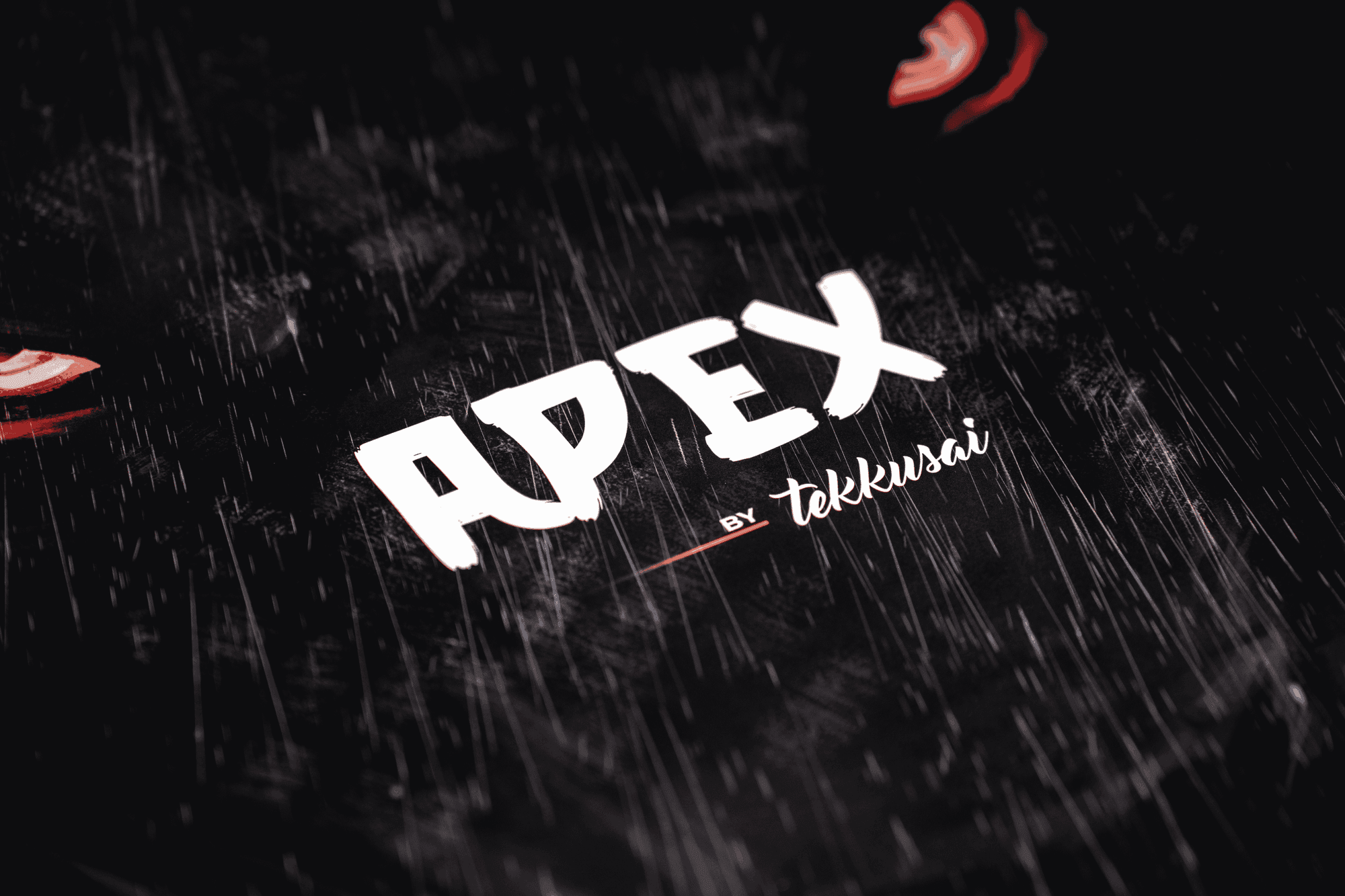
The Apex by Tekkusai Unit #1989/2500
Tekkusai Apex
 xurshin
One of the Greatest Speed Pads I've tried. Extremely fast yet controllable. The Apex is 500x450 with a 1.5mm thickness, edgeless design and dual coating. Tested with my Lycan and XM2 8K (Both PMM Smoothies) on Kovaaks, The Finals, R6 Siege and BFV. The surface feels amazing, low skin friction, a nice texture on the skin and variable friction coating, applying downward pressure has more friction and stopping power on the skates. PMM Smoothies feel great on the pad, smooth with no pressure and a noticeable yet comfortable amount when pressing down. The speed is crazy fast but isn't slippery or unusable, making adjustments in tracking is super effortless, especially for reactive. For flicking like in BFV, making a flick to the next target is fast, and easy to make a micro adjustment, using my palm and fingers I gain more stopping power for flicks as-well. The base is a normal octagonal pattern base, does slip when applying pressure with my hand but during aiming it doesn't move. The size is great for covering wide movements, and the curved edges aren't noticeable with its 1.5mm thickness. Overall this is a great speed pad to aim on, perfect for extreme speed enjoyers and glasspad aimers. Though it might be overkill for a casual experience. 🥰got some nice clips and a couple kovaaks pb's with it alrdy too.
G-wolves HSK Pro v2 8k review
G-Wolves HSK Pro v2 8k
 IOSS
IOSS## Introduction I've been using the G-Wolves HSK Pro V2 8K Pro for about three months now. For the first month it was my primary mouse, while during the following two months it became part of my regular rotation alongside several other mice. Throughout my testing I used it extensively in Valorant, Apex Legends, Marvel Rivals, Strinova, Kovaaks and Aimlabs. The mouse was paired primarily with the Pulsar x VAXEE PD170, Wallhack SP-005 Miku, Wallhack SP-004, and the RAPTUS x POW3R Control Limited Variant, allowing me to evaluate how it behaves across both speed-oriented and control-focused surfaces. Before using the HSK Pro V2 I mainly alternated between the Hitscan Hyperlight, Endgame Gear OP1 8K and Ninjutso Sora V2. Although I initially bought it simply because I wanted to try a dedicated fingertip mouse, it ended up changing the way I play. After spending several weeks with it, I gradually transitioned from an aggressive claw grip to fingertip for a large portion of my playtime. Very few mice have had that kind of impact on my preferences. ## Packaging The packaging follows the typical G-Wolves approach. Inside the box you'll find the mouse itself, the wireless receiver, charging cable, replacement skates, grip tape, documentation and several additional accessories depending on the package version. The overall presentation feels surprisingly premium. G-Wolves includes considerably more accessories than most manufacturers, and everything is securely packaged without unnecessary wasted space. The included grip tape deserves a quick mention because, unlike many stock grip tapes, I actually ended up using it throughout most of my testing. ## Design and build quality At first glance the HSK Pro V2 barely resembles a conventional gaming mouse. Its extremely short body immediately stands out, with the rear half almost completely removed compared to traditional symmetrical shapes. Instead of supporting the palm, the mouse is designed to sit almost entirely underneath your fingertips. Despite weighing under 30 grams, the overall construction feels surprisingly solid. Considering how aggressively weight has been reduced, I expected far more compromises in rigidity, but during normal gameplay I never experienced structural issues that affected confidence while aiming. The shell remains stable during regular use, the buttons feel well integrated into the body, and nothing about the mouse feels fragile despite its extremely lightweight construction. Unlike most gaming mice that attempt to accommodate multiple grip styles, the HSK is unapologetically built around fingertip grip. If you're expecting to palm it or even use a traditional claw grip you've already misunderstood the product. The shortened rear forces your palm to stay completely detached from the shell, leaving only your fingertips responsible for controlling every movement. Without the rear hump touching your palm, vertical adjustments become noticeably easier. Lifting the mouse requires almost no effort, micro-corrections feel incredibly free, and changing direction quickly becomes almost instinctive. Personally, this mouse completely changed how I approach grip styles I naturally transitioned from an aggressive claw player toward fingertip grip, and even when returning to more conventional mice I found myself gripping them much further forward than before. At roughly 29 grams, the weight simply disappears. Coming from mice around the 50–60 gram range, the reduction is immediately noticeable. Fast flicks require less effort, repeated lifts become almost effortless, and long Aimlabs or Kovaaks sessions produce noticeably less fatigue. The center of gravity feels extremely well positioned, allowing the mouse to rotate naturally during fingertip movements without feeling front-heavy or unstable. This is one of the least universal mice currently available: players with larger hands who rely heavily on palm support will probably dislike it immediately, while fingertip users may wonder how they ever played without it. ## Performance & Sensor As expected from a flagship mouse released in recent years, sensor performance is essentially flawless. Throughout three months of use I never experienced spin-outs, tracking inconsistencies, unexpected smoothing or lift-off irregularities, whether in Valorant, Apex Legends or Kovaaks scenarios. I also spent time using multiple polling rates, including 1000Hz, 2000Hz, 4000Hz and 8000Hz. Like virtually every modern flagship mouse, the jump from 1000Hz to higher polling rates isn't transformative, though it's noticeable in overall smoothness on high refresh-rate monitors. The biggest contributor to the feeling of responsiveness isn't actually the sensor — it's the combination of extremely low weight, fingertip-focused shape and almost nonexistent inertia. Everything simply responds immediately to even the smallest finger movement, which for competitive FPS titles is one of the mouse's strongest qualities. In Valorant, the tiny dimensions and low weight make micro-adjustments feel almost effortless. In Apex Legends and Marvel Rivals the mouse feels almost custom-made for rapid direction changes with minimal fatigue. In Strinova, fast target transitions and constant camera movement benefit from the reduced inertia. In Kovaaks and Aimlabs, static and dynamic clicking felt exceptionally natural thanks to the reduced palm contact. ## Switches & Clicks The HSK Pro V2 uses Omron optical switches, and they're among the better optical implementations I've personally used. The clicks feel crisp, responsive and consistent without becoming excessively stiff tactile enough to feel satisfying, light enough to fire in bursts quickly in games like Valorant. One feature that deserves special attention is the SPDT implementation. Rather than locking you into a single click feel, G-Wolves allows you to adjust the switch actuation behaviour directly through the software a genuinely enjoyable feature once you start experimenting with it. Side buttons are noticeably smaller than on conventional gaming mice, but that isn't a problem: the HSK isn't designed around frequent side-button usage, and making them larger would probably have compromised the fingertip-focused design philosophy. They're easy enough to locate when needed while staying out of the way during normal gameplay. The scroll wheel, using a TTC encoder, provides clearly defined steps without feeling overly stiff, making weapon switching and bunny hopping feel precise. The middle click requires an appropriate amount of force and never felt overly sensitive or heavy.  ## Battery & Wireless Performance Battery life has been more than adequate throughout my testing. I never performed a dedicated battery endurance test, so I can't provide an exact number of hours, but it never became something I had to think about even while rotating between polling rates and using the mouse across multiple games. Wireless stability has also been flawless. Across roughly three months of use I never experienced disconnects, unexpected latency spikes or tracking inconsistencies. Like every flagship wireless mouse released in recent years, the technology has reached a point where it simply disappears during normal gameplay. ## Coating & Feet The coating is probably my biggest criticism of the mouse. Out of the box it feels noticeably more slippery than mice from companies like Endgame Gear or Hitscan. With dry hands I occasionally found myself wanting a little more grip, especially considering how small the mouse is and how much fingertip grip relies on finger stability. Fortunately, G-Wolves includes grip tape inside the box, and unlike many included grips that end up forgotten, I actually recommend installing these. Once applied, the mouse immediately feels more secure in hand, and I never felt limited by the coating again. The stock PTFE skates are incredibly fast in fact, a little too fast for my preferences. On speed-oriented mousepads like the PD170 or the Wallhack SP-004 Bella, the combination produced an extremely free glide that occasionally felt more difficult to control than I personally prefer. I eventually replaced them with X-Raypad Obsidian Air dot skates, which ended up being my favourite configuration slightly increasing control while maintaining the effortless glide that makes ultralight fingertip mice so enjoyable. ## Software This is honestly one of my favourite software implementations currently available. Instead of requiring a traditional desktop application, G-Wolves provides a web-based configurator that's surprisingly complete. Everything feels responsive, intuitive and easy to navigate. Adjusting polling rate, debounce settings, DPI, LOD and SPDT parameters only takes a few seconds, and I never experienced reliability issues while using it. There's nothing to install, nothing constantly running in the background, and every important setting remains easily accessible whenever needed.  ## Conclusion The G-Wolves HSK Pro V2 8K Pro is one of the most unique gaming mice I've ever used. Its greatest strength isn't the sensor, the polling rate or even the incredibly low weight — it's the shape. Very few mice fundamentally change the way you play, but the HSK genuinely did exactly that for me, gradually shifting my grip from aggressive claw to fingertip. Compared to the Hitscan Hyperlight, which remains my preferred recommendation for most players thanks to its versatility and claw-grip comfort, the HSK offers a level of fingertip freedom the Hyperlight can't replicate but only for players already committed to that grip style. Against the Endgame Gear OP1 8K, the HSK isn't trying to compete directly; it offers a completely different aiming philosophy. Compared to the Ninjutso Sora V2, a more conventional claw-grip mouse, the HSK asks you to fundamentally change how you interact with the mouse. The lightweight construction, excellent click implementation, stable wireless performance and surprisingly powerful web software all reinforce an already outstanding package. The coating could offer more grip without relying on the included tape, and the stock skates are a little faster than ideal but both are minor criticisms in the context of the overall experience. This isn't a mouse I'd recommend to everyone it's probably one of the least universal mice I've ever reviewed. But if you're a dedicated fingertip player, or simply curious about exploring fingertip aiming, the HSK Pro V2 8K Pro is easily one of the best options currently available.
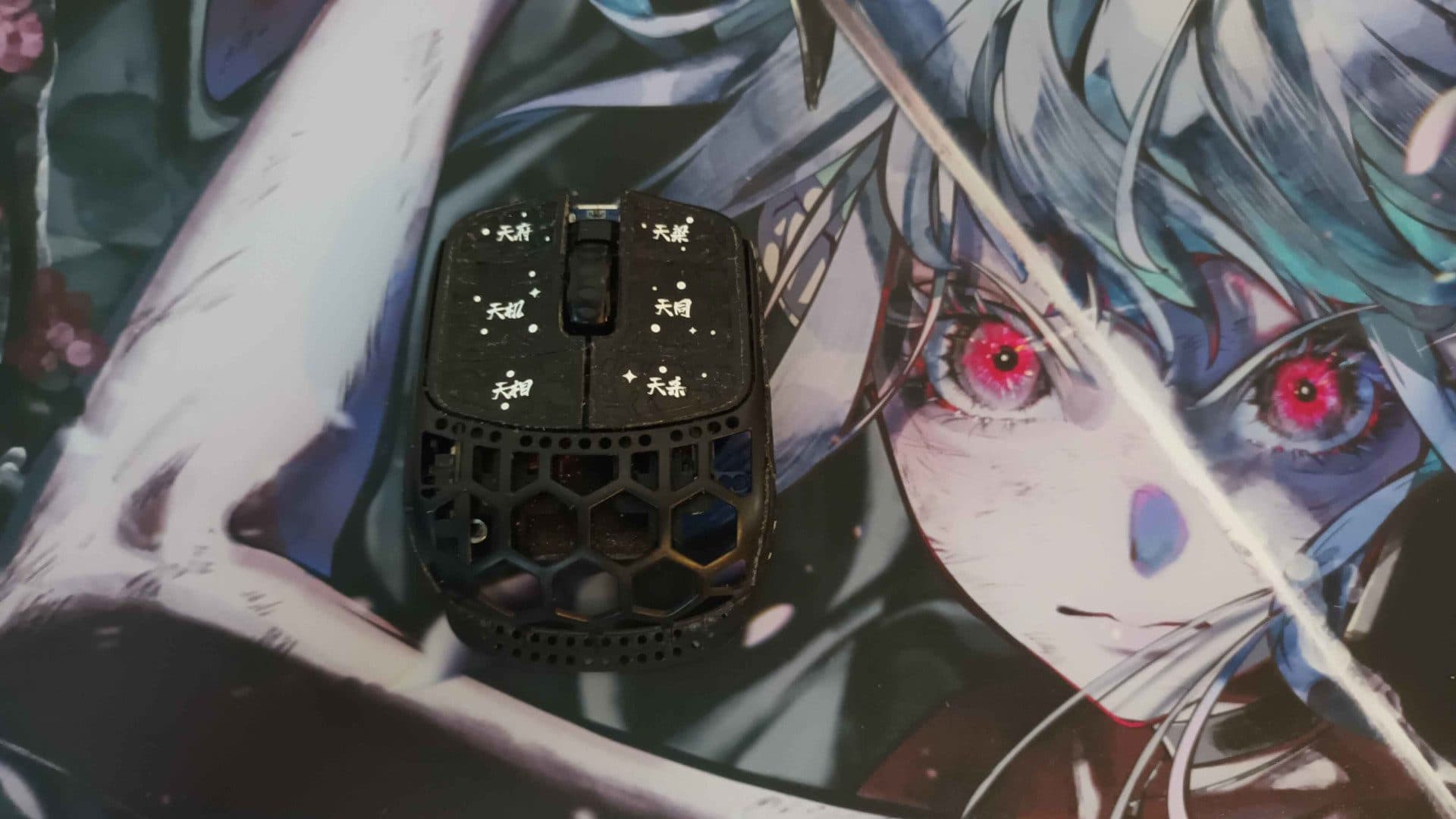
G-Wolves Fenrir Pro - Buy this mouse now (4 month review)
G-Wolves Fenrir Pro 8K
 mangeHD
The G-Wolves Fenrir Pro is a mouse I feel a lot of people know about at least in regards to reputation. This mouse is well spoken of in most circles especially for a fingertip mouse and is seen as sort of the recommendation you can just throw out there to anyone if they are asking for a mouse for fingertip grip, but why is that? The G-Wolves Fenrir Pro is built upon a PAW3950 sensor and a Nordic nRF54L15 MCU with really fantastic implementation, the sensor feels extremely responsive and there is absolutely zero smoothing as expected with these modern sensors. What is more impressive with the Fenrir Pro is how stable everything is relative to other mice with similar combinations of components. The polling rate stability seems to be second to none from the brief tests I've ran on my unit even up to 8khz not really ever dropping any polls as long as you saturate the bandwith. However sensor performance is really good on most mice nowadays, what isn't good on a lot of mice is build quality and click implementation. So how does the Fenrir Pro do in this regard? I'm happy to report that here it also does fantastic! My unit has no defects even after the use I've put it through, no creaking and even if I put pretty much my entire grip strenght into the sides of the mouse it doesn't flex at all since the sidewalls are supported by the PCB. The buttons still feel good there is maybe 0.1mm of pretravel and absolutely zero post travel which is really good. The low profile Omron D2LS-21 switches used also feel really good I actually prefer them greatly to a lot of the standard profile switches I have used in the past, they are no japanese omrons don't get me wrong but I'd easily pick these over the average Kailh or TTC alternatives and probably even Huano BSPDs(though I wouldn't pick them over Huano BSRDs as those are weighted a little more similar to a good batch of japanese omrons). The side buttons are also really fantastic on this mouse and funnily enough this is just about the only Fingertip mouse I have used where I can even access the side buttons comfortably in game, not that I use them anyhow since that inherently shifts my grip and thus my aim slightly. Now to the things about the mouse that I would expect most people want to know about, the shape and also the weight, but let's start with the shape. This is 100% the reason why this mouse gets recommended so much and in all honesty, I personally have a hard time seeing the downsides here. For reference my hands are 20x11cm which is definetely on the larger side and for me at least mice like the G-Wolves HSK Pro and the Keychron M4 caused me some issues with comfort, especially when playing long sessions. This is not a problem in the slightest on the Fenrir Pro which I attribute to two factors, one being the fact that the mouse is obviously slightly wider than the other ones mentioned, but also the fact that at least in comparison to the HSK Pro, the sides don't taper nearly as quickly towards the front so it's a less agressive wedge shape and this means I don't strain my ring finger and pinky as much just to make sure that I have even a soft grip on the mouse. There is obviously a downside to the mouse being wider and that is that you lose some range of motion, and while I do lose a little bit I don't find that it affects the pen-like feel that I would describe those other mice as giving me. I think that might also come from the fact that the button height is so low, making me feel like I'm very close to the pad. Now the weight! Is there really much to say here? I have personally always said that a mouse can't be too light, and this mouse really makes that more clear than ever. the Fenrir Pro clocks in at 19g on my unit with skates and if you haven't tried a mouse that is this light, I would highly recommend it, especially if you are on a glass pad. It makes every action feel like you have nothing in your hand, there is simply no inertia and stopping and starting motions feels so effortless, it honestly has made me feel like I can do things that I was not able to with other mice, especially in games like overwatch which has no acceleration on direction change. This sets the mouse apart in a way which I honestly feel no other mouse on the market can beat right now. So is there any downside with this mouse? Yes, there is one and that is the scroll wheel. To be completely honest, I don't even find this to be an issue myself, but that is mainly because I learned everything on a 16 step zowie scroll wheel like 10 years ago. However, the scroll encoder is 12 steps and extremely tactile which is a bit of a weird choice on a mouse this light. I believe the reason for this choice is that they couldn't get any other encoders that are that short which makes a lot of sense, however it does make it really weird to use for a lot of people, especially in games like apex where movement options like walljumps are generally done with the scroll wheel or bunnyhopping in source titles for example. It is something you can get used to but I can't sit here and claim it is ideal. In the end, is this mouse worth it's 160 dollar price tag? Well I would simply say yes it is. You get a mouse that is at the top of the line in terms of performance and one of the lowest weight options on the market. The shape is relatively safe, but doesn't sacrifice all to much to be safe at the same time. everything on it with maybe the exception of the scroll wheel feels fantastic. For me, this mouse gets a full five star score, and I'm extremely unlikely to swap off it in the near future. I highly suggest that you also buy one if it interests you, I promise that you won't regret it.
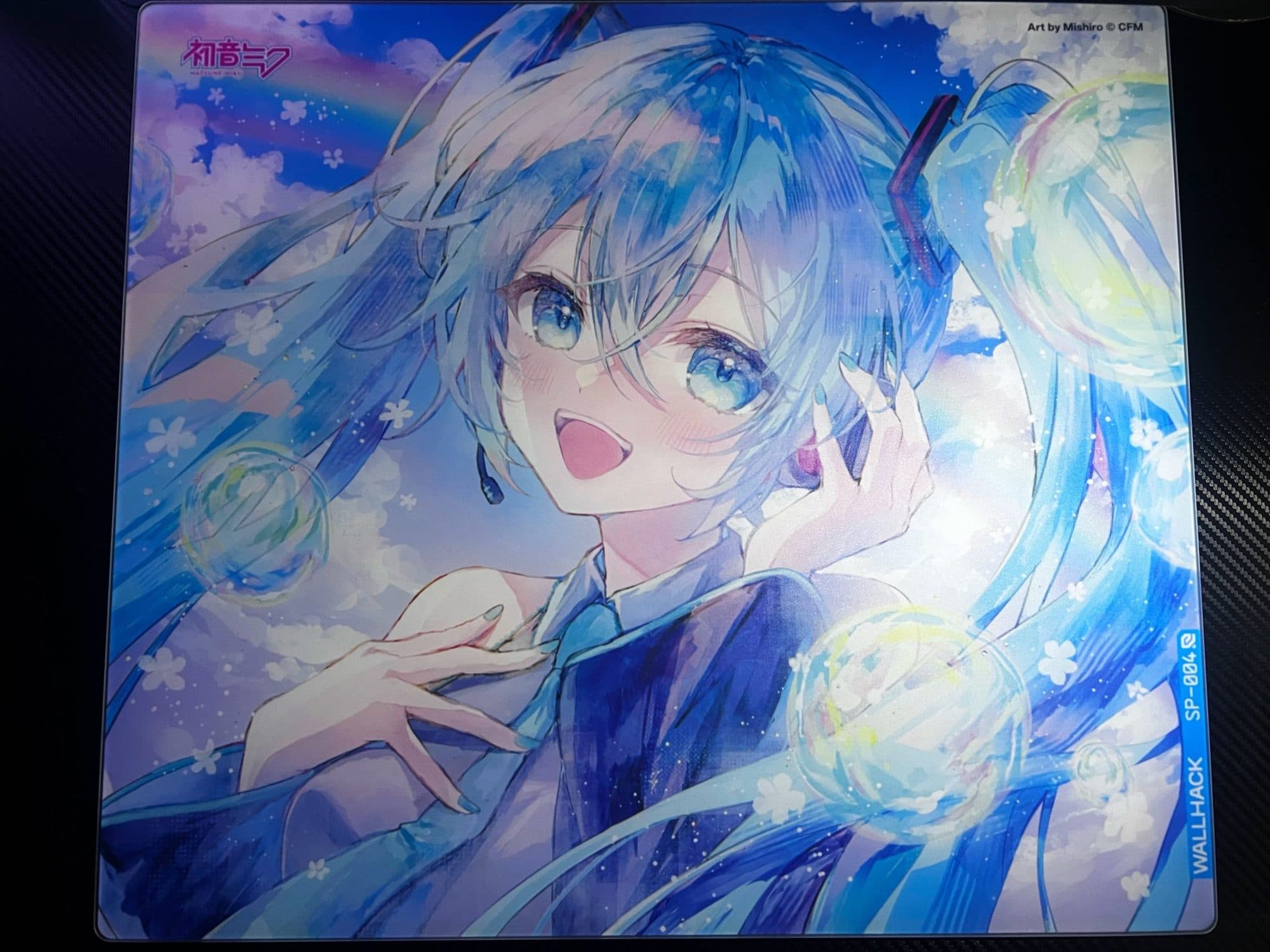
Miku!! Sp004
WALLHACK SP-004
 𝒱𝑒𝓇𝒶𝓏𝓎
[Sp004](https://x.com/verazytsu/status/2073903213158494312?s=20)
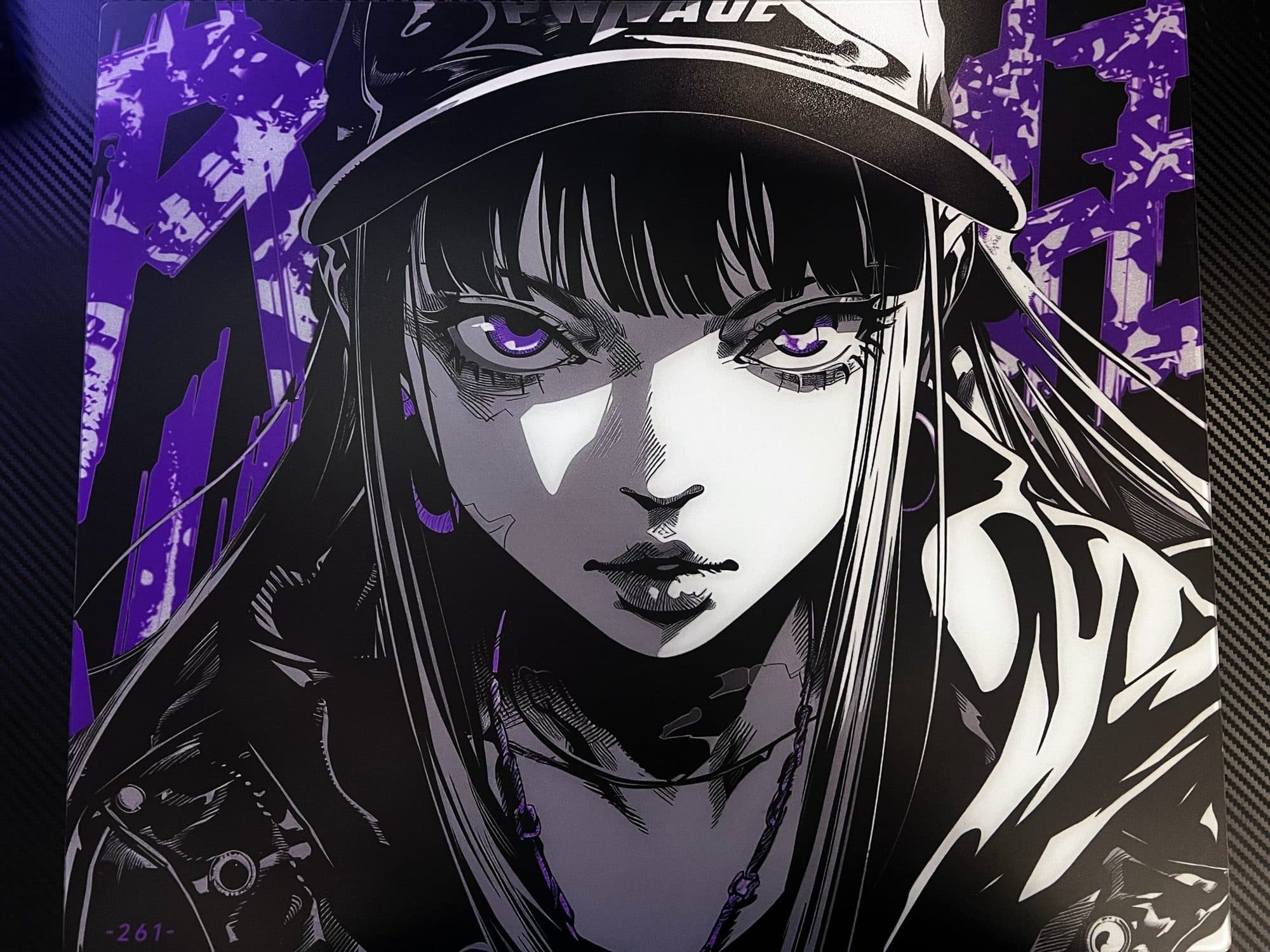
Such a great pad. Balanced-speed
Pwnage Nyomi
𝒱𝑒𝓇𝒶𝓏𝓎[Pwnage Nyomi](https://x.com/verazytsu/status/2076431679590445534?s=20)
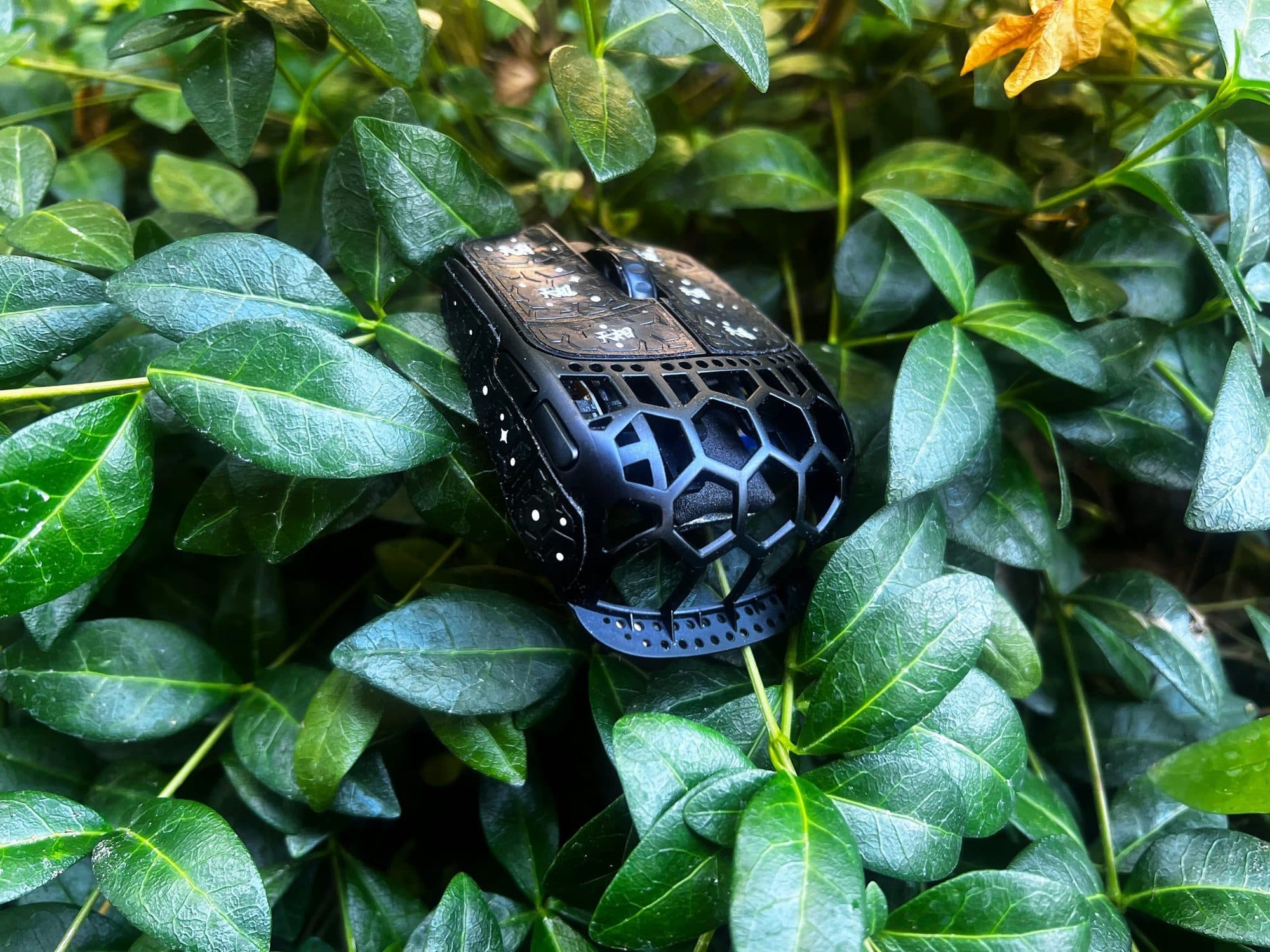
Possible endgame ftip mouse
G-Wolves Fenrir Pro 8K
𝒱𝑒𝓇𝒶𝓏𝓎[Fenrir Pro](https://x.com/verazytsu/status/2078874681017594237?s=20)
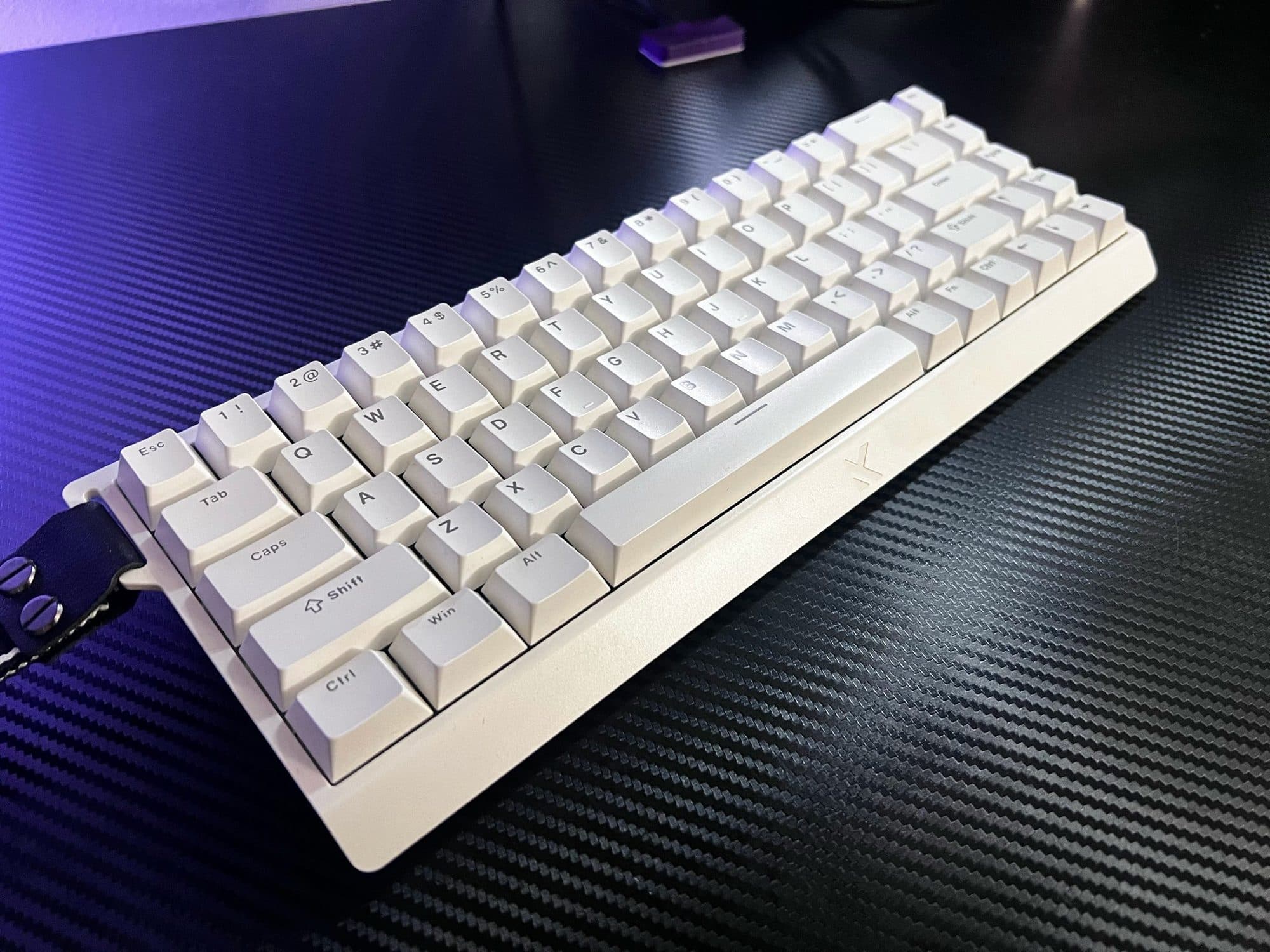
Mchose Ace68 HE
MCHOSE Ace68 HE
𝒱𝑒𝓇𝒶𝓏𝓎[Mchose Ace68](https://x.com/verazytsu/status/2081162111053705568?s=20)
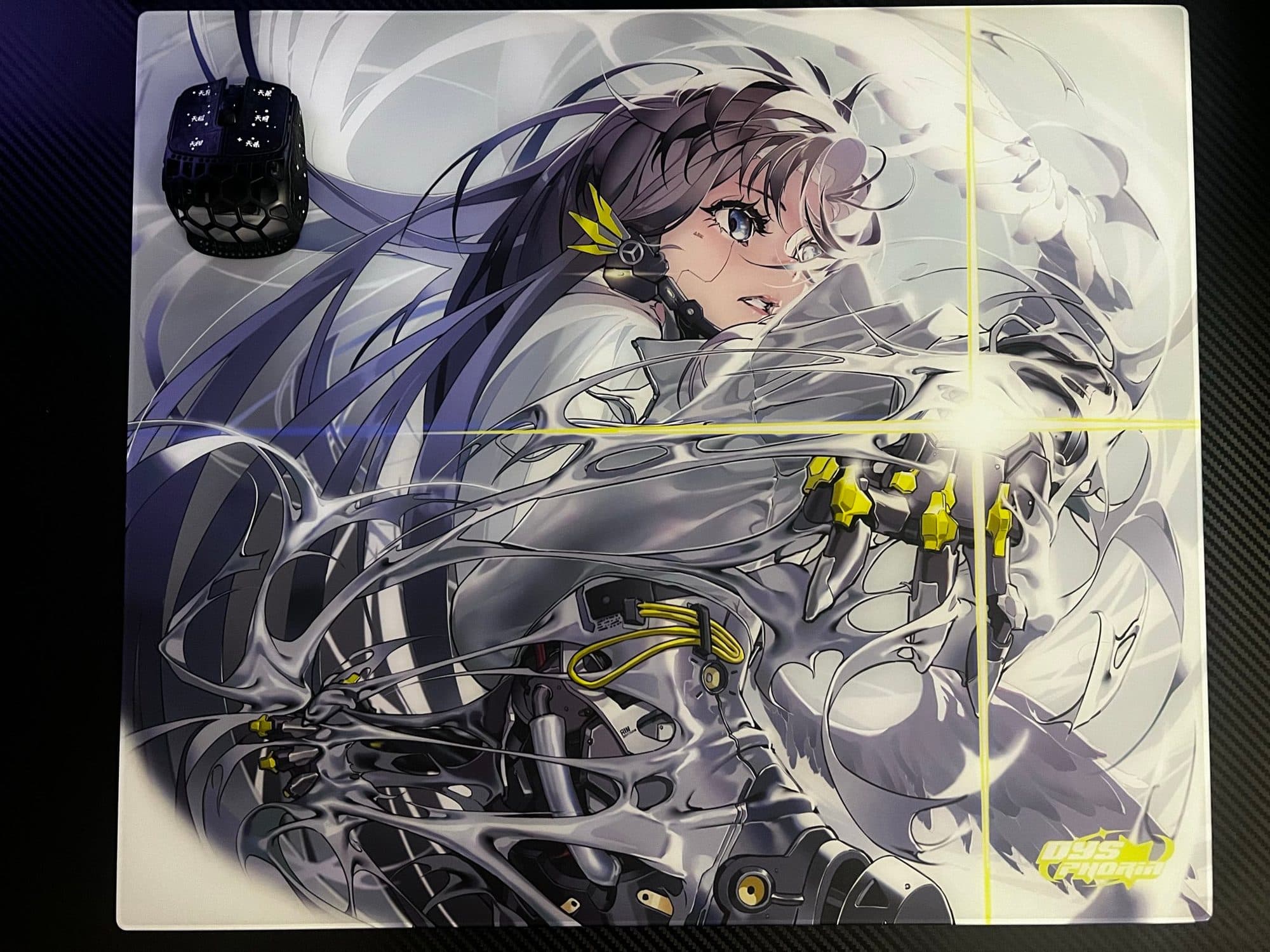
Dysphoria Advent
DYSPHORIA Advent
𝒱𝑒𝓇𝒶𝓏𝓎[Dysphoria The Advent | Short Review](https://x.com/verazytsu/status/2086148214013739346?s=20)
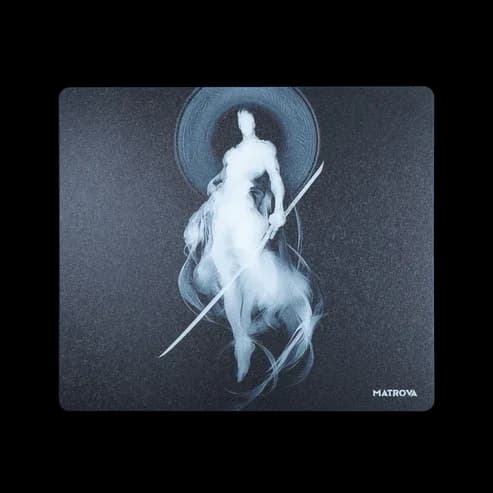
Matrova Yin (Textured, Balanced Glass)
Matrova Yin
 Guilder
1. Matrova Yin (Tested with Ultraglide RS2 Skates) Speed: Static Friction: Very low Dynamic Friction: Very low/low Feel: It feels quite slippery and is significantly faster than a fresh Matrova Zeffiro. I don't feel any static friction Surface & Comfort: The texture is very good and provides good feedback Arm sleeve is highly recommended Feels cold This pad is textured In-Game Performance Flicking: Not ideal for flicks. The low friction gives shakiness upon landings Tracking: VERY GOOD Reactive Tracking: The low static friction makes your reactions feel faster. It's very easy to speed match and readjust to every bot strafe Precise Tracking: It's very easy to be smooth. Readjusting after direction changes and speed matching is very easy Notes: It's WAY easier to control fast cm like 20CM/360 than on slower pads. This pad eats skates. I recommend using hard dot skates on this pad, this way you will get more texture feedback. I use Westlabs Yellow on it, it's very good and durable. I also heard that Westlabs Creams and Westlabs Black are good on it too
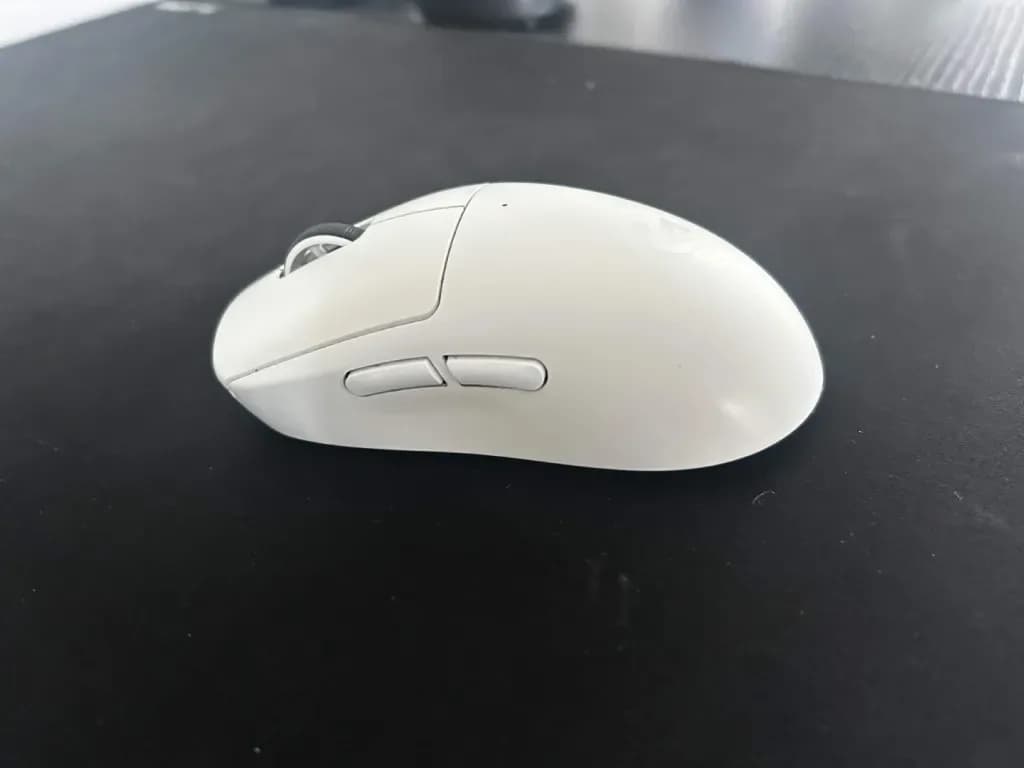
Main Mouse for Years: G Pro X Superlight 2
Logitech G PRO X SUPERLIGHT 2
 socks
socksThis mouse has been absolutely amazing. I have almost zero issues with this mouse outside of the scroll wheel being slightly heavy. Other than that, amazing quality and I would buy 1000 more and donate them to all the aspiring aimers out there. Perfect weight, diverse shape, and clean aesthetics. It's appropriate for normies and enthusiasts. Magnificent mouse.
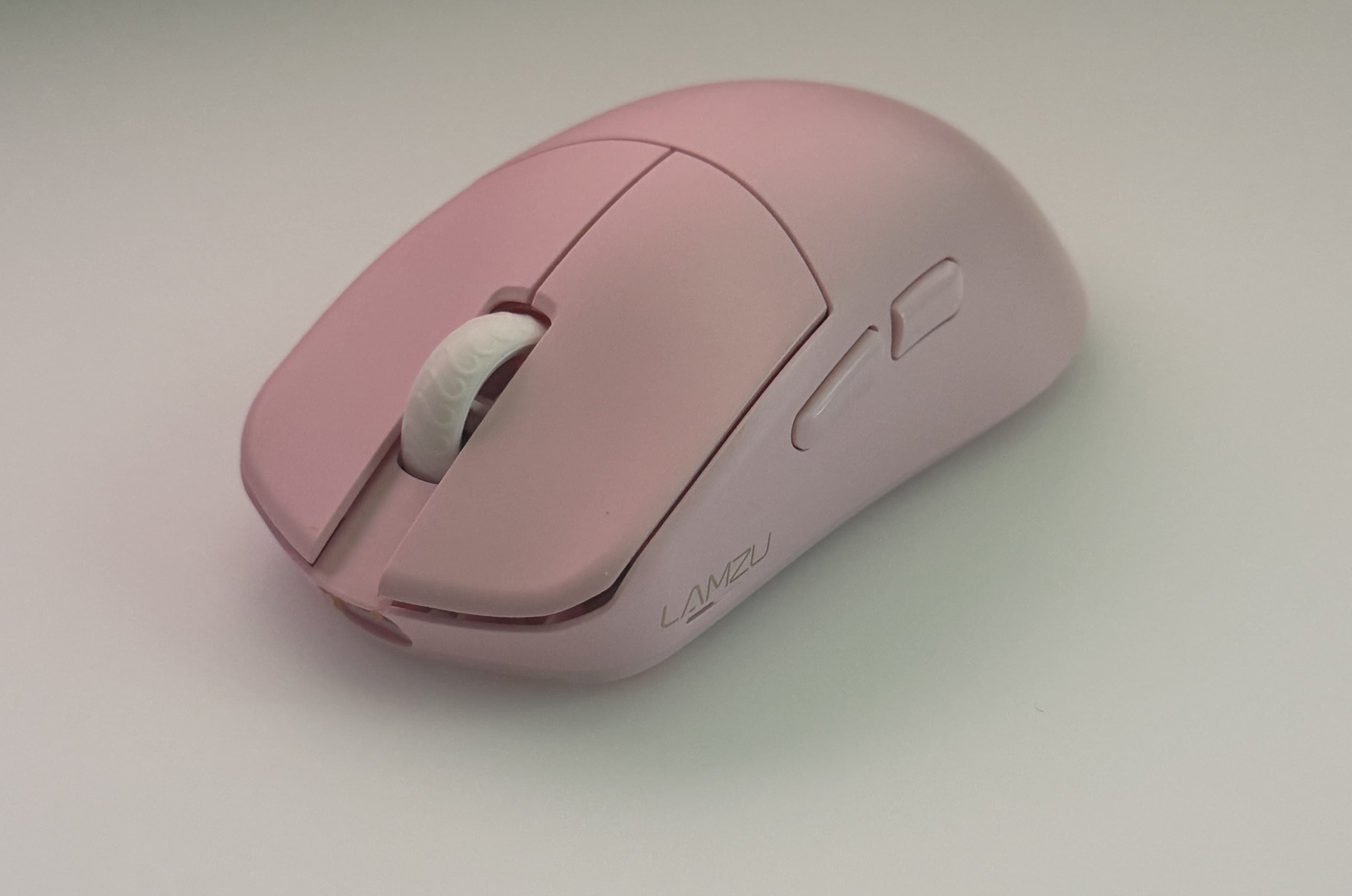
Lamzu Maya X - Long-term Review - 10 Months
LAMZU Maya X
 aimi
aimi# Price: **$119.99 USD** # Specs - **Size**: 124 mm x 64 mm x 40 mm - **Weight**: 47g - **Switches**: Omron D2FP-FN2 Optical Switches - **Sensor**: PixArt PAW3950 - **MCU**: Nordic nRF52840 - **Polling Rate**: 125/250/500/1000 Hz (wired) 1000/2000/4000/8000 Hz (wireless) ## Aimi's Hand Dimensions: 18x9cm - 1-3-1 Fingertip Grip *ATK A9 Air+ (GPro Superlight Clone) - Lamzu Maya X - Lamzu Maya - Lamzu Atlantis Mini*  *Source: TechPowerUp* # **Experience Over 10 Months** This mouse was the first mouse I started aim training with, but I have owned a decent variety of mice before then. For reference, I began aim training in October 2025. I mained this mouse daily from October 2025 - August 2026 working from home and playing the following games: Kovaaks FPS Aim Trainer, Marvel Rivals, and Battlefield 6. ## Clicks, Sensor, Weight I absolutely adore the clicks on the Lamzu Maya X, my copy feels tactile with hardly and pre travel or post travel. The clicks are light, so it's very easy to keep tension light when aiming which provided a very premium experience. The Lamzu Maya X weighs 47g, which is good in today's time, and was amazing at the time of this mouse' original release in 2023. The balance of the weight felt good and the mouse didn't feel compromised to achieve this low weight despite being a full size mouse. However, they had to sacrifice a lot of battery life to achieve this weight, with the battery measured at 250 maH, and a battery life 80 hours at 1000hz. That is laughable at best, and I found myself needing to charge my mouse frequently due to using 2000hz polling rate. In 2026, the Maya X is definitely showing its age when compared to releases in the last two years. I don't doubt that an updated Maya X will be coming in the very near future at the time of writing this (August, 2026) Sensors have gotten so good that well... all I can say is that it works, and my copy performed well.  ## **Coating** The Maya X comes with a somewhat rubberized coating that interacts well enough with sweatier hands, which was why I originally wanted to buy this mouse, outside of the fact that it's a cute pink color. The grip of the coating in the mouse barely faded after 10 months of daily usage and the amount of pressure required to reliably hold the mouse was minimal. The physical feedback was pleasant with a subtle texture along its rubberized feel which warms up with usage, which helps with gripping the mouse. Lamzu's coating has always been a highlight in their mice for me.  *One of many haccusations I've had while using this mouse* ## **Shape** Oh, gosh, I really thought I would like the shape of this mouse more. Initially I really loved it after swapping off the smaller older sibling, the Lamzu Maya, but the honeymoon period ended after getting more time with the mouse. The smaller Maya had felt too small for my hand, but I really enjoyed its base shape enough to give the Lamzu Maya X a shot. I bought it once I saw the color pink. The shape is a symmetrical with its narrowest point curving very slightly inward towards the center, it is hardly noticeable and provides a more full feeling in hand when compared to the Logitech GPRO shape. My thumb naturally likes to rest just below Mouse 4 (Side Button), with my pinkie resting parallel to where my thumb is, on the other side of the mouse. The Left and Right Clicks have comfort grooves that curve deeper the further your fingers travel up mouse buttons 1 and 2, which gives it a lower profile compared to the Logitech GPro shape. My three fingers felt comfortable resting on these comfort grooves. It was *almost perfect* but not quite, at least for me. I noticed that over time I developed a bit of stiffness in my wrist trying to perform certain actions while aiming which was a result of the mouse being *slightly too wide* for my hand. This experience would directly affect my endurance when aim training. It provided a lot of discomfort for me, and I was forced to find a way to work around it. But due to the other features like the lower profile Mouse 1/Mouse 2 buttons, I was able to push pretty far in my aim training despite the disadvantage. Once I reached Fuchsia in some scenarios of the Viscose benchmarks, was when I started to notice how much the lack of comfort in my hand was limiting my ability to grow as an aimer. I also noticed less than 2 days in, that the side buttons were too big, which prevented me from gripping the mouse in a way I was truly comfortable with. The shape was just slightly too wide for me. The hump was also a bit too tall and in the way for me to perform certain micromovements, that fuller hump is great for palm and claw, just not for fingertip grip at my hand size. I can see how this mouse would benefit people with bigger hands than mine, but sadly my hands are too small to take full advantage of this very versatile and well performing shape. I recommend this shape for claw and palm, but not for fingertip grip if you have hand dimensions like mine, or smaller.  # Final Thoughts The Lamzu Maya X is still objectively a good mouse in today's market, and the shape is enough for it to be recommended. But, the Maya X platform is aging and many other peripheral companies are coming out with some seriously amazing mice for a lot less money. It's hard for me to recommend this mouse when it asks for a whopping $119.99 USD while failing to give proper flagship performance in today's peripheral market, 3 years ago this would have been acceptable. If you're able to find this mouse on sale for less than 90, this would be a decent option. Despite this, I still give this mouse my personal approval given its flaws with the small battery, annoyingly large side buttons, and my personal issues with it being slightly too wide for my hand. Hopefully, Lamzu releases the Maya X with an internal refresh with a better battery, the PAW 3955, virtual sensor display offset, and whatever cool innovative stuff people come up with. the lamzu maya x will remain in my rotation  ---  *ATK A9 Air+ (Superlight Clone) - Lamzu Maya X - Lamzu Maya - Lamzu Atlantis Mini* *Thank you for reading my yapping thoughts on a mouse! <3*
4mm Revolution: TalonGames Iwa, Kumo & Yami Review
Talon Games 4mm Skates
 senergy
Hey, It has been quite some time since my last review and during that time I have been working on a new skate review. Disclaimer: This is not a sponsored review, I was not paid or otherwise compensated for this. The skates were only sent to me for testing and I will give my 100 percent honest opinion. @TALONGAMES_JP reached out to me and asked if I would be interested in testing some new skates that were made for glass pads. At first I thought, cool, sure, but these were not just normal skates, these were the first 4mm skates on the market. Many people will probably think there are already 4mm skates on the market, but no, Ghostglides has already released 4.4mm skates, although I never tested them myself. Still, if @ghostglides wants to send some over for testing and review, my DMs are open. Back to the review. I was sent three skate models called Iwa, Kumo and Yami. For some people who have known Talon Games for a while, the Iwa and Kumo may already sound familiar. For those who do not know these skates, here is a short introduction. The Iwa skates are good control skates with medium speed, making them a solid all rounder when it comes to durability and speed. They are made of UPTFE, which compared to Wallhack UHMW PE silent skates is definitely quieter and offers the same durability.  The Kumo skates are very smooth skates with very high speed. They feel extremely smooth, but in my opinion their durability on glass pads is really terrible. They are made of reinforced PTFE, which is basically just reinforced PTFE skates, but still not comparable to UPTFE and UHMW PE when it comes to durability. That said, I have to keep in mind that I have tested many skates already, so I look at them from a different perspective. Still, I would not recommend these skates for glass pads.  However, after talking to Talon Games, I learned that they were actually designed for hard based cloth pads. As my buddy Nomar confirmed to me, the skates are very fast and smooth when used on a cloth pad. The Yami skates are the newest skates in the Talon Games lineup. In my opinion, they are the perfect middle ground between durability and speed. Talon Games uses a Hybrid PTFE material as the base for these skates. They are faster than the Kumo skates and roughly as durable as the Iwa skates. According to Talon Games, the skates are slightly worse in durability, but more on that later.  What comes with the skates? The skates come in simple packaging with the Talon logo on it. Inside the box you will find, as with many skates, two alcohol wipes, a Talon Games sticker and a total of 70 skates. That felt pretty self explanatory to me, but since I usually use only 4 to 6 skates per mouse, I think that is actually very good.  So what makes these skates so special and are they really 4mm skates? To answer that, we need to talk a bit about the 4mm design. Talon Games uses a design called Dome Edge Design, which tries to reduce the contact surface by tapering the skates to a point. This theoretically makes the skates feel even smaller than 4mm in terms of contact area. So how do the shape and size affect the glide? To test this, I used the skates on various glass pads, both coated and uncoated. Pads used: LockOn Harut | Control Pad | Uncoated Glsswrks Hana | Control Pad | Coated InfiniteMice Taro | Control Pad | Uncoated Wallhack SP 004 Miku Edition | Balanced Pad | Uncoated Glsswrks Zane | Speed Pad | Coated Tekkusai The Phantom | Speed Pad | Coated AbyssGaming Veil | Speed Pad | Coated In my first use, it immediately became obvious how fast all of the skates are. Even the Iwa skates, which are meant to be control skates, had very good speed on different pads, similar to the classic Xraypad Obsidian regular version. What surprised me the most was how much the reduced contact area increased speed. That also led me to my second realization, how little control I had on speed pads with light texture, but that was no longer a problem after the break in period. Still, the reduced contact area was definitely noticeable. How long does the break in period last and how do the different skates perform? The Kumo skates became unplayable or at least did not feel good after one day. Overall, I would expect a Break-In Period of around 1 to 2 days, depending on the texture of the mousepad. The skates offer a very smooth and fast feeling, but durability is definitely not their strongest point. After the Break-In Period, they were fine for maybe another 2 to 3 days, but after that they just did not feel good anymore. This is how I would rate them: Speed: 8/10 Durability: 1.5/10 Smoothness: 7.5/10 Control: 5/10 Loudness(a higher score means the skates are quieter): 6.5/10 It has to be said that these skates are more suitable for hard cloth pads, so glass pads are not the type of surface I would recommend for them. The Iwa skates, which are supposed to have the highest durability, also had a relatively fast Break-In Period of around 3 days, which personally surprised me. In the long run, however, they had the best durability overall. These skates are very interesting because they provide a lot of feedback from the mousepad texture, which I personally prefer for tracking and clicking scenarios. On top of that, they have very good durability. I am still using them on my mouse after 1 to 2 weeks without changing them. For control skates, they perform really well, which is why I would rate them like this: Speed: 6/10 Durability: 8/10 Smoothness: 5/10 Control: 9/10 Loudness: 4/10 The Yami skates impressed me a lot at first with a break in period of around 4 to 5 days, but after that, durability drops quite sharply, so the skates lasted about 1.5 weeks on my mouse before I replaced them. Still, they offer a very nice combination of control and speed, which I really liked, and I would definitely recommend them. Speed: 8/10 Durability: 6/10 Smoothness: 8/10 Control: 8/10 Loudness: 6.5/10 Overall, I enjoyed testing these skates. They are not just a small variation of what is already out there, they actually feel a bit different in use. The 4mm concept sounds simple at first, but on glass you can clearly notice the reduced contact area. The skates feel faster and more direct, which can be a nice change depending on what you are used to. What I liked is that each model has its own role. The Iwa is the most consistent option, the Kumo focuses on smoothness but comes with clear downsides, and the Yami sits in between with a good balance of speed and control. None of them feel unnecessary, and each one makes sense depending on your preference. Personally, I ended up preferring the Iwa because it felt the most stable over longer sessions. The Yami was the most interesting in terms of overall performance, while the Kumo had a strong first impression but did not hold up well on glass. The main takeaway for me is that the 4mm idea is not just a gimmick. It does have a noticeable impact on how the skates behave, especially on glass pads. If you are someone who likes trying different setups and does not mind experimenting a bit, these are worth looking into. Otherwise, the Iwa is probably the safest choice out of the three. If you like trying different setups, these are worth checking out. If not, the Iwa is probably the safest pick out of the three. If you enjoyed the review, I would really appreciate some feedback. Just let me know what you think or what you would like to see next, it actually helps me a lot with deciding what to test going forward. Also, I would be curious to hear your thoughts on the whole 4mm concept. Do you think this is something that actually makes sense long term, or just another niche idea?
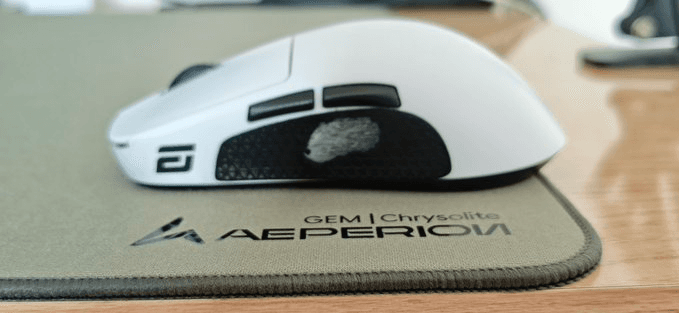
this mousepad is so close to being perfect... (aeperion chrysolite BRUTALLY HONEST review)
Aeperion Chrysolite
 Azuma
Azumathe packaging comes in a cardboard shipping box with a pretty neat box inside. the mousepad is rolled (inside an EXTREMELY fragile bag) but it's not an issue at all what it ships with: - mousepad - keyboard pad - 1 set (20x) aeperion skyline pom dot skates - transparent grip tapes - metal card ------------------------------------------ - mousepad when i did my first glide on it, it didn't really feel special and it was quite slow with stock op1 skates, changing to the aeperion dot skates made it feel much faster and more controllable. despite being a balanced speed pad, it's slower than the artisan zero, at least from what i've heard since i don't own the zero. the base is insanely good and it literally has NO SLIP. when you move your mouse above the brand you can kinda feel it but it's such a small difference that it doesn't really matter. it feels completely flat and locked into the table while also being easy to move. the pad feels comfortable despite being somewhat textured especially with the dot skates and i was setting high scores left and right on many different scenario types. after about 1-2 days i got used to the pad and everything felt absolutely amazing. however not everything is perfect. i find that the stitching is EXTREMELY irritating under hot AND humid weather (35 celsius+ and 70%+ humidity) and my skin would constantly get stuck on the pad - keyboard pad i've seen a lot of people say that the keyboard pad doesn't fit a tkl but mine does (barely). it made my keyboard sound so much better. but it shipped with a ton of dust for some reason??? - dot skates i don't really have anything to compare it to but it's much better than op1 stock skates and it's amazing on the mousepad - transparent grip tapes this is BY FAR the most DISAPPOINTING item that is included. while it did its job of eliminating the slip effectively, 30 seconds of use made my hand feel terrible. i took it off after 2 minutes. the way it is packaged is also pretty terrible as the grip tape just rolls up and get stuck. so who is this mousepad for? it's a really good mousepad that i would recommend to everyone EXCEPT if you live in hot and humid areas (35 celsius and 70% humidity). the value you get from it is crazy and most of the stuff is amazing
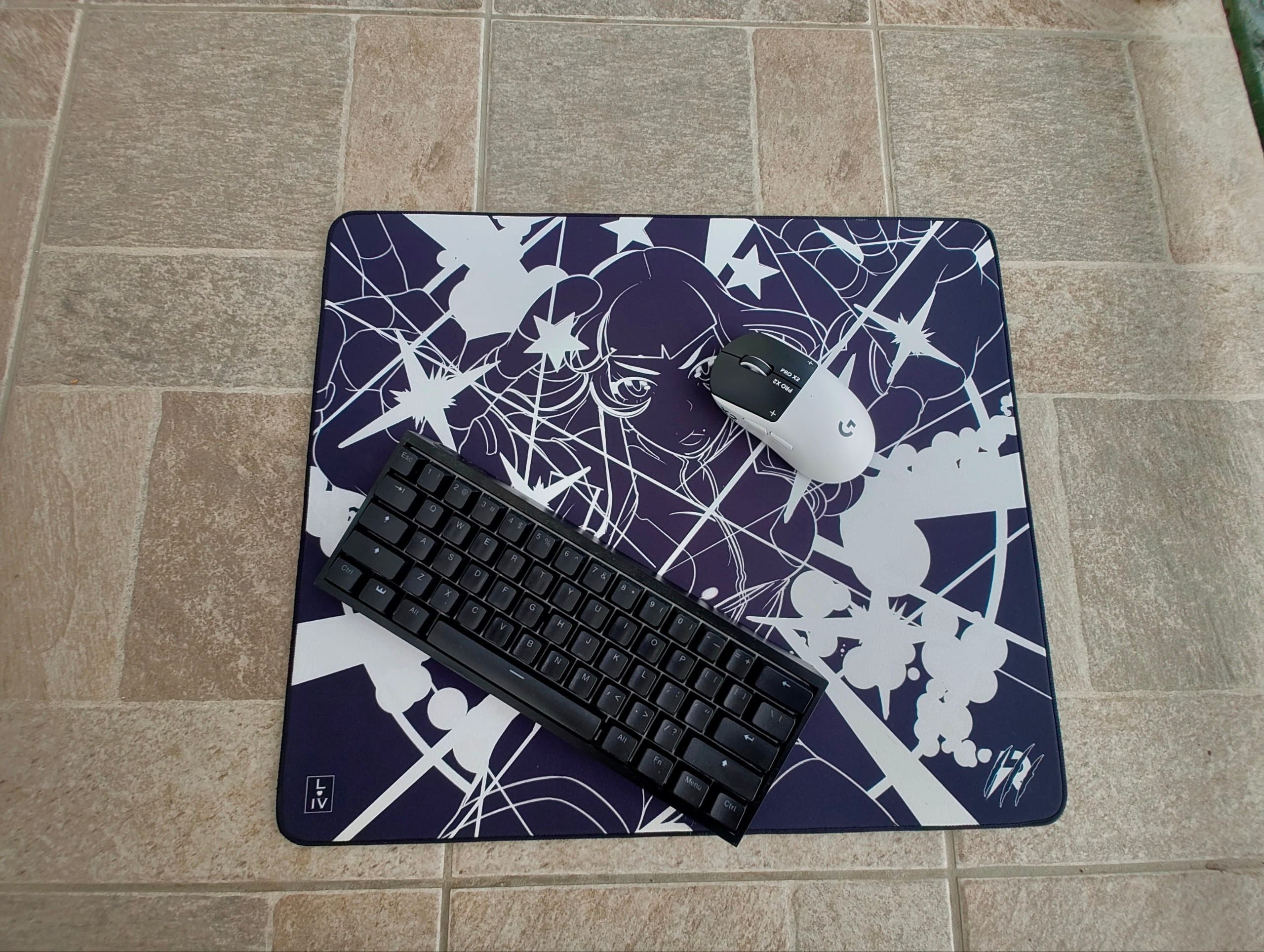
POW3R Control Limited Variant Edition Review: Control Mousepad
Raptus Gaming Pow3r Control Variant Edition
IOSS## Introduction ## I bought the RAPTUS Gaming x POW3R Control Limited Variant on June 15th and have been using it for around two to three weeks. It launched at €75, placing it at the higher end of the cloth mousepad market. During testing, I used the following mice: - Logitech G Pro X2 Superstrike - Endgame Gear OP1 8K - G-Wolves HSK Pro V2 - Orbital Pathfinder - Xtrfy MZ1 The main games used for testing were Valorant, Strinova, Kovaaks, and Aimlabs. Before switching to this pad, my main was the Wallhack SP-005 Miku OS. My current reference for control pads is the Kurosun Shogun, which remains my personal favourite in this category. ## Packaging ## The pad arrives completely flat, protected inside two thick cardboard boxes. The packaging is extremely solid, and the pad was perfectly flat immediately after opening it. There were no raised corners, waves, or any need to leave it resting before use. Overall, the presentation feels appropriate for a premium product. ## Design and Print Quality ## The design is one of the strongest aspects of the pad. The black-and-white artwork is printed extremely well into the fabric and remained visually clean throughout my testing. The print cannot be felt through the surface and does not create any noticeable differences in glide across the pad. It also does not seem to get dirty unusually quickly. The white areas naturally show marks more easily than a completely black pad, but overall it collects dust and dirt at a similar rate to most control pads. Both the artwork and the surface feel very high quality. ## Surface and Comfort ## The surface is noticeably rough, and its texture can clearly be felt under the fingers. Despite this, I found it comfortable both with and without a sleeve. I personally used it mostly with the Midori B4M, as that is my usual preference, but the surface never became uncomfortable during longer sessions without one. The rough texture gives the pad a clear control-oriented identity without making it feel unstable or overly abrasive. ## Speed and Glide ## This is a genuinely slow control pad. Compared to the Kurosun Shogun, the RAPTUS x POW3R Control has a slower overall glide, although it surprisingly offers slightly less stopping power. Despite its slower speed, the mouse does not struggle when starting from a stationary position. Static friction is controlled well enough to keep small corrections responsive and precise. Once the mouse is moving, the glide remains consistent and does not create excessive resistance during longer movements. After two to three weeks of use, the speed still feels identical to how it felt when I first opened the pad. I have not noticed any early slow spots or meaningful changes in the surface. ### Micro-Adjustments ### Micro-adjustments are one of the strongest aspects of the pad. Although it is clearly a slow control surface, it never feels muddy. Very small movements remain precise and predictable, making it particularly suitable for games such as Valorant, where tiny crosshair corrections matter. The pad provides enough initial freedom to make micro-corrections without fighting against the surface, while still maintaining a slow and controlled overall glide. This balance is probably its greatest strength. ### Stopping Power ### The stopping power is good, but lower than I expected considering how slow the pad feels during movement. The Kurosun Shogun has a faster glide but still manages to provide stronger stopping power. On the RAPTUS, the feeling of control comes more from the consistent resistance of the surface than from an aggressive braking sensation at the end of a movement. It still performs well during flicks and controlled movements, but it is not the strongest pad I have used when it comes to immediately stopping the mouse. ### Base ### The base is the weakest part of the pad for me. It uses a soft base, which allows you to increase the amount of control by pressing the mouse into the surface. Applying more pressure noticeably slows the glide, which can be useful for players who actively use pressure to stop their movements. However, the pad moved on my desk multiple times during use. This may depend on the specific desk surface, but for a €75 mousepad, I expected the base to remain completely locked in place. Personally, I think the pad would have benefited from a firmer base similar to the hard base used on Kurosun pads. This would have improved both desk stability and glide consistency. The soft base is not unusable, but it is easily the biggest compromise of the product. ### Stitching ### The stitching is well executed. I did not notice any raised sections, loose threads, or uncomfortable areas around the edges. The borders do not interfere with normal use, and the pad remained completely flat throughout testing. There are no major complaints regarding the stitching or general construction quality. ## Games specific situations ## - **VALORANT:** The pad performs extremely well in Valorant. Its slower glide helps with controlled crosshair placement, while the relatively low static friction keeps micro-adjustments responsive. Small corrections remain easy without the mouse feeling stuck to the surface. The stopping power is not as strong as on the Kurosun Shogun, but the overall consistency makes the pad predictable during flicks and while holding angles. - **STRINOVA:** In Strinova, the slower glide provides a stable feeling during both clicking and tracking. The surface remains controlled without producing excessive drag during longer movements. It is not ideal for players who prefer an extremely free glide, but it remains usable and consistent. - **KOVAAKS & AIMLABS:** The pad performs best in static clicking, dynamic clicking, and precision-focused scenarios. Micro-adjustments are excellent, and the consistent glide makes repeated movements predictable. In faster tracking scenarios, the slower surface becomes more noticeable, but it never becomes excessively muddy or difficult to move across. ### Price and Value ### The performance and material quality are comparable to other medium-to-high-end mousepads. However, €75 is still a lot for a cloth control pad. The surface, print quality, packaging, and stitching are all very good, but the base prevents the product from feeling completely refined. At around €50–60, I believe the value proposition would have been much stronger. At €75, it competes directly with some of the best premium mousepads available, making smaller weaknesses much harder to ignore. ## Final Thoughts ## The RAPTUS Gaming x POW3R Control Limited Variant is a high-quality slow control pad with an excellent surface. Its strongest qualities are its consistent glide, precise micro-adjustments, rough but comfortable texture, and extremely well-integrated artwork. It feels slow without becoming muddy, making it particularly suitable for tactical FPS games and precision-focused aiming. The biggest weakness is the soft base. It provides additional control when pressure is applied, but it also moved more than expected on my desk. A harder and more stable base would have made the pad significantly better. *The €75 price is also difficult to fully justify. The pad performs at the level of other premium products, but a price closer to €50–60 would have made it much easier to recommend.* Overall, it is a very good control pad for players who prioritise consistency and micro-adjustments over speed, but it falls slightly short of being exceptional because of its base and price.
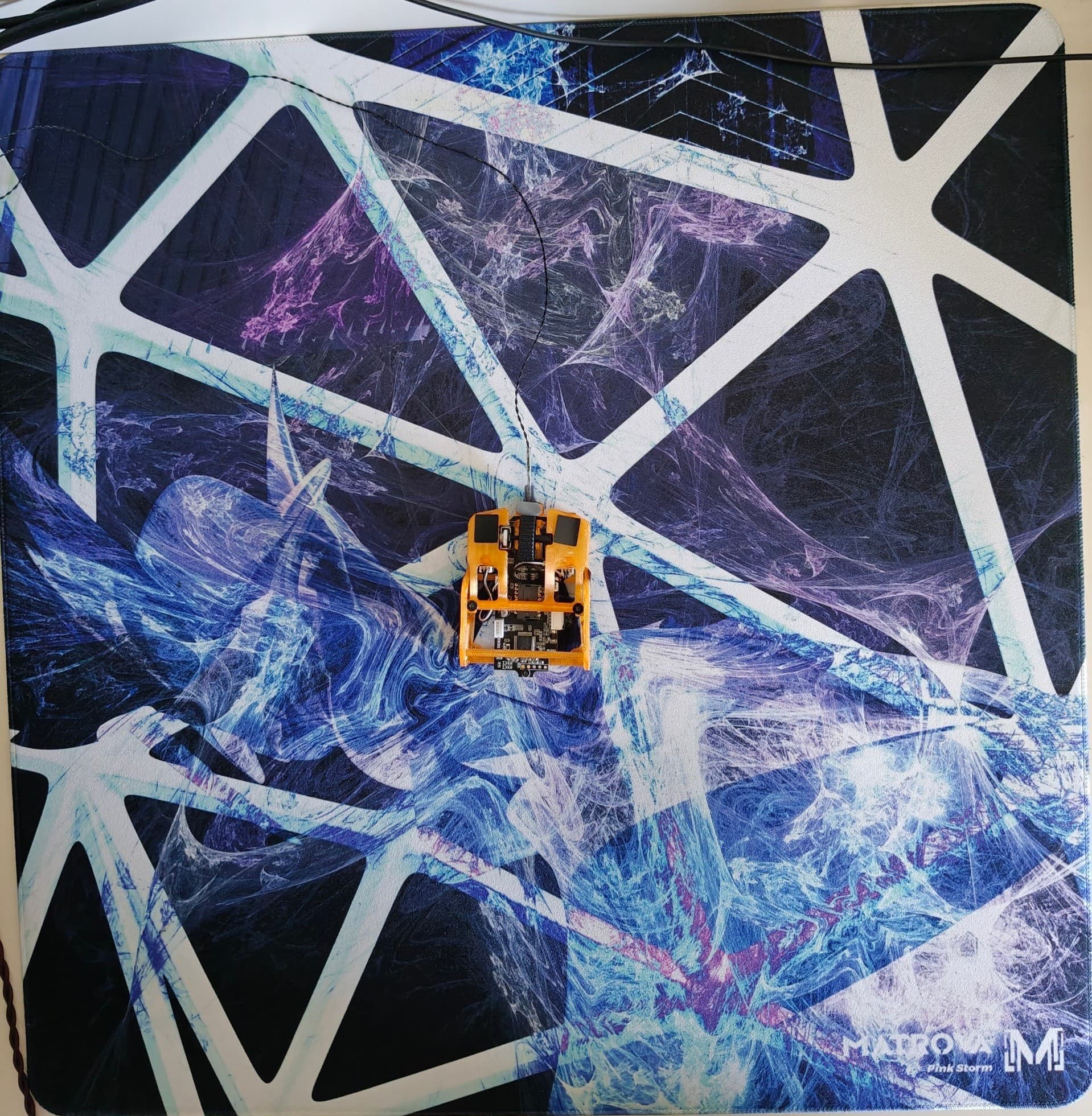
Matrova Pink Storm: 1 month later, I'm still pleasantly surprised
Matrova Pink Storm
 sharko
*Disclaimer: This mousepad was bought with my own money, opinions are truly mine!* ## Key information **Specs:** PU Mid base, 500*500mm, Custom art designed by yours truly on Photoshop. **Price:** €32.21 without shipping, €41.16 with shipping. **Packaging:** Rolled into a vertical box, it didn't pose any issues for my unit but I've heard it was problematic for others and I wish they would ship all of their mousepads flat. *Note: it took around a day for the pad to lay completely flat on my desk as the corners were still curled after unboxing* ## Feel and surface The surface has a nice microtexture to it that is really smooth unlike Aqua Control 2 which was quite abrasive. Dynamic and static friction are the same as far as I can tell and it's quite low for a cloth pad, it really earned its Speed pad etiquette. Coming from a glasspad (SP-004A) it took me a day to adapt to the added friction but it was overall really pleasant. I have been playing on this pad with an inverted Pulsar eS sleeve and it worked quite well, it didn't catch the sleeve during movements. The base is the stickiest I've ever seen on a cloth pad, it doesn't move an inch after it has been set down unless you voluntarily lift a corner of the pad. Stitching is really well done. Since the pad has a PU Mid base, it's really firm and mice don't sink into it which I personally really like coming from glass. ## What skates suit this pad the best I have tested a few dot skates with this pad and I can say with confidence that TBTL v2 Control feel the best on this pad. Despite their name, the glide still is pretty fast and it really hides the pad's texture quite well allowing for a smooth, fast but still controlled glide. ## Conclusion I made this review because I was really bothered by the lack of reviews about Matrova products, I know there are a few sponsored ones for the Pink Storm but I really wanted to write a review where I took the time to feel and take note of multiple aspects of a product. I can truly affirm that Matrova is a really good budget option for qualitative mousepads, especially with that many choices for the size, base and custom color/art.
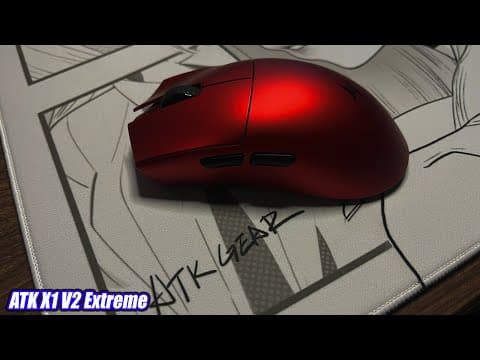
It's the ATK X1 but it's the v2? (ATK X1 v2 Extreme Review)
ATK Gear X1 v2 Extreme
 ImKnightmare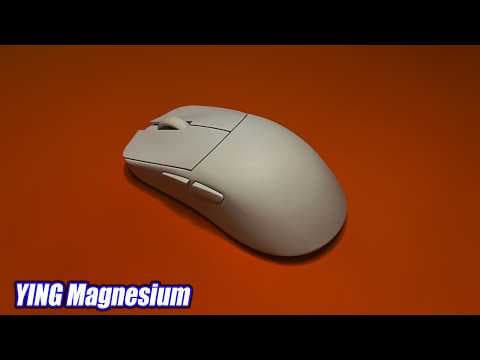
The same mouse, but better??? (WLmouse Ying Magnesium Review)
WLmouse Ying Magnesium
ImKnightmare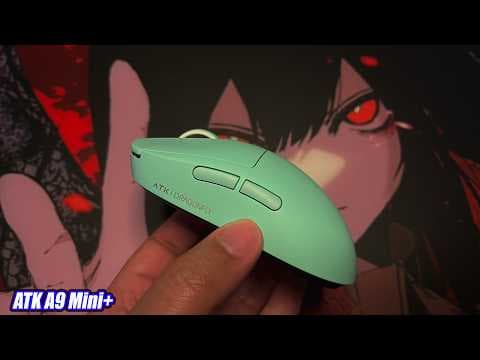
Bigger doesn't always mean better! (ATK A9 Mini+ Review)
ATK Gear A9 Mini+
ImKnightmare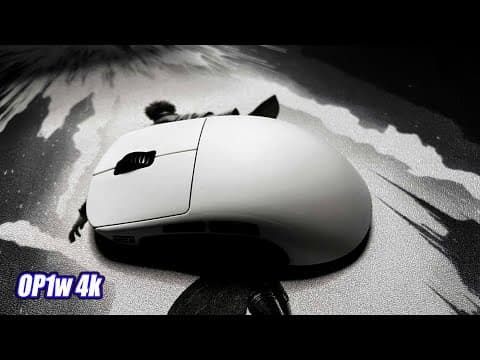
My new Main small Mouse (Endgame Gear Op1w 4k)
Endgame Gear Op1w 4k v1
ImKnightmare
I've found my Endgame (shape) | Op1 8k v2, WLmouse Ying, Unius Black Lotus Review
WLmouse, Endgame Gear, Un1us Ying Carbon Fiber, Op1 8k v2, Black Lotus
ImKnightmare
6 months with the strikepad, and my thoughts on hybrid mousepads
FANTECH Strikepad
 ginh
ginh