Reviews

Talongames Heated Nagisa Glasspad review
Talongames Nagisa (heated)
 AkichiYoshi
Hello, this is my first review and it's about the Talongames heated Nagisa glass mousepad. The Talongames Nagisa caught my eye a while ago, but back then I couldn't get it anywhere where I live, so I reached out to Talongames because I wanted to try it. They arranged that I was able to order it through AliExpress but shipping costs were big. I decided to order it anyway although I paid a ridiculous price for it, especially since it's supposed to be budget pad, which I only found out about later. Oh well... :) Here's my review on this lovely pad! **Unboxing** The box of the heated Nagisa pad is quite large in all dimensions. When opening, the pad reveals itself and the nice image looks at you. Below the pad, there is the cable for the heater, some stickers, a tiny cleaning cloth, and 24 Kumo skates and 24 Iwa skates by Talongames. The pad and the accessories are safely packed between lots of foam.  **Dimensions** The pad is 490x420 mm, which is perfect to me, and has an advertised height of 2mm although it's quite a bit taller. Especially with the heating layer between the glass and the base, it's the tallest glasspad I own. **Base** The pad has a honeycomb rubber base like the ones you see more often with glasspads. Although nothing special, I didn't have any problems with it. The pad didn't move with heavy use at all. When pushing against the pad, it will move. This didn't happen during intense gameplay though. **Edges** The edges of the mousepad are very well rounded and polished really smooth. This was one of the first pads I experienced with such great edges, so they really stood out to me. Because this is the heated version and there is a heating layer between the glass and the base, the pad sits higher than usual, so I did notice the otherwise great edges on my wrist or arm a bit while playing. I guess this can't be helped as the pad has to sit higher than usual.  **Heater** The built-in heater works excellent. You can set it to 40, 45, 50, and 55 degrees Celsius. Within a minute the set temperature is reached and it does get nice and warm uniformly, except for the corners which are a bit less warm. For me, it's maybe a bit too warm actually. I would've liked lower settings such as 30 or 35 degrees as well. I notice I will disable the heater after some time because I'll get too warm. For people playing in really cold rooms it will be excellent to warm their hands and arms. **Art** The image is the reason I wanted the pad. It's a nice balance of different colours and the apparently sad girl makes you wonder what happened. The image is not that sharp, though. It looks like a low resolution image upscaled, or it's printed a bit blurry. The colours are not very vivid or saturated. I think this is the biggest drawback of this pad.  **Surface** This is where the pad shines the most. It's a pad with a nice balanced kind of speed. It's on the smoother side, without a lot of texture, but since it's not that fast I didn't have any problems controlling my mouse. What I really liked is that it has a certain soft feel to it, as if there's a soft cushiony layer on top of it that reminded me of the GLSSWRKS Hana, and this softness provides quite a lot of stopping power. I can track well with this pad and it doesn't hold me back when pushing for speed or flicking fast, but keep in mind that this is not a speed pad. Although it might lack some texture to give me feedback, the noticeable 'softness' makes me able to stop whenever I wanted to and not overshoot the target. It's nice and balanced and I could play long TTK games just as good as Tac FPS. It's actually one of my favorite surfaces so far. **Skin stick** My skin doesn't really stick to pad, but my arm does have quite some drag moving across the glass. If you're bothered by this the use of a sleeve is recommended, although I don't need it myself. **Conclusion** I believe it's a great pad! I really like the surface! The speed profile, the 'softness' and stopping power are excellent. Could use a bit more texture, so if you want texture, this pad is not for you. The edges are great, the pad sticks to the desk just fine. I just don't like that the image is so blurry. That's the pad's biggest drawback. But since I like the surface that much, I'm going to use this pad a lot more! The star of the show is ofcourse its heating function. Now I've heard that this is a budget pad, so if you're suffering from cold hands, I can highly recommend it! Thank you for reading!

The best mouse release of 2026?
CRDRAKO KO-ONE
 Lemon
Lemonплохой кабель
egg op1 8k v2
 champion of mediocrity
плохой кабель

The true Hidden Gem of Glasspads - Review
Santali Eye of Kaos Glasspad
 ScratcH+
What i have here is one of the thinnest glasspads in the market, The Santali Eye of Kaos Glasspad Limited Edition. • Games played on: Apex Legends, Valorant, KovaaKs • Skates tested: X-raypad Speed, Ghostglide Cyclone • Surface: Uncoated • Speed: Balance • Time used: 2 months Price to performance and quality on this pad is hard to match, i have been enjoying this pad a lot overall for that reason. **• Surface** The stopping power and speed are just perfect for a balance glasspad. The surface is uncoated and has a bit grainy texture to it but overall feels pretty smooth. This is my first glasspad and it has been by far a better experience compared to any cloth pads that i have used. I tried couple different skates on it: the X-raypad jade speeds and Ghostglide Cyclones. Out of these two skates, i found Cyclones to be much smoother and better for this, giving me just the right amount of speed and control. **• The design** The design has a mythological vibe to it, and in my opinion it looks absolutely gorgeous. In a time where the glasspad market is filled with pads focusing more on the anime style, it is refreshing to see something different. Loving the art and im hoping to see something similiar in the future from them. **• Size & edges** Size of the pad is 490x420mm, in my opinion pretty ideal size for a mousepad. What did surprise me the most was how thin the pad is, being just 1.5mm thin including the Silicone base. (1mm glass & 0.5mm base) The silicone base itself is decent, it's not the best but it keeps the pad well secured on the desk, which is all it needs to do. The edges could be just a little bit rounder but it is definitely not a big deal considering how thin the pad itself is, so it is unlikely you'd notice it while playing. **• Pricing** This pad just keeps surprising, as its one of the cheapest glasspads in the market aswell, coming at roughly $60 USD or 50€. **• Final thoughts** I honestly don't think there's anything negative to say about the pad. The price to performance you get is unmatched. This one being my first glasspad, i have enjoyed using it and will be eventually swapping to glass. If you can get your hands on this one, i would highly recommend it. Giving it 4.5/5 stars. **• UPDATE DISCLAIMER!** As of Summer 2026, The brand Santali has shut down and this glasspad along Santali´s other products, are no longer available. At the time of the glasspad being sold, it was priced at roughly $60 USD or 50€. *(Disclaimer! This pad was Not sent to me. All opinions are my own.)*
op1 8k poor cable quality
endgame gear op1 8k purple frost
 mentxless
poor cable quality
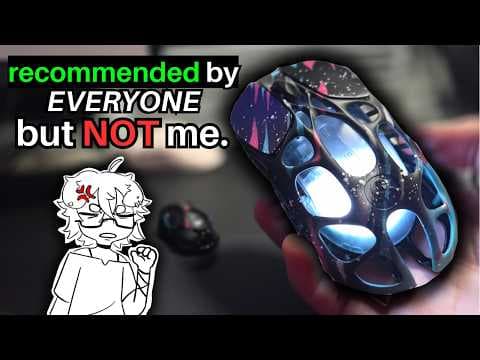
Gravastar might not send me more products after this review.
Gravastar Mercury X Pro
 Maaku
Maaku
O verdadeiro sucessor do Viper Mini
Delux M800 mini
 kitsune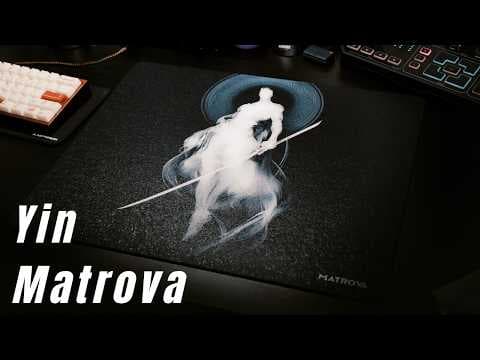
Matrova Yin Balanced Glass Mousepad
Matrova Yin
 rich
rich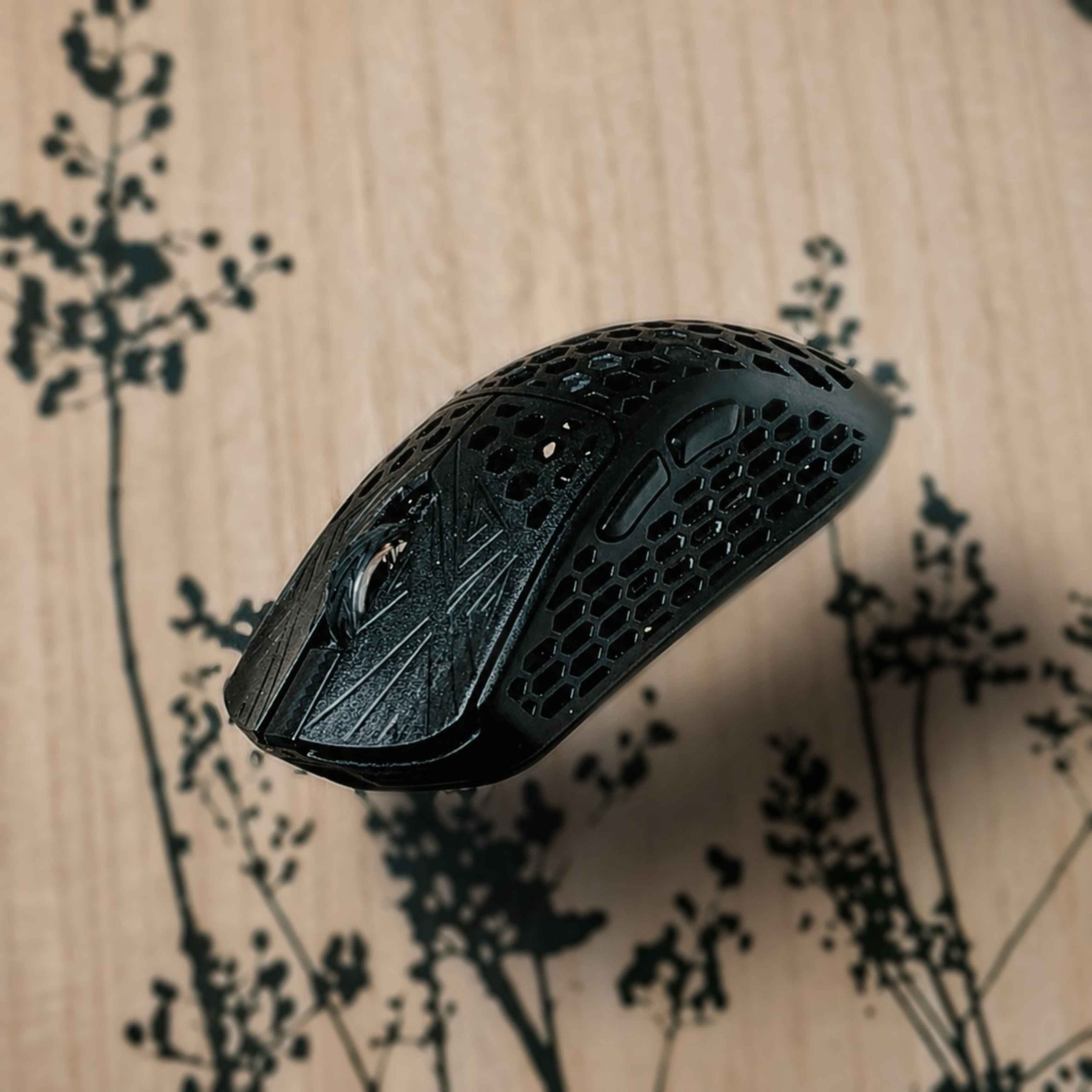
Arbiter Studio Akitsu Mini - Review
Arbiter Studio Akitsu Mini
ScratcH+• Usage: 6 months • games tested: KovaaKs, Valorant, Apex, Overwatch • Polling rate used: 2k **• What's in the box, specs & price** Included with the mouse you'll get: 8k Dongle, USB-C cable, Grip tapes & skates. The grip tapes and stock skates arent the best but they are usable. Specs: Pixart PAW3395, Nordic 52840 MCU, Dragon Claw mico-switches & Kalih side switches. • This mouse is priced at roughly $140 USD / 120€ **• Shape** Small mouse for small and medium hands, this mouse is very similar to the Finalmouse ULX shape-wise. I would say that there's no specific grip style for this, as its suitable for all of them, depending on your hand size. This mouse fits my hands almost perfectly (17x10cm) and i use primarily Claw grip. This mouse also features a cool looking dragonfly on the bottom of the mouse, which is a bit problematic at the same time as with thinner skates / very soft mousepads, the dragonfly might scrape the pad. **• Build quality** For a carbon fiber composite mouse, the build quality is surprisingly good, as most CF mice tend to be kinda hit or miss. Although i'm not 100% sure how much of it is actually CF and how much of it is plastic. Regardless, build quality is great, there's no flexing anywhere on the mouse. But it does creak quite a lot around the shell. This mouse weights roughly 38± grams (with the stock skates) Coating is pretty good, it is certainly different from your regular mice, textured but grippy enough to not get slippery while playing. (This might not be the case for everyone, i have very dry hands in general) This mini variant only comes in Black colorway. However the newer Medium comes in Black, White & Pink. **• Clicks & scroll wheel** Akitsu comes with Custom Dtagon Claw micro-switches, they feel very tactile and are most comparable to the Huano Blue Shell Pink switches. There's a little bit of pre-and post travel. Side to side movement however is pretty much non-existent. Some click wobbliness can be found if the buttons are pressed down and you go and actually try to get the wobbliness, otherwise you won't notice it. Scroll wheel is by far one of my favorites that i have gotten to use, it is on the stiffer side with very noticeable steps. Scroll button is no different, you need to actually press it, it is pretty stiff. Side-buttons are great, equipped with Kailh switches, they respond well, no pre or post travel nor was i able to find any side to side movement. Note: i haven't tested the click latency of this mouse. **• Software & Dongle** Akitsu comes with a web-based software which is nice, it has pretty much everything you need, including all the basics you usually have. It is very simple and very user friendly. Included with the mouse you get a minimalistic dongle, equipped with a small LCD screen. Having that screen is pretty nice as you can follow your battery percentage and what settings you are currently using. **• Final thoughts** Honestly, one of my favorites of all the mice i have used. Sure it is a bit "old" at this point and has older specs (such as the 3395 sensor) but does it really play that big part in the performance? It does not. The mouse performs and works flawlessly. However it is a bit pricey for what it is now, considering the updated Medium akitsu is $20 less. I would not pay the full price for this one, i would rather go for the Medium if i were to buy akitsu. It is not a perfect mouse, but it certainly is a great one and i would highly recommend it. Giving it 4.5/5 stars *(Disclaimer! This product was not sent to me. All opinions are my own.)*

Semi-budget glasspad
PALMLAB Lancer Pad.001
Maaku
Pulsar eS FS-1 quick review
Pulsar eS FS1
 Casper
# zowie $2000 tn panel **price:** *$180 usd* **weight:** *56g* **size:** *124 x 64 x 37 mm* **reference shape:** *zowie FK2* **stats:** *XS-1 PAW3950, 8khz, 20kfps, 400 mAh, optical switches ttc gold, web panel available* # **thoughts** the zowie fk2 is the best mouse shape ever created. this is just a lighter, wireless and modernized version of that mouse (some slight changes from the fk2; the fs1 is a bit shorter overall and has flatter sides). no true complaints about anything other than the price, great stability, fantastic battery, highest quality feel of any mouse i've tested. dongle has 2 buttons that allow for changing profiles and dpi, panel can be via pulsar or the web based version, metallic scroll wheel feels great, coating is ok- prone to fingerprints and doesnt offer much grip but im not surprised, seemingly lacks the taper that zowie implemented to benefit lifting the mouse- something quite useful at this weight and size. the only thing that could potentially be changed about the mouse other than the taper is its weight, even then 56g is arguably fantastic depending on your playstyle/game. the lack of seamless acceleration once you pass 40g~ is noticeable but if you like heavier mice that offer perfect balance and a locked in grip then there is no issue, this is pretty much perfection.  (ko-one, op1 8kv2, es-fs1, m5pro) essentially a 1:1 to the fk2. symmetrical, great for claw/hybrid, really locks in your fingers, very forward hump vertex so minimal palm contact even with a more forward grip, fingertip grip capable if you have big enough hands. this allows for your fingertip placements to be pretty much anywhere depending on hand size, if you keep your fingertips further down the mouse clicks you will have some slight palm contact while still maintaining finger movement, perfect for tacfps. if your fingertips are on the bottom of the clicks, the curvature on the sides give great pushing/pulling control with your thumb and pinky while maintaining zero palm contact. a robust mouse like this with a locked in shape is something i can pretty much universally recommend; overwatch, csgo, apex legends anything really, aslong as you're fine with the weight. i find that mice around this weight give more consistent aim feel but the acceleration being much slower is very noticeable. if you have bigger hands, like the zowie fk2 shape, claw with little palm contact or like heavier mice and want something endgame then the pulsar es fs-1 would work for you, just a bit expensive.  (op1 8k v2)
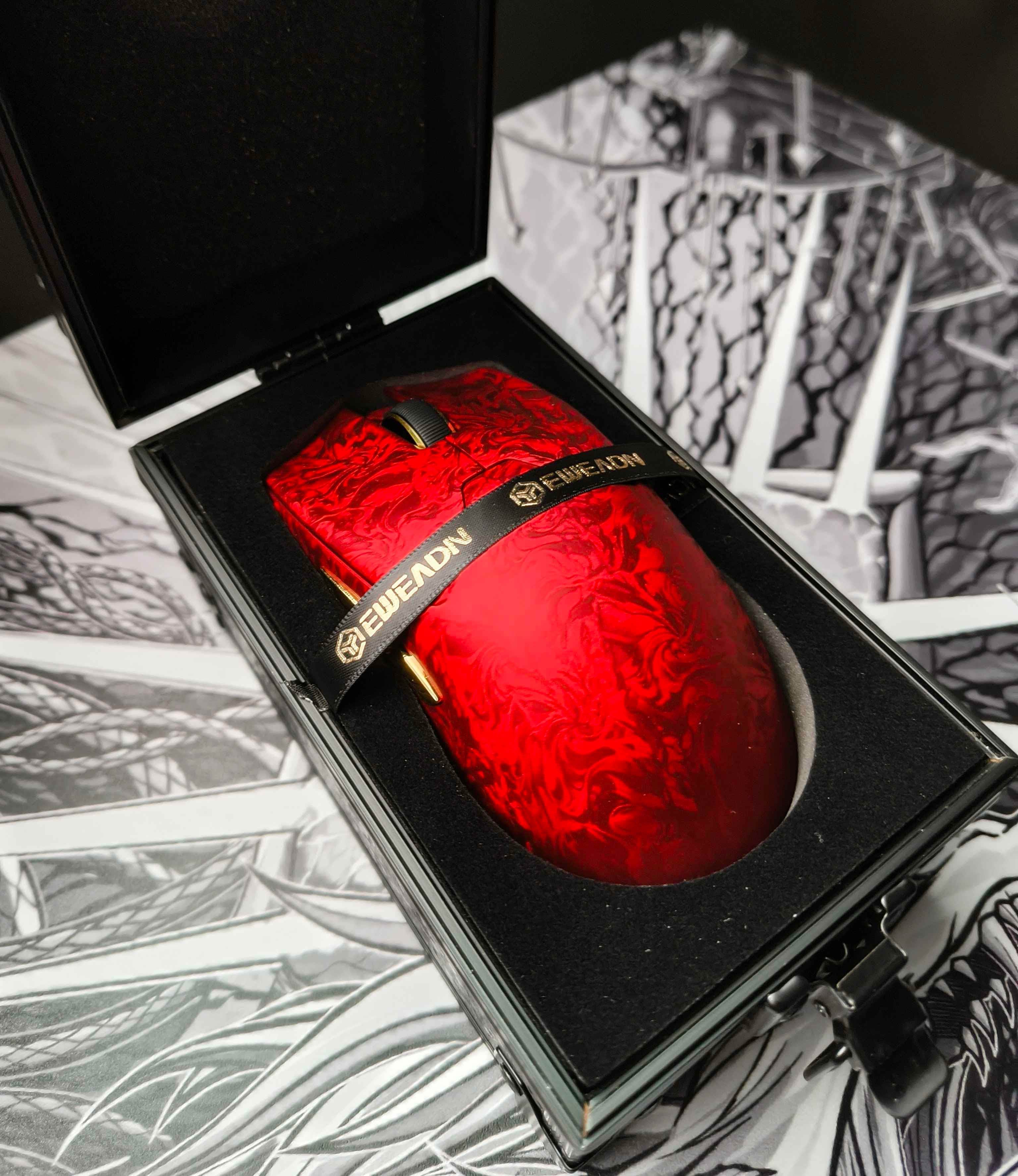
Eweadn Z7, the Viper Mini Clone - Review.
Eweadn Z7
ScratcH+**- In the box, pricing & specs** Comes included with a 8k dongle, USB-C cable, skates & grip tapes. Price of this mouse is roughly $85-110 USD. Equipped with PixArt PAW3950 ULTRA Sensor + Nordic 54L15 MCU. 500mAh Battery & Kailh optical switches. Web-based software, bonus points for adjustable sensor-angle setting. **- Shape, coating & build-quality** The shape of this mouse is near identical to the Razer Viper Mini, best suitable for small & medium-sized hands. Shell is made out of composite carbon fiber with a "Premium Nano Ice Skin Coating" giving it a bit weird texture and feel to it, but you will get used to it after a while. Overall the coating feels grippy and great, not slippery at all, but it does come with grip tapes included if needed. Build quality is very rigid, couldnt find any creaking or flexing anywhere on this mouse. **- Clicks, side-clicks & scroll wheel** Switches on this mouse are Kailh opticals. Clicks themselves feel great, there is some side-wobble and a bit of pre-and post travel with the clicks but nothing major that you would notice in general use or gaming. Side clicks are nice, very minimal pre-and post travel and overall feel great. Scroll wheel is rubberized, steps on it are very small, feels decent to use. **- Now the biggest issue with this mouse, the weight.** This mouse is advertised at 52±2 grams. The weight itself isnt the main issue, its the weight distribution. Battery on this mouse is a big 500mAh battery that has been placed at the very back of the mouse, making it very back heavy. This is fixable by replacing the battery with a smaller one. (the battery is a 3.7v, 3-pin, 1.25mm pin size) **- Skates & grips** The stock skates are probably the worst skates i have ever tried, so switching them to after-market skates is highly recommended. Grip tapes are alright, works as intended, though after market grips will be better. **- Final thoughts -** Would i recommend this mouse? Yes and no. It is aesthetically good looking mouse but the back-heaviness is a minus point. If the weight-balancing doesnt bother you, or you are looking to mod this mouse, it is a great pick. Otherwise i would not recommend this mouse. Will give it 3/5 stars. *(Disclaimer, this product was NOT sent to me)*
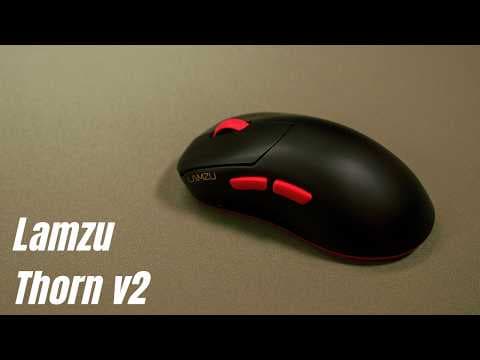
Lamzu Thorn V2 Review
Lamzu Thorn V2
richnew mouse
logitech g pro x superlight 2
 paint
paintbest mouse transition ever made
3 years of skypad
Skypad 3.0
 JayFlow
when i first got you glass pads basically didn't yet exist. between hard pads and my glorified 10€ cutting board made out of glass you were a god ray shining on all peasants interested in non cloth pads. and shortly after you released the scene would not take long to drastically shift. with the likes of superglide and the chinese market looming, flooding enthusiasts with and variety and sometimes affordability, you were the g pro wireless of pads. there to show the way. i however seem to have missed most of these developments over the years. because you were my ceiling that i had been looking for and allowed for me to shift my focus on other details. one obsession about sensitivity or grip turned into the next all on the back of the freedom that you allowed. nothing had ever given me the opportunity to focus so much on things that weren't related to the pad at all. problems could simply be overcome with control, technique and enough time. never leaving space to think about you. but eventually, after all that time, things tend to iron out and focus inevitably shifts back onto what lies beneath. and so it happens that oddities you notice along the way start turning into annoying distractions. something that could be chalked up to not being good enough now stands out as preventing the next step in improvement and comfort. the audible destruction of skates anytime you dared to flick the mouse. the glide consistency akin to a journey through mountains and valleys. the total change in surface behaviour at the apex of switching directions. all these things now nag at your experience, because you are not where you were 3 years ago. so i enjoyed my stay. i enjoyed the journey. but now i can not wait to find something that will give me what you gave me 3 years ago.
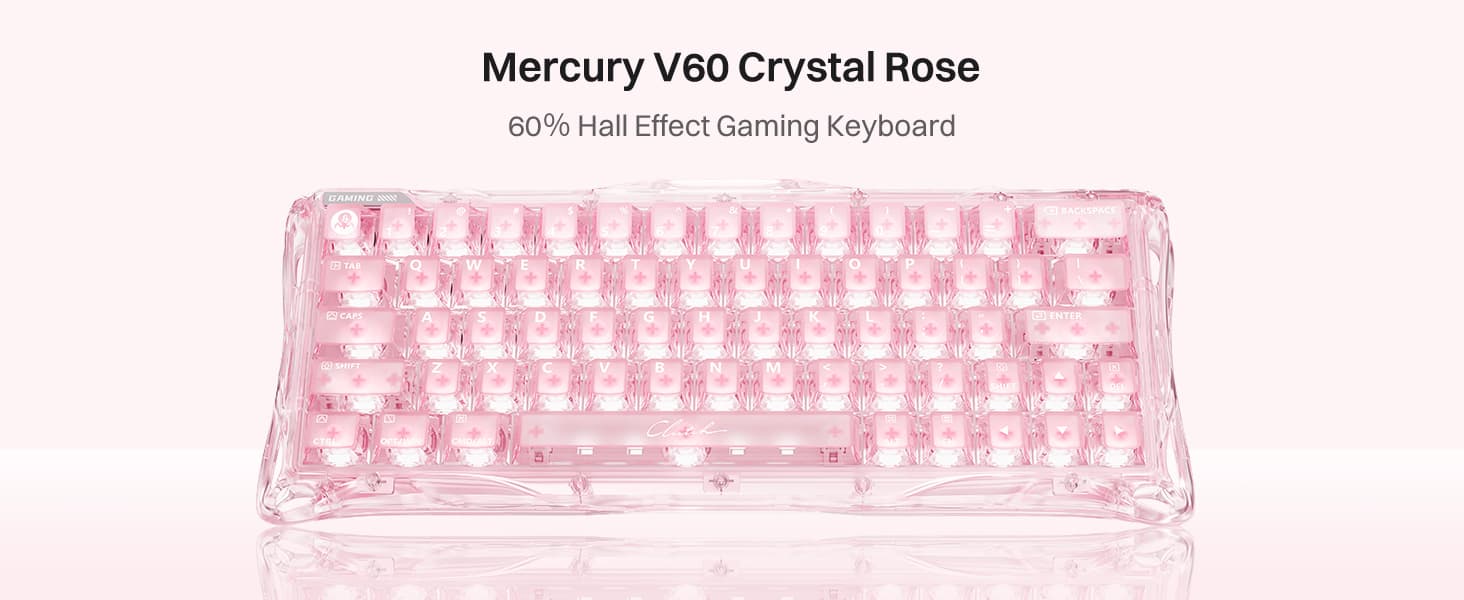
1 Month Review
Gravastar Mercury V60
 NASH
NASHHonestly not a horrible keyboard by any means. If you want a better looking keyboard that's extremely customizable, mildly affordable and has great performance, this is for you.
The Omega by ERRENNIR. A clothpad that made me swap off glass.
Errennir Omega
 xurshin
490x420mm, 4mm thick, composite cloth surface and firm silicon base. Tested majorly on kovaaks with a XM2 8K v2 (PMM smoothies). The firmness of the base gives a glass pad feel of minimal push-down, very firm surface, grippy and no slipping out of the box. The composite surface is quite unique, extremely smooth, silk-like, very fast yet accurate. It does pick up fingerprints and hand oils, requiring the included microfiber cloth to wipe it down. The friction is very low for tracking and reactive aiming but the stopping power is on the lower side. The main reason I enjoy using this pad is the skin stickiness, regular cloth feels weird against skin, but the Omega's smoothness + skin friction lets me aim as I do on glass, pressing my fingers down for extra stopping power. In comparison to the Shidenkai v2 xsoft, excluding the soft base, the surfaces feel similar in speed and smoothness on the skates, though the Shidenkai is noticeably more textured against skin. The Omega is a strong alternative to your standard clothpad, targeted towards speed enjoyers looking for a glasspad-like experience. Also shoutout @Ausmodshop and Matt for the fast delivery.❤️
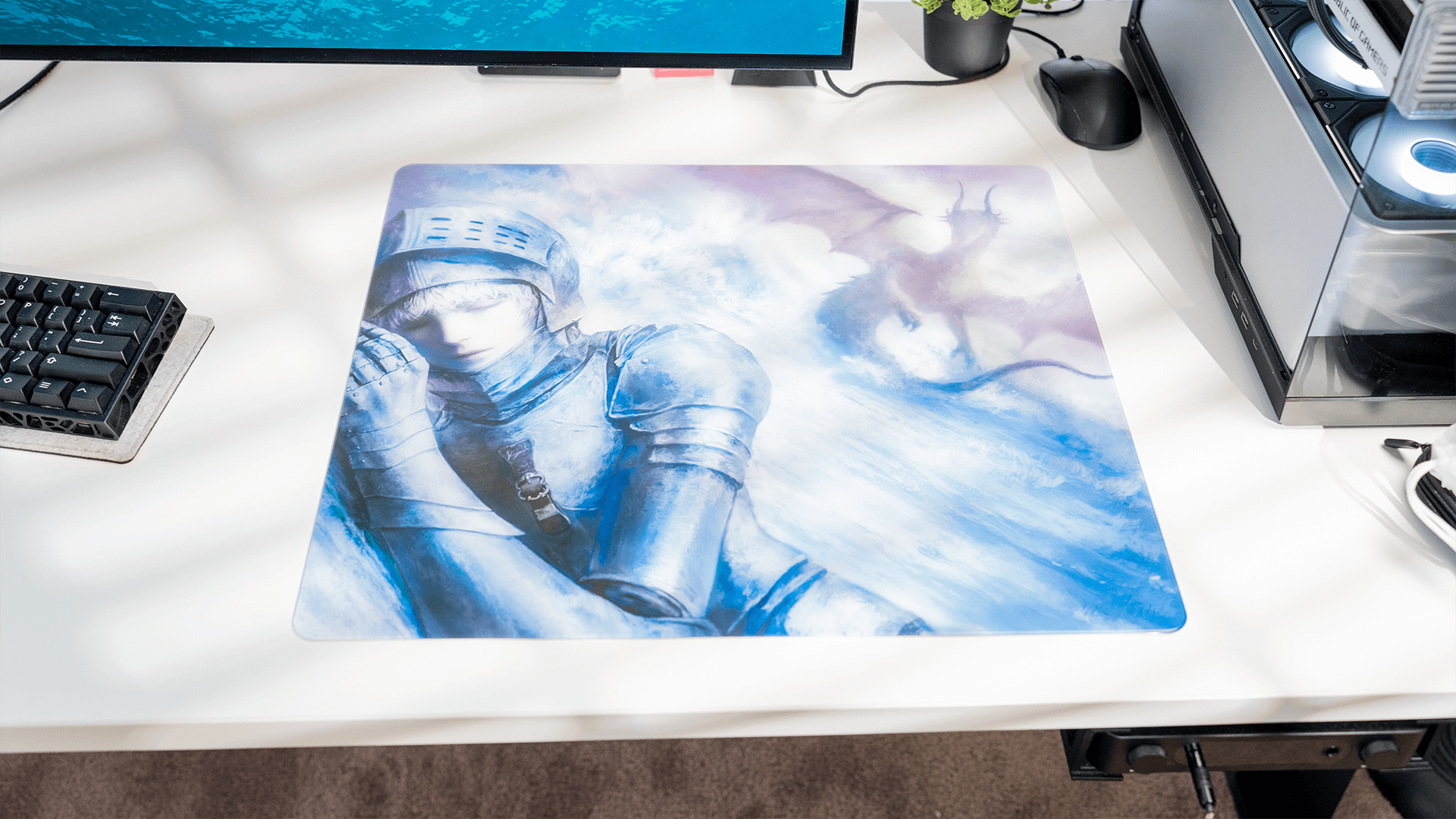
The Ryo by Kyomi, Unit #482/700
Kyomi Ryo
xurshinAs an extreme speed + textured glasspad enjoyer, this is already one of my favourite surfaces to aim with. 500x450mm, 2.2mm thick, Exo coating with a grid square base and 40 bubble dots. Tested on kovaak, r6, finals and overwatch with my gwolves Lycan (ultraglide silences) and XM2 8K v2 (westlab oranges). The Exo coating feels similar to the entity by tekkusai, non-stick with no skin-tug, slightly porous texture, and very fast. Under pressure the surface becomes more textured like the phantom/va5, but the deceleration is more gradual, making stops during flicks and tracking feel natural rather than immediate. The included bubble PTFE dots pick up the texture more than the Silences, fast but still controllable. I prefer the Silences on this pad though. Sound is lower-pitched than my other glasspads, edgeless design is comfortable, and base holds well in use. The Ryo is a goated pad if you want ultrafast surface with texture and no skin-drag.
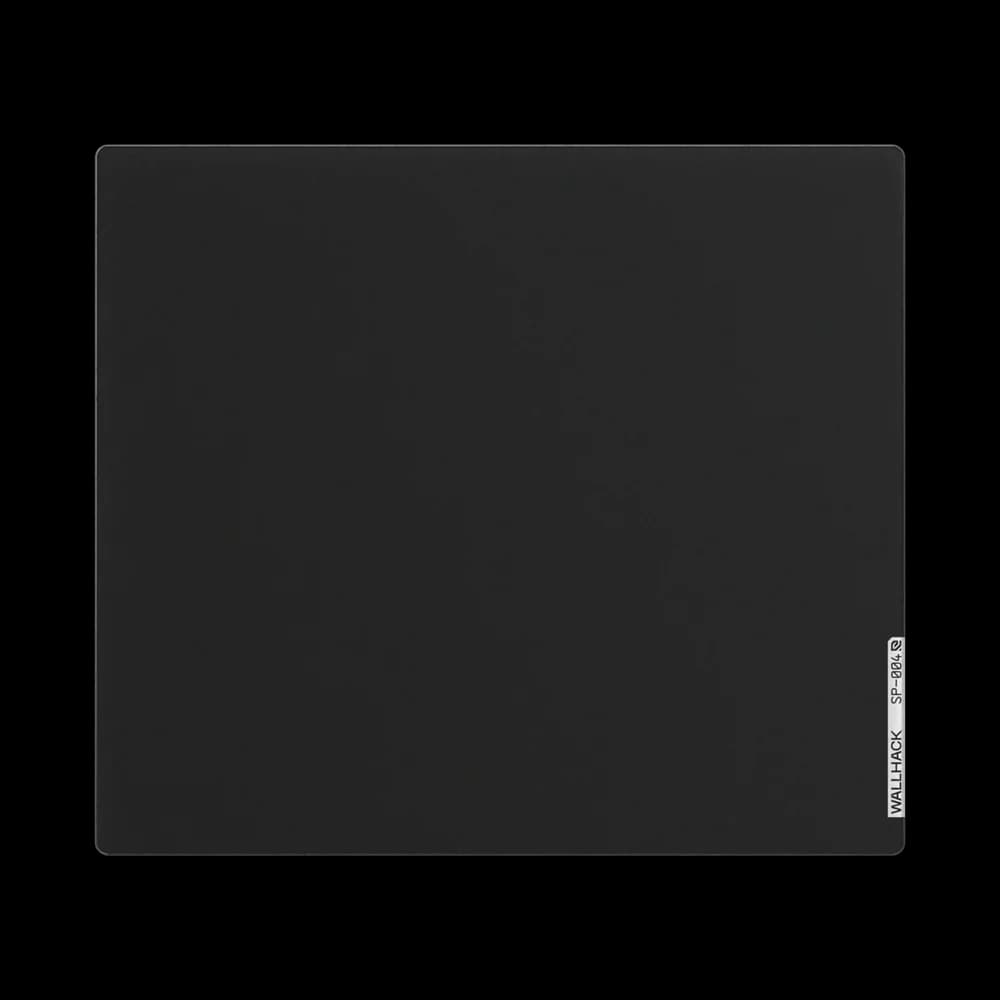
Wallhack SP-004 Endgame Pad???
Wallhack SP-004
 lyric*
now when as i start this lemme be clear ive only used cloth i like that controlable nature of it but when i saw a 4.0 for 80 dollars on ebay i couldnt say no as ive wanted to try glass for the longest time as i started playing more tracking games so first it felt fast and so my sens was way to high so after lowing it down it felt perfect for apex and i was fragging and playing insane compared to my old cloth pad and i hit way more clips and even for some scenarios id do where i had to be slow with my movements it still felt great. So do i recommend this if you an find it at a good price have the desk space and want to try glass yes but if you like the controlablity of cloth andd if you play games like valorant or cs id stick to cloth.
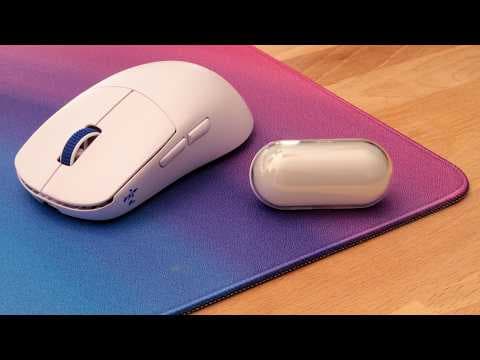
After Months Of Delays, It's Finally Here. | Ninjutso Sora V3 Review
Ninjutso Sora V3
 jakeu+
Westlab Oranges Review - on glass and cloth
westlab small orange dots
 boudy
boudy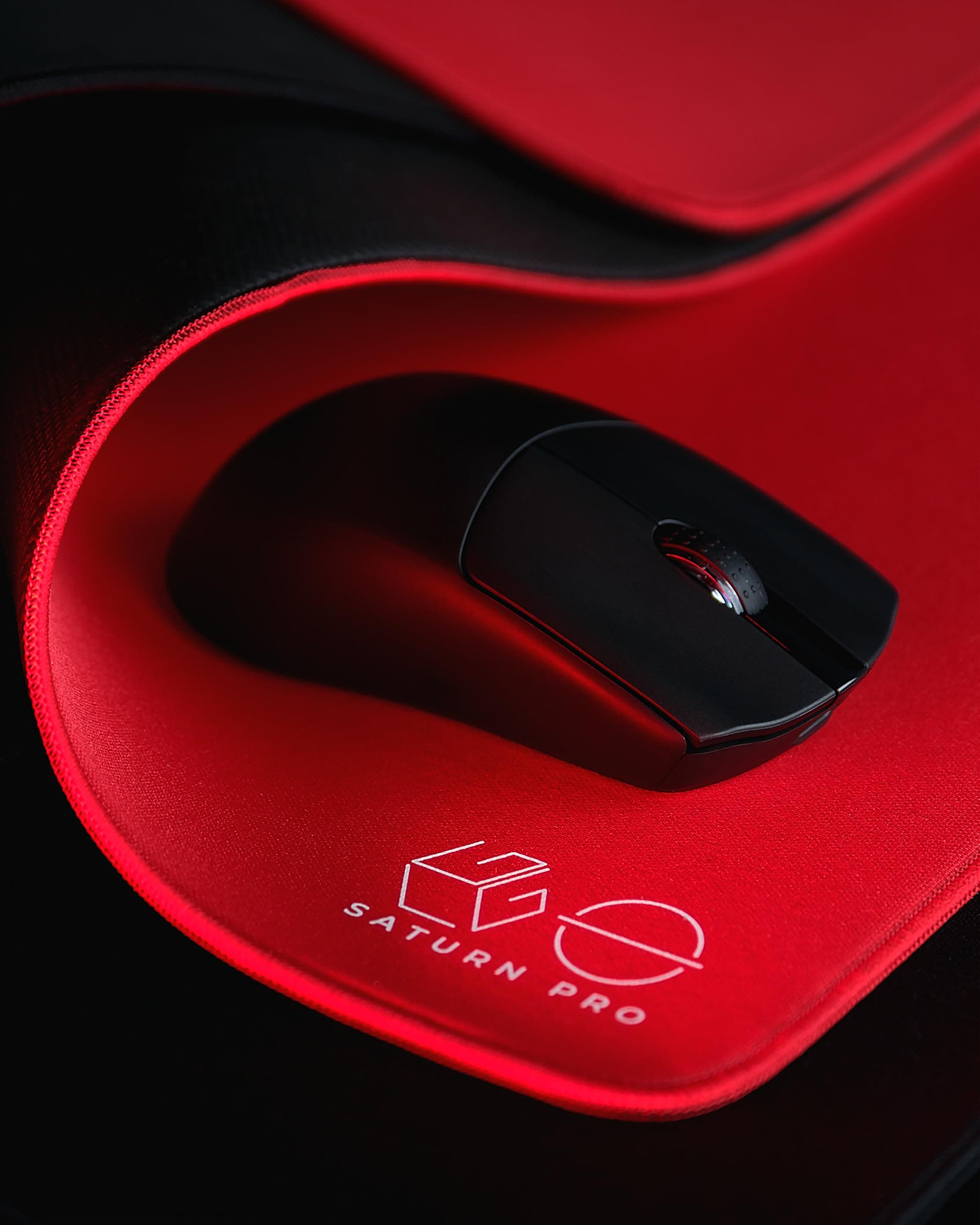
Long Term review about the Saturn pro
LGG Saturn Pro
 Zemi
ZemiI used the Pad for TacFps and I'm pretty suprised on how good it is. The Stitching is a little bit under the Surface and the surface itself is pretty controlled with control oriented skates and pretty smooth with faster skates. On control dots when you start a movement the surface is pretty noticable and you get an instant feedback from the pad. With faster skates the pad behaves like a high quality control pad that has feedback on where your mouse is and it is easy to stop movements on the dot. You can use the pad with every sleeve I tested and I think especially in the summer this feature is preety important so u don't ruin the mousepad. If you're interested in the LGG Saturn Pro I would recommend it. With best regards Zemi.
Skypad 3.0 review (first time glass user)
Wallhack Skypad 3.0
 jmolvar10
I decided to get a skypad. I have only played on slower mousepads, so I was unsure how I would transition to a fast mousepad. My main reason at first for trying a skypad/glass mousepad was because I was frustrated with cloth mousepads slowing down overtime, and also annoyed with the process of trying to clean cloth mousepads. Since switching to the skypad I realized I really like it. People always say glass is tougher cause its faster and more difficult to control the mouse, expecially with stopping. But after a few days of adjustment I realized that the lower friction surface means less movement can move the mouse, but the mouse moves slightly more consistently with slight/light adjustments such as finger adjustments. A similar analogy might be pushing a very heavy weight on a rough carpet, you probably have to hit the weight harder and harder and all of a sudden it will just jerk foward inconsistently. While trying to push the same weight on ice, just a slight push and the weight will move foward more consistently with the force applied. Because of these reasons if you have a fingertip dominated grip I recommend you consider trying a skypad/glass mousepad. Also with glass, It feels more raw, just me and the mouse no safety net. People say you need a mouse sleeve but you really don't, I never wore that. Lastly, a faster mousepad like the Skypad may facilitate accelerated improvement because it provides higher input-output fidelity. With less friction, the mouse movement more accurately reflects the user’s motor intention, resulting in cleaner error feedback which probably leads to faster learning. Edit (additional thing i though of): with faster mousepads you need less force to overcome friction so your arm does not get as tired as fast, which means you can play for longer sessions at peak performance. So id say this is another reason I have a preference to faster/low friction pads such as the skypad.
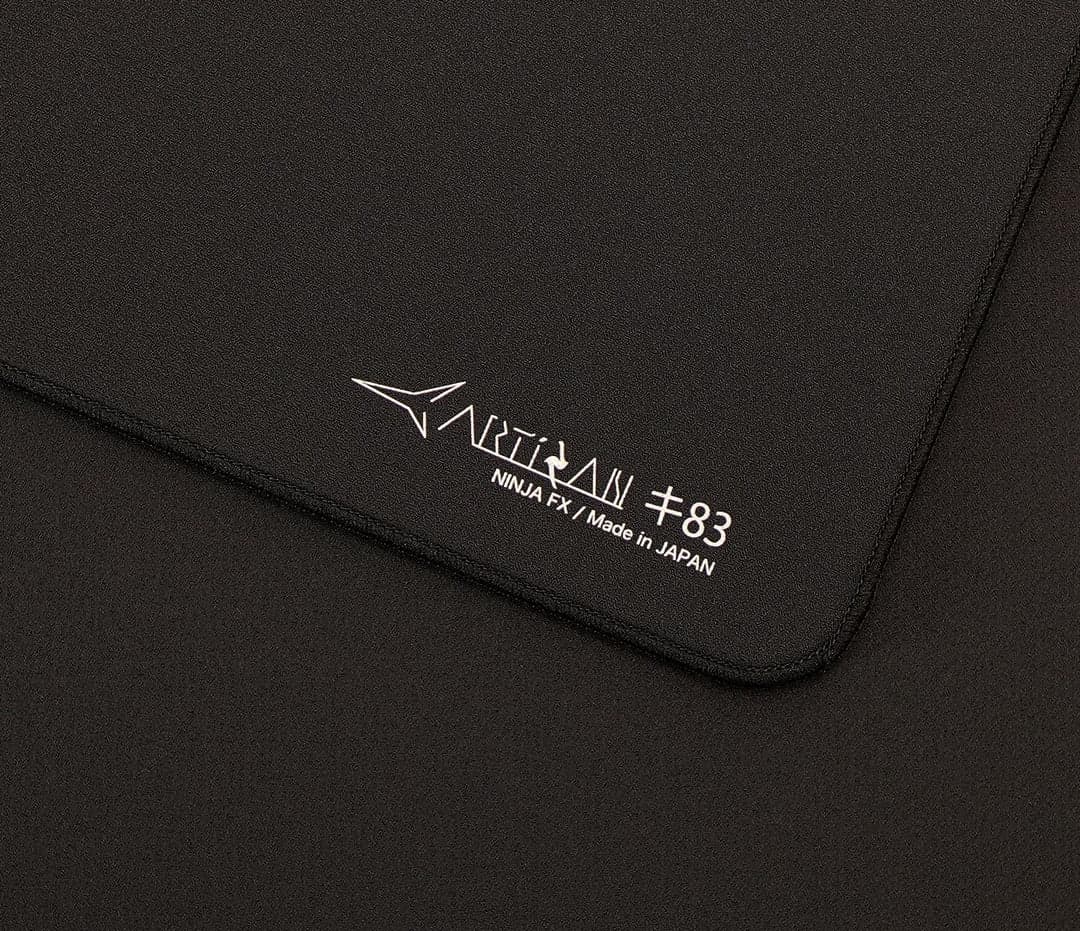
The best cloth pad I've ever tried
Artisan Key-83
 Arya
AryaAs a long term user of cloth pads, starting from the QCK-Heavy for OW1, CSGO - I found myself loving the feeling of control, but I always had an issue with my arm and wrist sticking to the pad a little too much. This got me intrigued about the quality of Artisan's pads. I tried the Zero for a long time while I played Valorant, and that pad is GOATED. Its in my top 3 for sure. But.... again I felt like I was sticking. Let me get to the chase here. The Key-83 feels perfect; because not only does my arm / wrist not stick to the pad, but the x/y difference being equal brings what I look for in every single product I buy for myself: Balance. Nothing feels hard to do on this pad. I will say, If I could give it a 4.95, I would. Due to my lack of mouse control on fast surfaces, I do find it can be a tiny bit fast, but I'm getting very used to it. I do wish they made the Key-83 in a slightly slower speed, just SLIGHTLY. I tried xsoft and was not a fan. Soft is my favorite on this one. Thanks for listening to my first review, stay tuned for more updates. If you made it this far, you owe me all the money in your bank account.
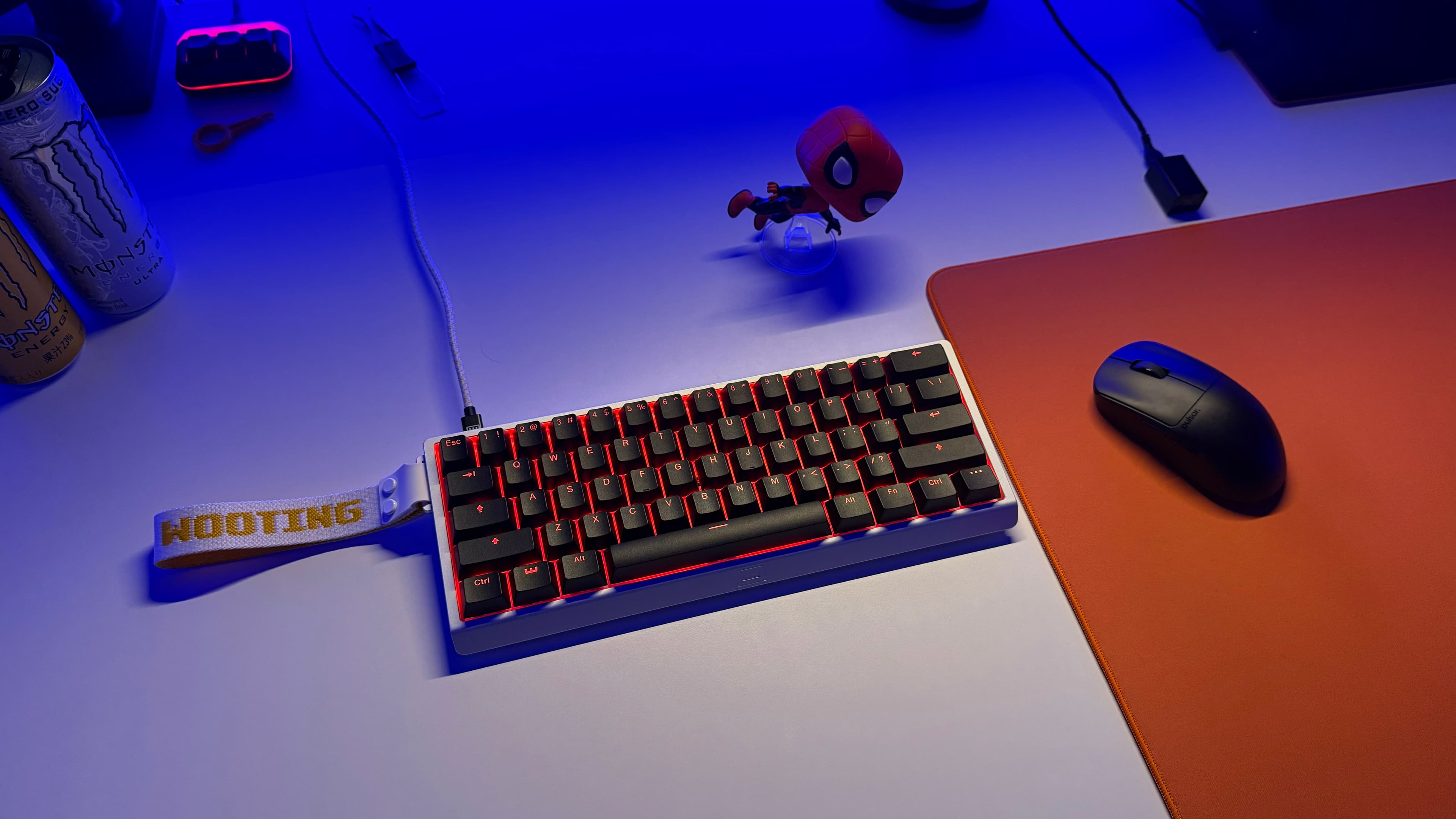
My history with Hall Effect keyboards + Wooting 60HE v2 Semi-Review
Wooting 60HE v2
 enri
enri# My first experiences with Wooting & first HE keyboard Around late 2022, a now-deleted tweet by osu! player moonpoint (known as Apo11o at the time) completely changed the conversation around gaming keyboards. It claimed that top speed players were secretly using Rapid Trigger on the Wooting Two to achieve better scores while keeping it under wraps. Everyone, me included, was asking the same question: *"What the fuck is Rapid Trigger?"*  As interest in Wooting's keyboards exploded, they began reaching out to several communities by offering pro players and creators a 10% discount along with early shipping, given that they introduced themselves and shared a bit about their background. Curious about all the hype surrounding Rapid Trigger, I also reached out myself. A few days later, I ordered a Wooting 60HE, my first Hall Effect keyboard. From the moment I started using it, the advantages of Rapid Trigger immediately stood out, and its core features completely changed my expectations of what a gaming keyboard could be. Most people already know exactly how and why Rapid Trigger was a complete game changer for competitive gaming as a whole, so I won't go into detail about it here. Performance aside, it still wasn't the best sounding keyboard. It performed great, of course, but the stabilizers were rattly, and the original switches sounded super "chattery." I felt it could use a bit more modding, so that's exactly what I did. Over the next two and a half years, I swapped cases, switches, keycaps, and lubed the stabilizers (to failure 💀) until it felt like my own. It ended up becoming one of the longest-used peripherals I've ever owned thanks to how easily customizable it was. # Switching to other keyboards After nearly two and a half years with the Wooting 60HE, I bought a new Hall Effect keyboard: the Wooting 80HE. I first bought it in March 2025. The advertised 8K polling rate was a compelling upgrade on paper and was personally noticable for me, but I never really enjoyed its PC plate for osu!, my unit had terrible stabilizers, and after years on a 60%, I realized the larger layout mostly took up desk space for keys I rarely used. Later, I was lucky enough to receive a Pulsar PCMK 3 HE 60 for free! It had my preferred 60% layout, 8K polling, and a higher 35 kHz scan rate. The software, however, was buggy as hell, I wasn't a fan of the RGB implementation or brightness, and its limited moddability made it difficult to really consider this my endgame. Wooting then announced the 60HE v2 in May 2025. I remember looking at the specs and just thinking... Holy fuck. Wootility. 8K polling. A 60% layout. Closed-bottom stock switches. Friction-fit mounting. Wooting had taken everything I'd spent years modding into the original 60HE, improved on it, and built it that way from the factory. I didn't buy it immediately, though. My 80HE and PCMK were still more than capable keyboards, and I wanted to spend time with both before deciding whether the upgrade was actually worth it. During that time, I found myself missing different things about each keyboard while using the other. I missed the PCMK's 60% form factor whenever I was on the 80HE, but I also missed Wootility's ease as a whole whenever I was on the PCMK. No matter which keyboard I was using, I always felt like I was giving something up. After more than a year of switching between them, I got tired of compromising. I finally placed my order in late June 2026. # My experiences w/ the Wooting 60HE v2 My 60HE v2 arrived on June 26, 2026, 3 days after my birthday!  None of the individual features were new to me. I was just happy they were finally all on the same keyboard. For over a year, I'd been bouncing between boards because each one excelled at something different. The 80HE gave me Wootility and 8K polling, while the PCMK gave me the 60% layout I kept missing without sacrificing performance, but at the cost of buggy software, washed out RGB, and limited moddability. The 60HE v2 was the first keyboard that let me have all of that without compromise. The stock sound was genuinely impressive! The new Lekker Tikken switches sounded fantastic, and its closed-bottom design produced a much nicer sound profile, while the improved stabilizers made the board feel far more refined out of the box (although still by no means perfect). For the first time, I wasn't immediately thinking about what I wanted to fix or change. Beyond changing a few cosmetic preferences, I pretty much left the keyboard alone, and I never felt the need to replace the switches or re-lube the stabilizers.  This has easily become one of my favorite keyboards. Everything comes together with little compromise, and I finally stopped bouncing between keyboards because I no longer had a reason to. I ended up handing my original 60HE down to my boyfriend, letting him choose the switches, case, and keycaps while I lubed the stabilizers and built it with him. It felt like the perfect way to retire the keyboard that started it all. At $240 for the aluminum version & $175 for the plastic version, it really isn't cheap. There's plenty of great Hall Effect keyboards out there, but with all of them, I always found myself compromising on something. The 60HE v2 was the first keyboard that made me stop doing that, and that's exactly what you're paying for.

Artisan Type-99 quick review
Artisan Type-99
Casper# **review go** **stats:** *cloth, very slow lots of friction can even see it in the image, awesome* # **synopsis:** the type99 is easily the slowest/most control focused pad I've ever used which makes it my favourite pad I've ever used. it has a good feel to it, less abrasive than the hien but not as smooth as the zero. i prefer slower pads as im used to working with slow sensitivity and almost controlling the action based on the friction being experienced at the time, which the type99 is perfect at, everything feels slow and almost methodical/intended. great friction good shit great pad. problem: it is utterly useless after some time no matter how well you maintain or wash it, artisans in particular inevitably grow a muddy spot which Eviscerates any methodical controlled feeling. you are no longer aiming using a cloth pad like this, you have simply grown used to pushing through the canals of varying friction levels that impose on every single action you make, you are just a guiding force rather than in full control at that point is how I see it. to expand on that^; its a mixture of humidity, moisture and sweat that the pads fibers naturally absorb. this leads to areas of the mousepad that are inconsistent, basically filled with your dead skin cells and valorant sweat. high humidity + Dead Skin Cells + moisture = microscopic Mud. when this happens, the best course of action is to simply burn the pad alive- in no world is it acceptable to spend this much on quality just to be defeated by basic natural phenomena. you can mitigate this slightly by washing the pad but its inevitable in my experience. the true identity of a mousepad should be a nearly non existent surface that allows your fully intended action to be executed without any external(uncontrolled) imposement. how do you get this? consistency. it does not matter what the pad feels like, all that matters is your intended motion performs without any external factor imposing on it. everything else is mainly preferential at this point, there is probably a surface material with the perfect combination of control and acceleration feel, but I have not found it yet and even then its still quite subjective. some pads have good stopping power even if they are more speed oriented and others dont, even though it directly influences your aim in a noticeable way. there is a true balance of this but in reality it is mainly preference. anyways i recommend the glasswrks polarity or the artisan raiden as using a slower pad like this that will become slower with time, probably not the best bet. from what i know the pulsar pd170 is faster than the raiden but I expect it to be better overall in terms of longevity and feel.

CRDRAKO KO-ONE quick review
CRDRAKO KO-ONE
Casper# quick **price:** *$170 usd* **weight:** *35g* **size:** *116 x 62 x 37 mm* **reference shape:** *EGG OP1 8k* **stats:** *PAW3950, 8khz, 20kfps, 200 mAh, huano crispy pink switches* # **synopsis** the ko-one is a wireless, 35g op1 8k. the shape differs mainly on the sides, the op1 8k is very flat vs the ko-one is more of a locked in shape with a curve and taper. if you fingertip or claw this shape will pretty much universally feel great. battery is not the greatest on 8k but as expected I guess, I found it has fantastic battery life without 20k/8k on though. the dongle has a screen and functioning buttons that let you change modes, slightly useful. the experience is definitely top quality, it came with a great variety of skates too and the grips are actually not bad which is surprising. 35g is infact perfect weight for instant acceleration while maintaining stability. highly recommend this mouse, is quite small though. # **sidenote** this is potentially whatever but I believe the small extra thumb curvature the ko-one has on its side changes a lot, after swapping between the op1 8k and this it's very noticeable to me- it's essentially giving more surface area on the angle for my thumb to grip which increases stability and control when pulling/pushing the mouse. if your thumb is a driving factor in how you aim then keep that in mind while buying a mouse, that area of mice is very important to ones gripping style.
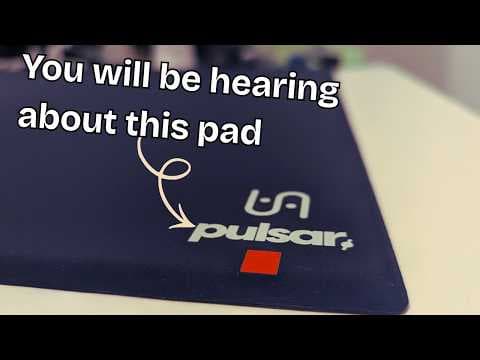
PD170 Review
Pulsar PD170
 Lew
Lew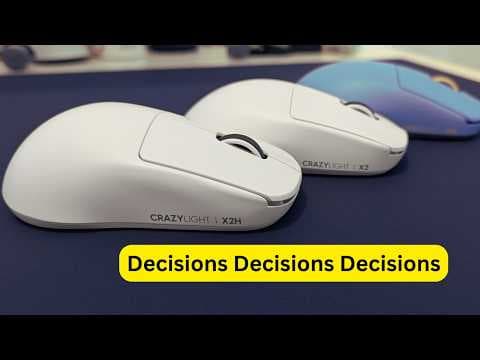
X2, X2H or X2N ???
pulsar X2 CL
Lewo_O
finalmouse ulx frostlord ( small )
 femboy
cute mouse , small size fits my tiny twink hands .
MIKU
wallhack sp-005 MikuOS
femboyMIKU MIKU MIKU MIKU MIKU MIKU MIKU
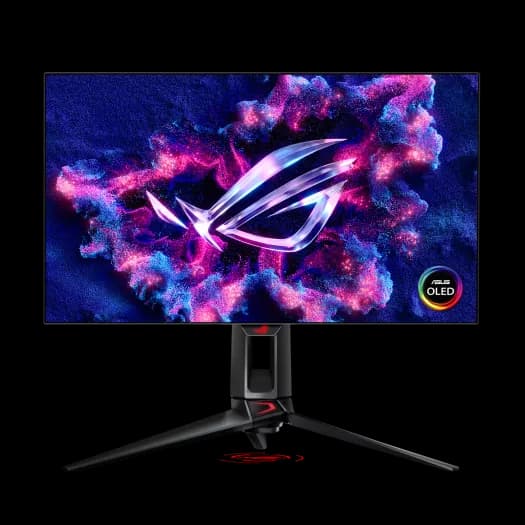
18 months with the 480hz OLED from ASUS
ASUS PG27AQDP
 chris
chrisThis monitor was my first real upgrade when it came to high refresh rate gaming. I went from 240hz -> 480hz and from a bad IPS to OLED and 1080p to 1440p. The first power on was surreal, the difference was night and day, especially the resolution. Once you switch you CANNOT go back tbh. Overall the monitor is faster, smoother, and way better looking. I would recommend this to anyone looking for a new main monitor, and at the new price point at around ~$700 it is a steal. Now for the downsides, OLED burn in. At this current moment the panel has been on for: 5580hrs and 588 times I've pixel cleaned. After around the first 100 hours I turned off most OLED care options as they dim the screen and overall make it "off" for me. Even with most of it off and me not doing the best OLED care the burn in is slight, not even noticeable at times. If its a big turn off for you not picking it up then it shouldn't be. Another slight downside is cleaning it and overall handling of it. I make sure to clean it with a fresh microfiber cloth and distilled water as not to scratch or damage the screen in ANY way (I know its a little excessive). And about the handling, with it on a monitor are the panel is so thin that tilting it in any way is a little nerve wrecking and can be hard to tilt it in the right degree. Even with these slight setbacks the monitor is still a great price for what you get, I've recommended it to a couple of friends who pulled the trigger on it and have loved it so far. I give it a 5/5 :thumbs_up:
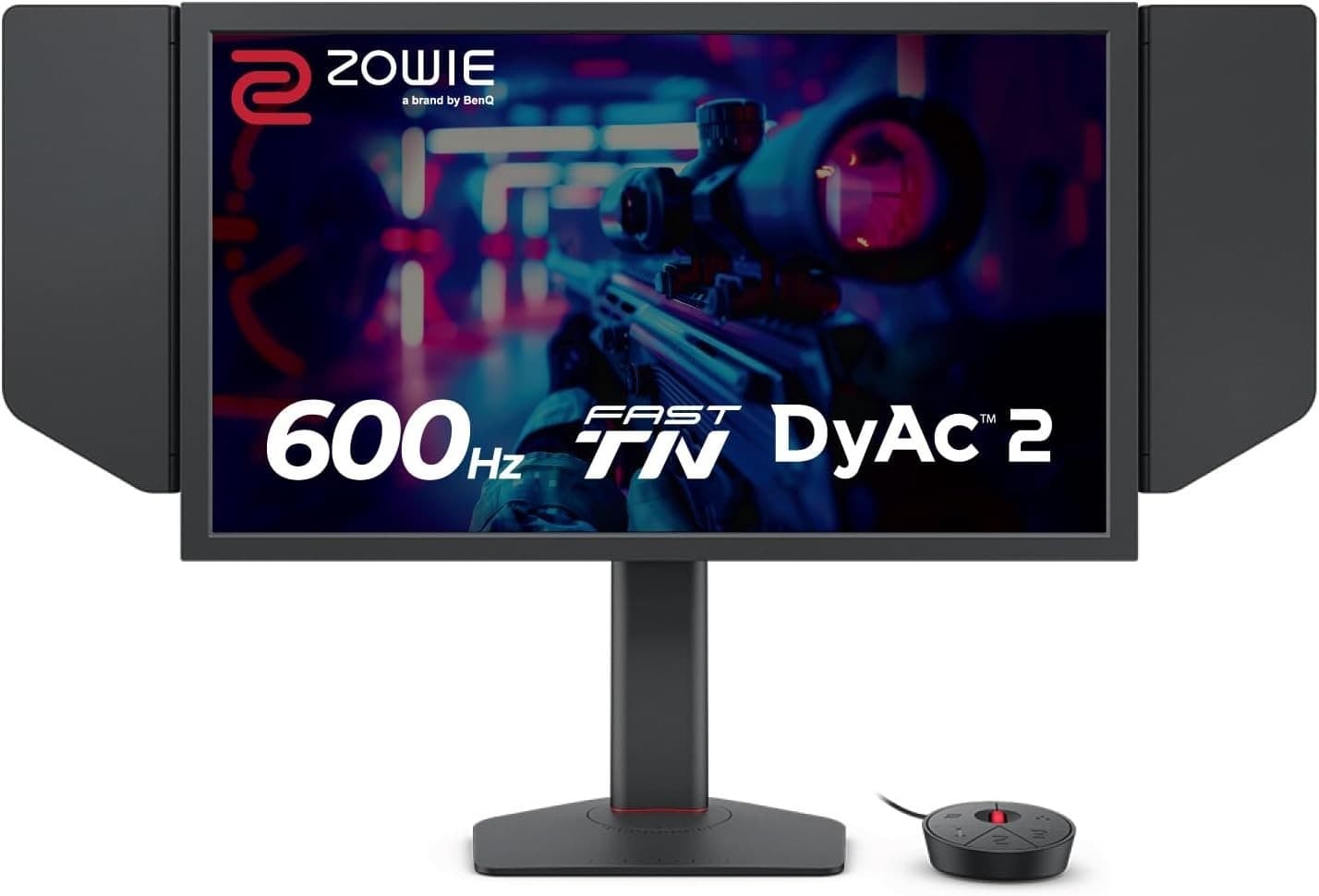
My experience with the new 600hz Zowie.
Zowie XL2586X+
chrisI've always wanted this monitor ever since it dropped, plenty of good reviews and overall brand hype with their monitors. Coming from a 480hz OLED the experience was underwhelming to say the least. The TN panel looks muddy and not defined at all, the black eq is very good, but besides that there's not much else to say. It is very smooth but you need a beefy enough computer to even run 600 FPS in any game, even games like cs2 and valorant. I'm not saying its a bad monitor but for the price you could get the tandom OLED from asus for about $100 more and get a 540hz 1440p OLED. The "competitive-ness" features you get from it doesn't translate with it. Me personally I've hit radiant with both but couldn't notice the difference with it at all. The only time you should even consider this monitor is if you haven't already used a high refresh OLED. As a side note I had a couple of friends who are top 500 in valorant/r6 use it and for the most part they could hardly tell the difference, compared to OLED where its night and day.
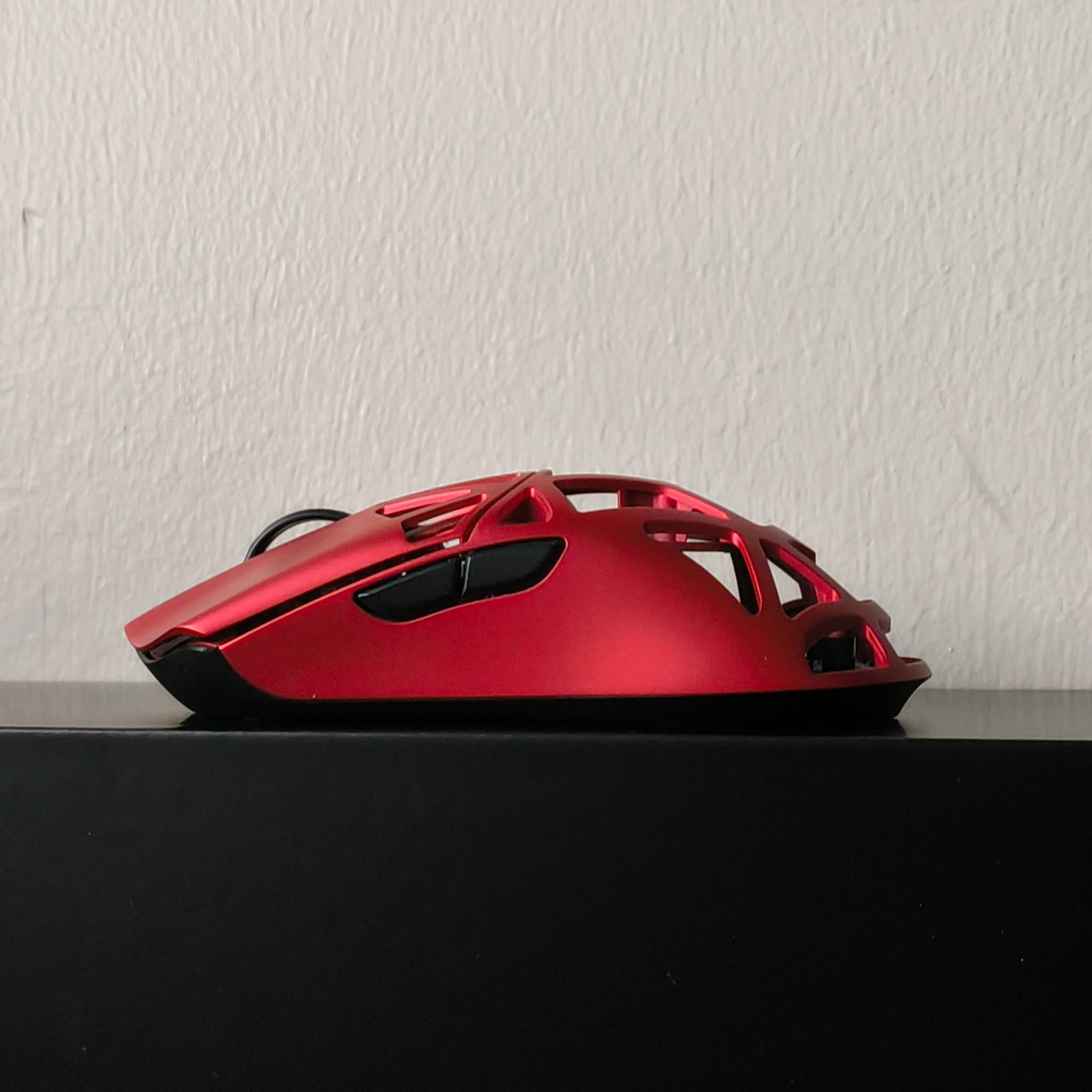
Wlmouse Beast X Mini Pro - Review
Wlmouse Beast X Mini Pro
ScratcH+A beast or a cute cat? Or both? I have been using this mouse for a while now and i gotta say, it is easily one of my favorites. • In the box, pricing & specs Included in the box: USB-C cable, 8K dongle (cute cat dongle btw), 1k nano dongle, 2 sets of grip tapes & a set of stock skates. Pricing: $145 USD Specs: Nordic 52840 MCU, PAW3950HS, TTC Dust encoder, Omron optical switches, Omron blue dot side-buttons, weight: 35g±, 300mAh battery. • Shape, build quality & coating This is Wlmouses mini version of their Beast X series, a 35g± symmetrical mouse that fits best claw and palm grips. Build quality is very solid and rigid, no flexing or noticeable creaking in general, i did notice a bit of creaking on the shell while gaming, could be just my grip or this unit, hard to say. Coating is great, a bit slippery with dry hands, the mouse comes with 2 sets of grip tapes to help with that, which is a nice addition. • Clicks, side-buttons & scroll wheel This mouse comes equipped with Omron optical switches, t Pre-or post travel is very very minimal to none, side-buttons however do have some pre-and post travel on them, especially MB4. Some side movement can be found on the main clicks, but nothing you would notice while playing. Scroll wheel is rubberized, it is pretty smooth to scroll with and has clear steps. It is a bit on the loser end, so its not stiff at all (unlike Pwnage Stormbreaker for example) • Miscallenious Software is simple and easy to use. Bonus points for Sensor angle adjustment setting. Another bonus point for the cute cat dongle <3 • Final thoughts A short review tbh as there's not much to say about this mouse, in general a solid mouse for a solid price. I would say that Wlmouse is one of the most reliable mice at this price range, a mouse with multiple color variants & size variants, something for everybody. Great mouse that i would highly recommend. 4/5 stars. Disclaimer! This product was NOT sent to me. All opinions are my own.
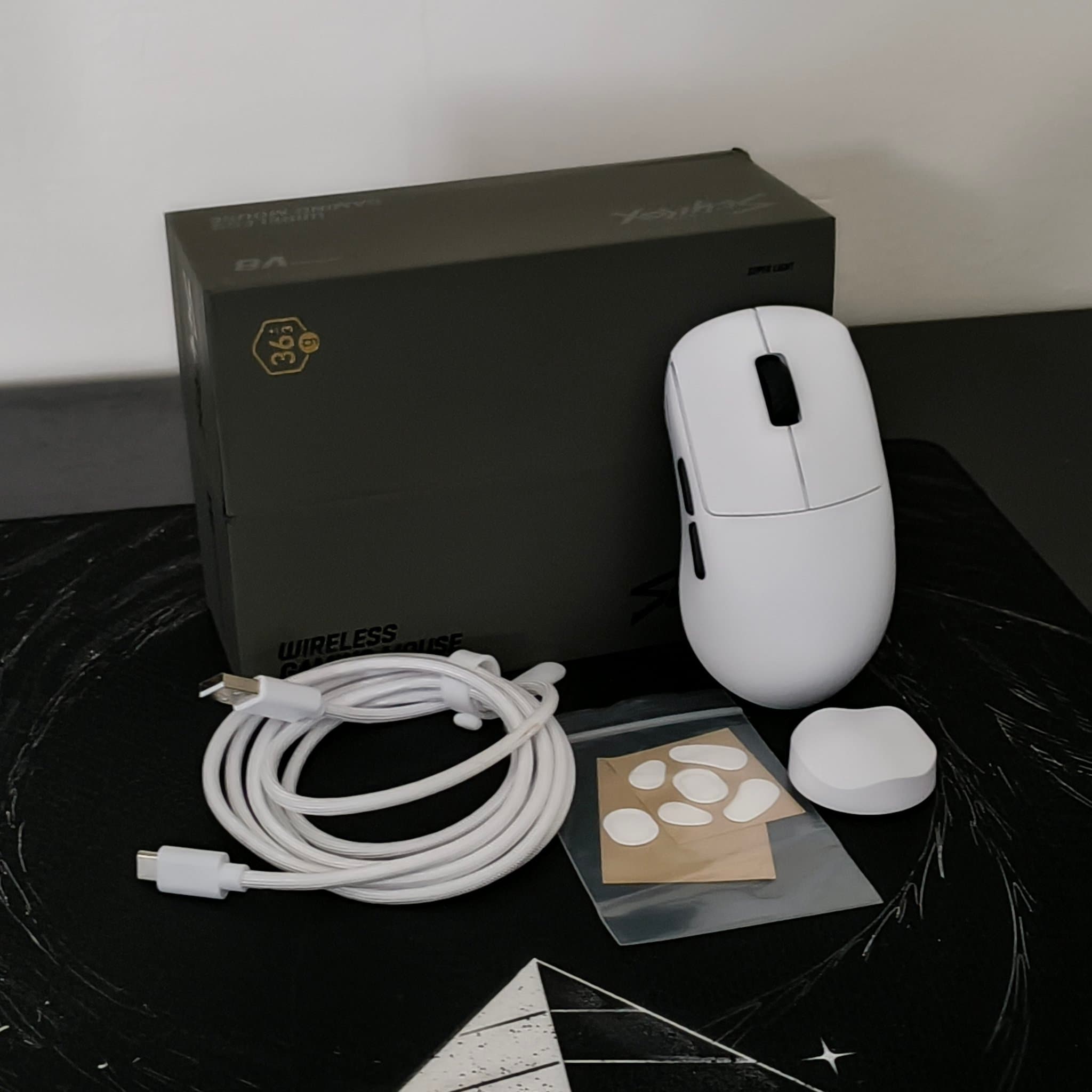
The best budget mouse? Scyrox V8 Review.
Scyrox V8
ScratcH+For a year now, when the topic of "best budget mouse" has come up, there has always been one name that gets mentioned quite frequently: Scyrox. This made me look into it myself, and here's what i found. Whats in the box and specs: Included with the mouse you'll get a 8k dongle, USB-C cable and a set of standard PTFE skates. Boxing experience was smooth and honestly one of the best i have come across so far, the way the mouse just pops up to you when you open it, looks amazing. Specs: Pixart 3950, Nordic52840 MCU, Omron optical switches. This mouse hits the sweetspot for me when it comes to the weight, roughly 36± grams. This is a back-hump shape, best suited for claw grip style, it is a bit big for my hand so its more of a palm grip for me (17x10cm) Build quality is rigid, couldn't find any creaking or flexing when applying pressure anywhere on the mouse. This mouse is made of plastic and i dont know if its the plastic itself or the coating, but it just feels very hollow and cheap? I have tried mice in similar price points and this just felt underwhelming compared to them. (Just a nitpick from me and it probably wont bother most people) Switches on this mouse are Omron Opticals (or optionally Kailh switches) There is some noticeable wobbliness with the clicks but nothing too bad to be honest, pre-n post travel are fine. Clicks do feel great overall, you wont notice the slight wobbliness or side to side movement while playing. What i didn't like at all was the side-buttons because they are obnoxiously loud for some reason. They click and work fine but are simply just too loud in my opinion. Scroll is a standard rubberized wheel that felt decent to use. Clear steps and a good click on the scroll are always nice. A few miscallenious things to mention + Battery life was alright, dont have much to say about that. + Web-based Software is easy to use and looks clean. + Dongle is minimalistic and looks good, bonus points for that. When it comes to performance, it was great. I didn't notice any issues with the performance of the mouse while playing, However it was a bit uncomfortable for me to use it due its size, so for that reason (on top of the loud side-buttons) this mouse just was not for me unfortunately. Did this exceed my expectations? No it did not, i was kinda expecting more from it but its just "alright" in my opinion. Despite its few flaws, i would still highly recommend Scyrox, as the price to performance is very solid. Giving it 3.8/5 stars 🌟 (Disclaimer! This mouse was not sent to me. All opinions are my own.)
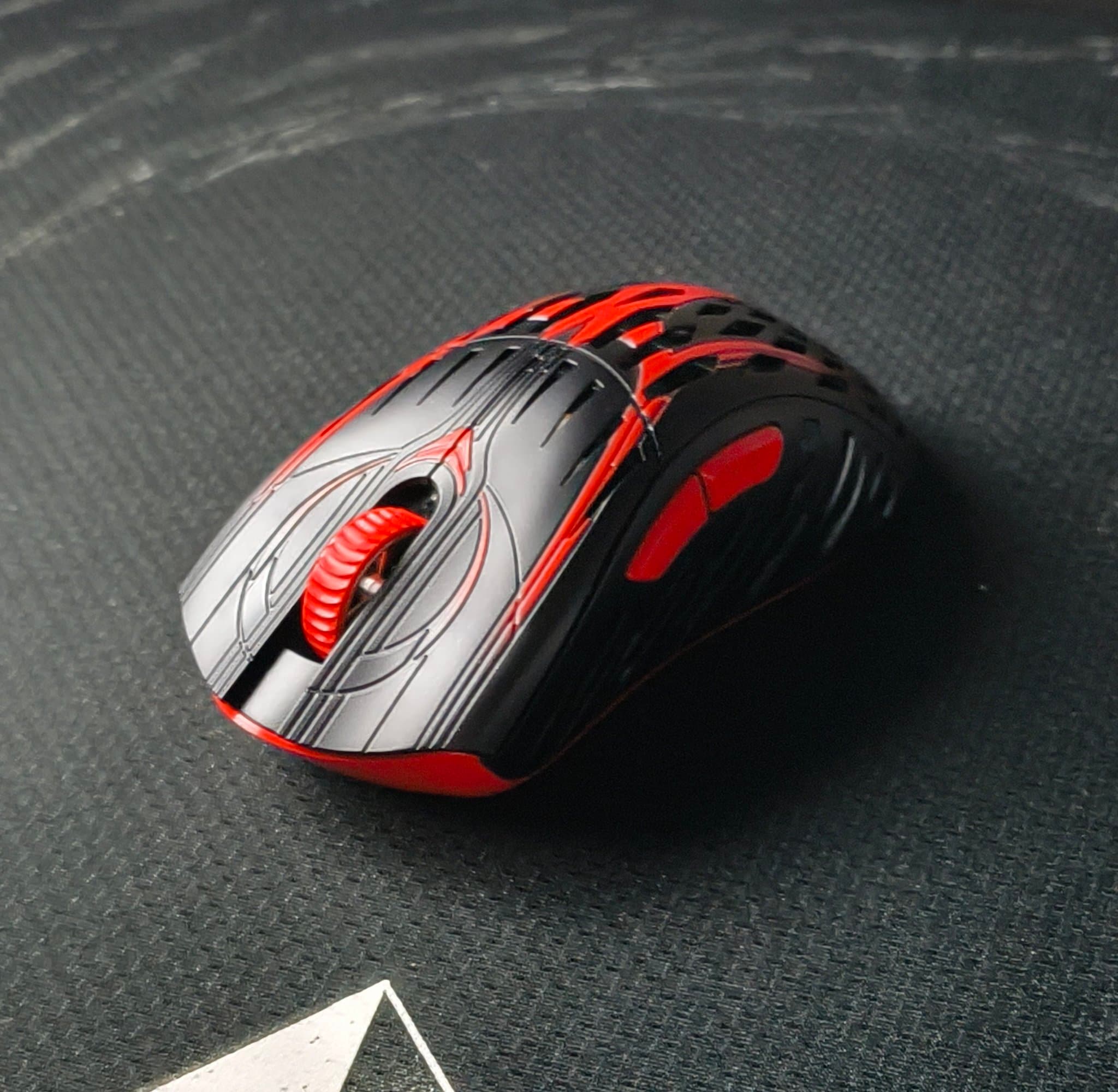
The ergo-king, Pwnage Stormbreaker V3 - Review
Pwnage Stormbreaker V3
ScratcH+One of the lightest ergo-mice in the market, coming at roughly 50 grams with a unique trait, what more do you need? • In the box, pricing & specs What you'll get along the mouse: 8k dongle, USB-C cable, 2 sets of PTFE skates, 2 sets of grip tapes (default & DIY), a small screwdriver & a sticker. Pricing: Standard: $169 USD & Limited edition: $179 USD. Specs: PixArt x Pwnage Custom PAW3950, Optical Omron switches. • Shape, build quality & coating Stormbreaker, Pwnage's ergonomic mouse. The shape itself feels very comfortable on hand, it is just a bit too big for my hands (18x9cm) so i would say it fits best for medium & big hands, and if this isn't enough, Pwnage does offer a bigger version of this mouse. This is their Magnesium version of the stormbreakers and the build quality shows, it feels very premium to use. There's no flexing or creaking except on the bottom (do not apply pressure on it). I would not advice to put pressure on the back of the shell either as it will break. These are small things that wont affect normal use. Coating is slippery with dry hands, having 2 sets of grip tapes included in the box helps a lot with it. This mouse does look extremely cool, especially in this bloodline edition, plus points for that. • Clicks, side-buttons & scroll wheel This mouse uses Optical Omron switches. Clicks are very responsive and feel great to use, minimal side-wobble, pre-and post travel. Side-clicks are pretty much the same, a bit more pre-and post travel. Scroll wheel is made out of plastic but feels great overall. It is very stiff though, losens up a bit after a while but it keeps the clear steps, something i prefer in mice. • The thing that sets it apart from the the rest - Sensor position adjustment. With Pwnage's mice, you can adjust the sensor to your liking, making it more accurate and precise, which is something you dont see on other mice. This makes it unique, not only to the mouse, but its user aswell. • Software Pwnage uses a web-based software with all the settings you need, slam-click is a nice touch to prevent accidental clicks. Works flawlessly and easy to use, no complaints. • Final thoughts This mouse is on the more expensive side of gaming mice, is it worth the price? Yes and no. Even though the mouse feels very premium and is great to use, in my opinion it is a bit expensive. Would i buy it myself? I probably wouldn't (this bloodline edition would be an exception tbh 😄) If you do enjoy ergo-mice and what Pwnage offers with the mouse, it is absolutely worth every penny. • 4/5 stars. What are your thoughts on the mouse? 🐞 (Disclaimer! This mouse was sent to me by Pwnage. Opinions and thoughts are from my own experience.)
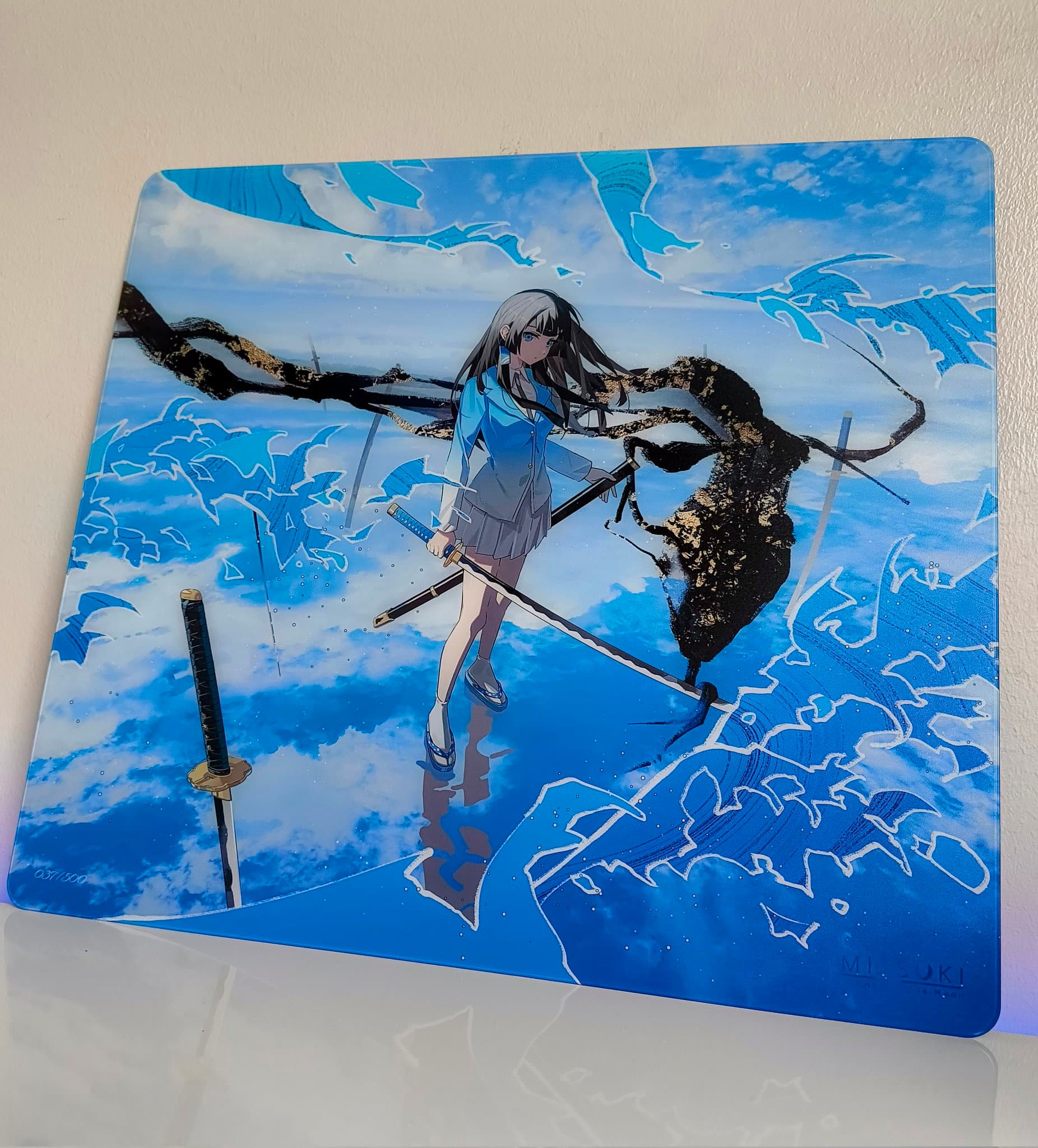
Mitsuki x Phuyoon Yusui Glasspad Review
Mitsuki Yusui Glasspad
ScratcH+Is it possible for a company’s first glasspad to be this good? Let’s find out 👀 This is the Mitsuki x Phuyoon Yusui glasspad, and after using it for a few days, i'm impressed. The unboxing experience is genuinely great. As soon as you open the box, you’ll be greeted by the pad itself and its amazing artwork. Underneath the pad you’ll find a set of Dysphoria Manta Ray dots and a cleaning cloth. The surface is coated and feels extremely smooth and premium, mouse glide would almost be comparable to a hockey puck on ice. Currently this is one of the fastest glasspads in the market and it definitely feels like it. Though there are a few pads that are faster than this (I cannot even imagine how much faster a pad could get from this) Regardless, this pad is ridiculously fast, so much so that i had to lower my sensitivity quite a bit in games to balance it out. This is a tad too fast to my liking when it comes to glasspads though. I tested Ultraglide Speed and Ghostglide Cyclone dot skates on it, but because of the pad’s speed, i didn't notice much of a difference between the two. The pad is on the larger side of glasspads, coming at 500x490mm, while staying pretty thin at 2.4mm. The edges descend smoothly towards the desk, giving it a sleek look and making the edges unnoticeable while playing. Base is made of silicone rubber. Overall, its alright, nothing special, (not that it has to be.) It sticks on to the desk well and doesn’t move at all. The artwork is truly great, it's clean and very well made. Huge props to the one who designed this. Love to see such cool designs and artworks. This pad was limited to 500 units, which I’m not the biggest fan of, as more people should have the chance to experience this pad and add it to their collections. It was placed at roughly 120€±, here in Europe, which is not too bad to be honest. For this to be Mitsuki's first glasspad, the artwork, smoothness, speed, and build quality are very impressive, and i can’t wait to see how far they can push their future pads. Overall, i have enjoyed using this pad and it definitely exceeded my expectations, just nothing bad or negative to say about it. If you have the chance to get this pad, i would highly recommend to get it and give it a try. Giving it 4.8/5 stars 🌟 (Disclaimer! This product was sent to me, all opinions are my own.)
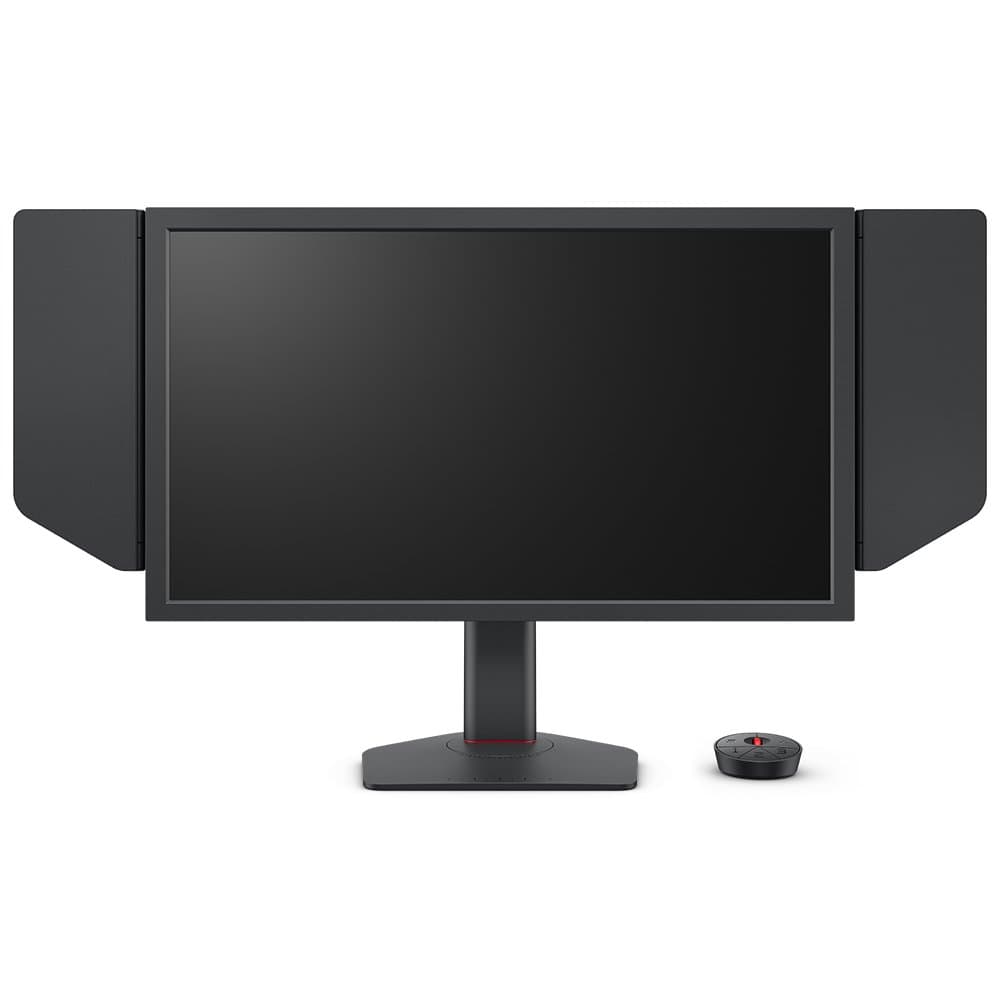
7-8 months after an honest zowie 600hz review
Zowie ZOWIE XL2586X+
 firo
firoits great for motion clarity but picture quality is easily worse than any cheap ips panels usually hard to watch stuff when laying back in your chair since tn panel just gets darker on the edges depending on the angle and it does darken a lot even in a slight angle. Zowie doesn't do much quality control so you might end up getting a monitor with a dead pixel. Color customization is alrightish but at the end of the day colors will be worse than cheap monitors not significantly but you can tell the difference. from a competitive perspective i'd recommend an premium OLED for this price instead of this monitor. i've done some blind tests that my mom changed the hz setting for me and i could always tell the difference between 360 and 600 (12 runs random) 360 - 600 difference is significant but 500-600 not so much so you wouldn't lose anything by 100hz TLDR: if its cheap cheap go for it. bad daily experience. Premium OLED's beat it in every aspect

Statice Seraph - Top quality and high speeds
Statice Seraph
Lemon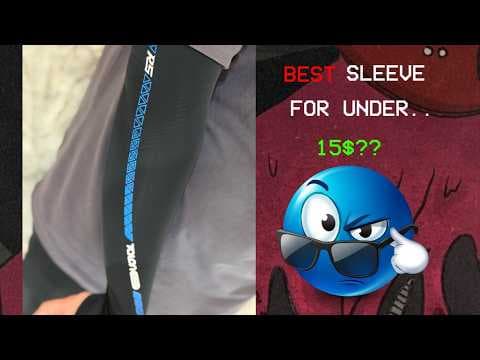
best gaming sleeve for 15$
talon games blue armsleeve
boudy
The best cloth pad ive ever used
artisan Raiden mid
boudy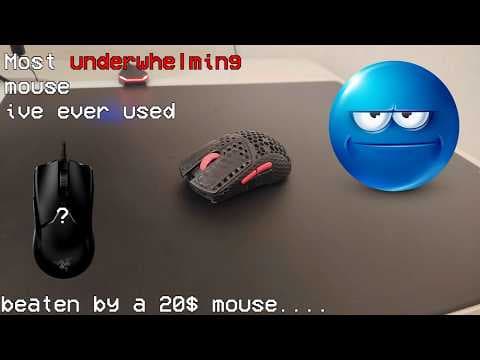
most underwhelming mouse Ive ever used
Gwolves hts ulta
boudy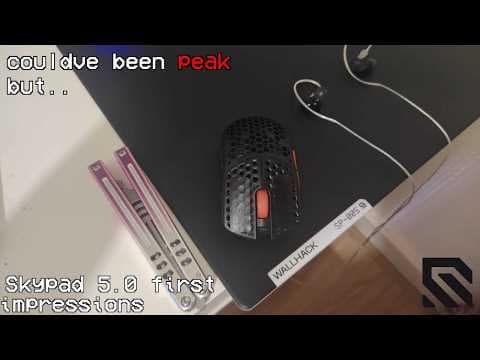
Skypad 5.0 first impressions
wallhack sp005
boudy
Tenta-X Sente - Banger control surface
Tenta-X Sente
Lemon
Review - Kanami Hoshino Glasspad
Kanami Hoshino
 senergy
This is my first Kanami glass mousepad in almost a year. Previously I owned the Kanami Yuna and Kanami Sai and was very satisfied with both. In a time where glass pad development is advancing extremely quickly many models now feel interchangeable and monotonous. **Does the same apply to the Kanami Hoshino?** ***Disclaimer: This review is not sponsored. I bought the pad myself from @wearemaxgaming.*** The Kanami Hoshino is a mousepad with a very successful artwork by Opal 58. Every unit is individually numbered. Mine carries the number 86. **Unboxing and contents:** The pad arrives in a high quality stable premium cardboard box that delivers a genuine premium feel. Inside you first find the mousepad itself. Below it are three limited edition stickers one of which is individually numbered, EspTiger YanZi - mouse skates, a microfiber cloth, a rubber coaster,a tag keychain and an acrylic keychain with Hoshino artwork. The entire unboxing feels high quality and enjoyable typical for a limited edition product. **Technical specifications and build:** The Kanami Hoshino measures 490 x 420 mm with a total thickness of only 3 millimeters of which 1.5 millimeters are the ultra clear tempered glass. The bottom consists of a full surface ultra thin custom silicone base that covers the pad edge to edge. The edges use an edgeless design they are polished and smoothly rounded with no sharp transitions.   The surface is designed for high speed combined with good control. Unlike many pure speed glass pads it has a light texture that improves skate grip and prevents an overly slippery feeling. The deliberately thin construction gives the pad a minimalist flat feel on the desk noticeably more comfortable than older thicker models such as the SP 004, Kanami Yuna or Superglide v1. btw. Thanks to its fine texture, it can also be used comfortably without an arm sleeve. **Performance in testing:** I have used the Hoshino intensively for more than three weeks. My girlfriend also tried it but put it aside after three days because it was clearly too fast for her (her current pad is the SP 005). Particularly positive are the flattened polished edges that make the pad blend almost seamlessly with the desk. The light texture of the surface initially reminded me of the Tekkusai Phantom but it is noticeably finer and less pronounced.  It is striking how differently the pad reacts to various skates. The included EspTiger YanZi disappointed me they felt neither smooth nor quiet **Recommended skate: ** The Hoshino responds very differently depending on the skates used which makes it interesting for users who like to fine tune their setup. After extensive testing I can give the following detailed recommendations. **@GLSSWRKSGG Skates** deliver an excellent balanced performance with very good control while still maintaining noticeable speed. **Ultra Glide RS II version** stands out with relatively low noise and very high speed making it ideal for players who prioritize fast gliding and quick flicks. **@XraypadOfficial Jade Air** offer a solid overall package they are pleasantly quiet during long sessions provide consistent speed and still retain enough control for precise tracking. **@TeamAetherX Omni Skates Controlled** focus more on control while keeping good smoothness which makes them suitable for players who need stability in slower more methodical gameplay. My personal favorites on the Hoshino are the **@UnwsGear Pink Fox**. They deliver an extremely smooth glide with a very well balanced mix of control and speed. They feel smooth on this surface and have become my clear top recommendation. Overall the Hoshino is quite skate sensitive so experimenting with different options is highly recommended to find your personal sweet spot. So that's Kanami Hoshino now just a regular Glasspad? **No**, it does not. While many new glass pads feel very similar these days the Kanami Hoshino stands out thanks to its excellent thin build quality and the refined light texture that gives it a unique character. It combines premium aesthetics with strong performance once you pair it with the right skates. If you are looking for a fast glass pad that also feels special and premium on your desk the Hoshino is a very strong choice especially for collectors and enthusiasts who appreciate both looks and performance
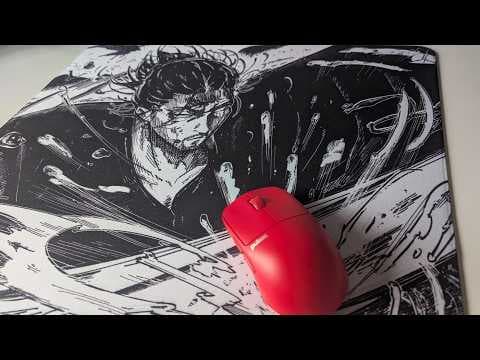
Great balance and stunning design
Musashi Void V3
Lemon