
shrink
Cut the good parts. Hit the size you need. Paste.
What it does
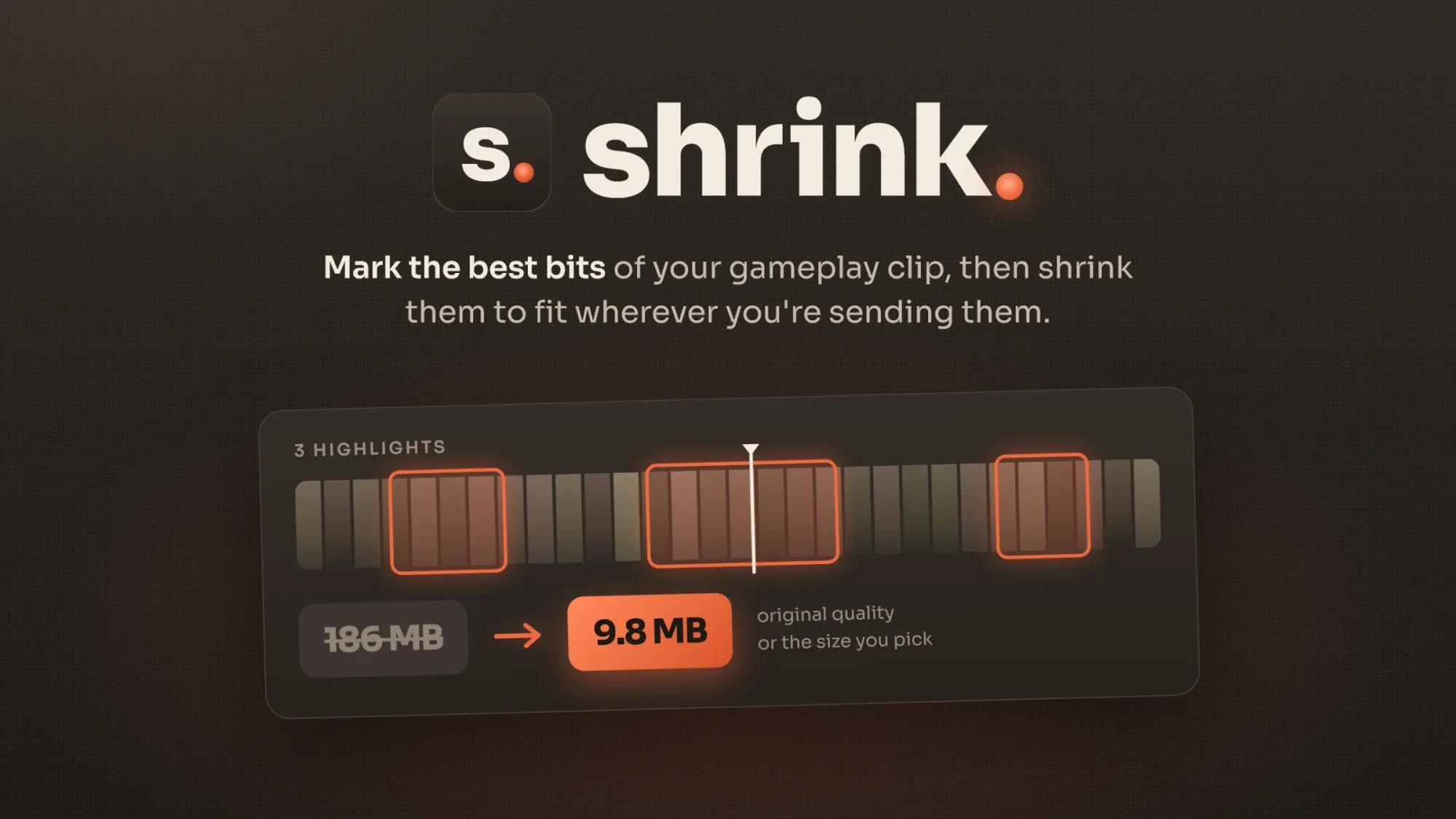
shrink is a small, free Windows app for gameplay clips. You drop in a clip, mark the moments worth keeping, and get each one back as its own file, either in full quality or small enough to send. What it does - Mark as many highlights as you want: drag across the timeline, or press I and O. - Original quality: saves the highlights without re-encoding, so nothing is lost. Good for montages. - Shrink to size: you pick a size (e.g. 10 MB) and shrink fits the best quality it can into it. - The finished files are copied to your clipboard, so you can paste them straight into chat with Ctrl+V. - Encodes on your graphics card (NVIDIA, AMD or Intel) and falls back to the CPU. - Updates itself with one click when a new version is out. Who it's for Anyone who records a lot and shares a little. The 40-minute session you recorded only had three good flicks in it. shrink gets you those three without opening a video editor. How to set it up 1. Download the installer from the latest release on GitHub and run it. 2. If Windows says "Windows protected your PC", click More info, then Run anyway. The installer isn't signed with a paid certificate; the code is all public. 3. Drop a clip on the window, or right-click a video and choose Show more options, then Open in shrink. 4. Mark your highlights, pick Original quality or Shrink to size, and press Export. Handy keys: Space plays, E / Q jump between highlights, arrow keys step one frame, Delete removes a highlight. Open source (GPLv3). Bugs and ideas go in the GitHub issues.